
Tag-Connect, LLC
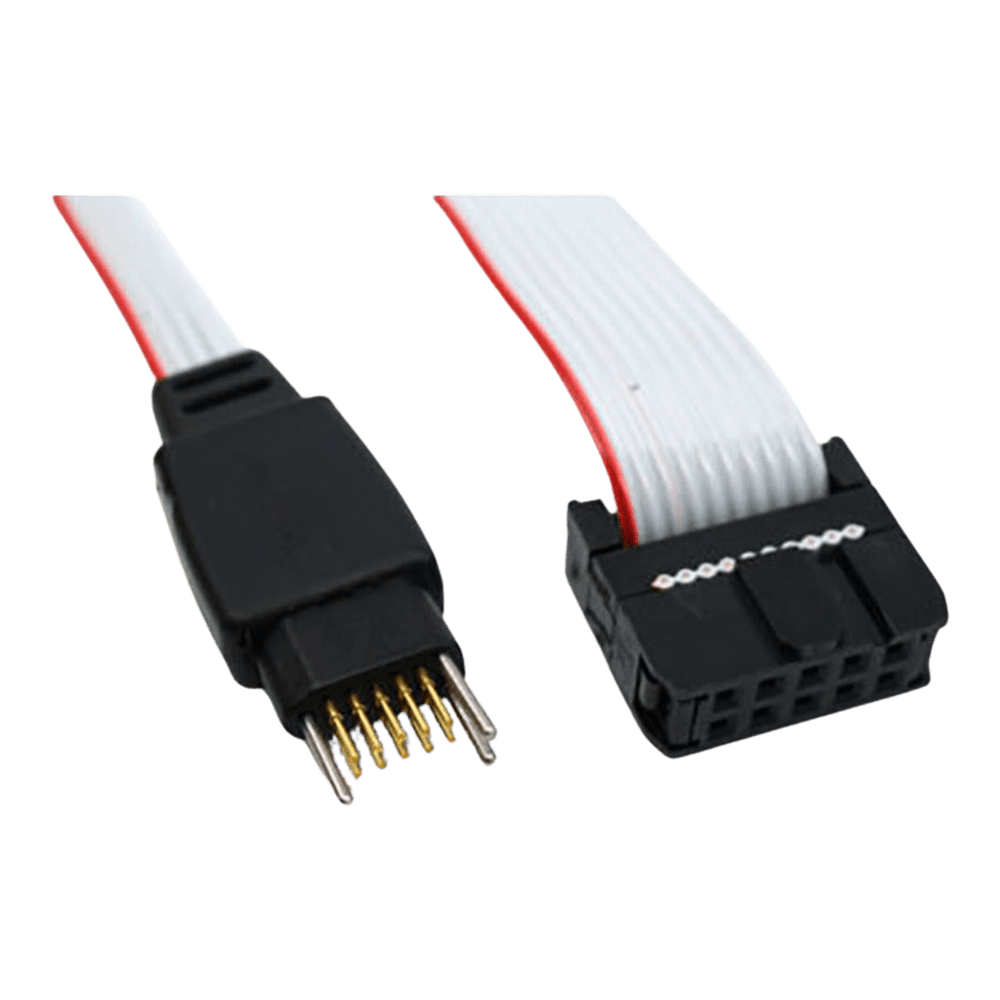
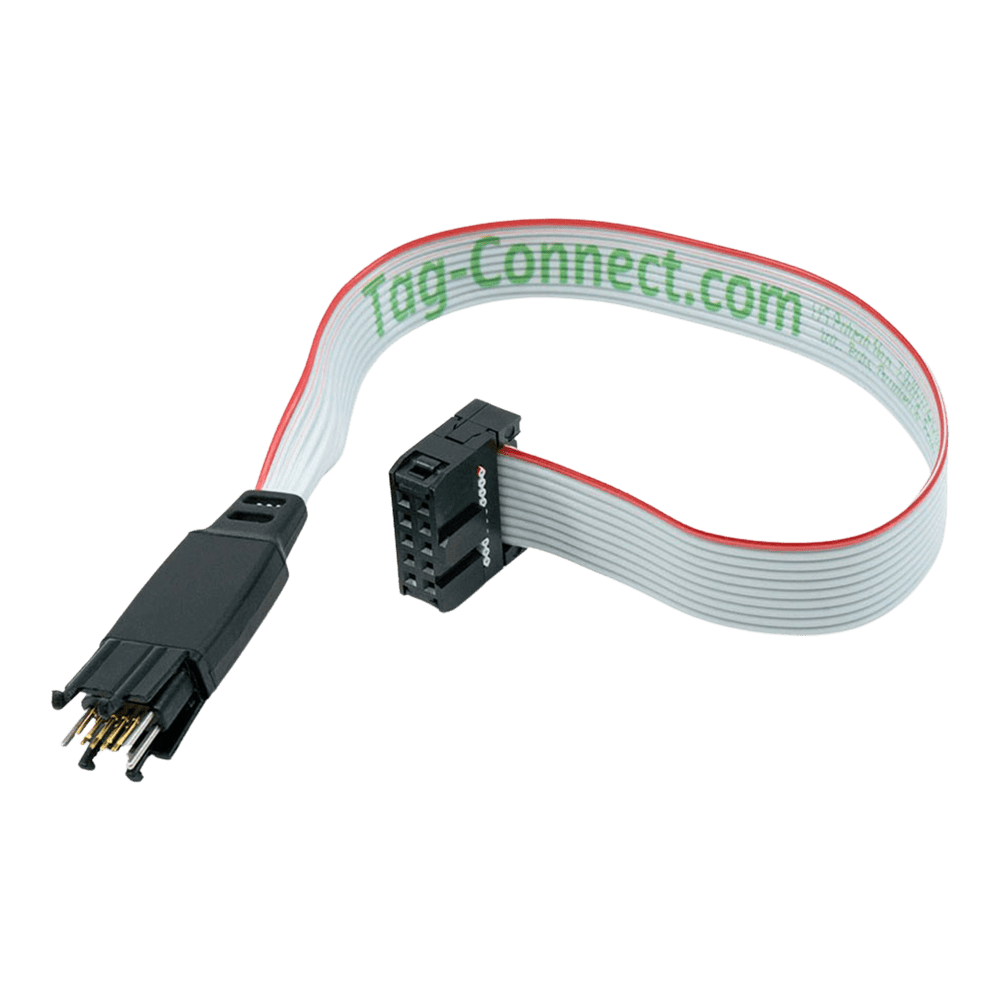
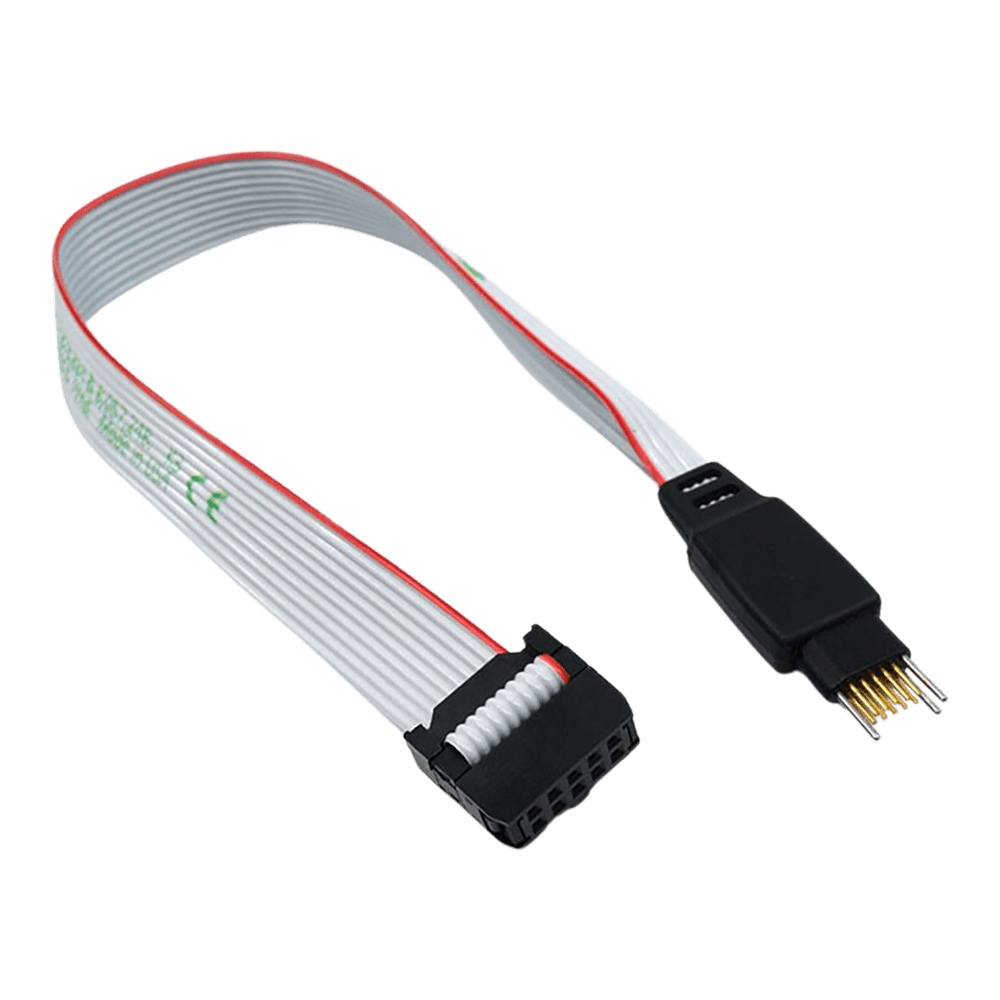
Tag-Connect TC2050-IDC-NL 10-Pin No Legs Cable with 0.1 in IDC Connector
Tag-Connect TC2050-IDC-NL 10-Pin No Legs Cable with 0.1 in IDC Connector
SKU: TC2050-IDC-NL
From £50.00 exc VAT
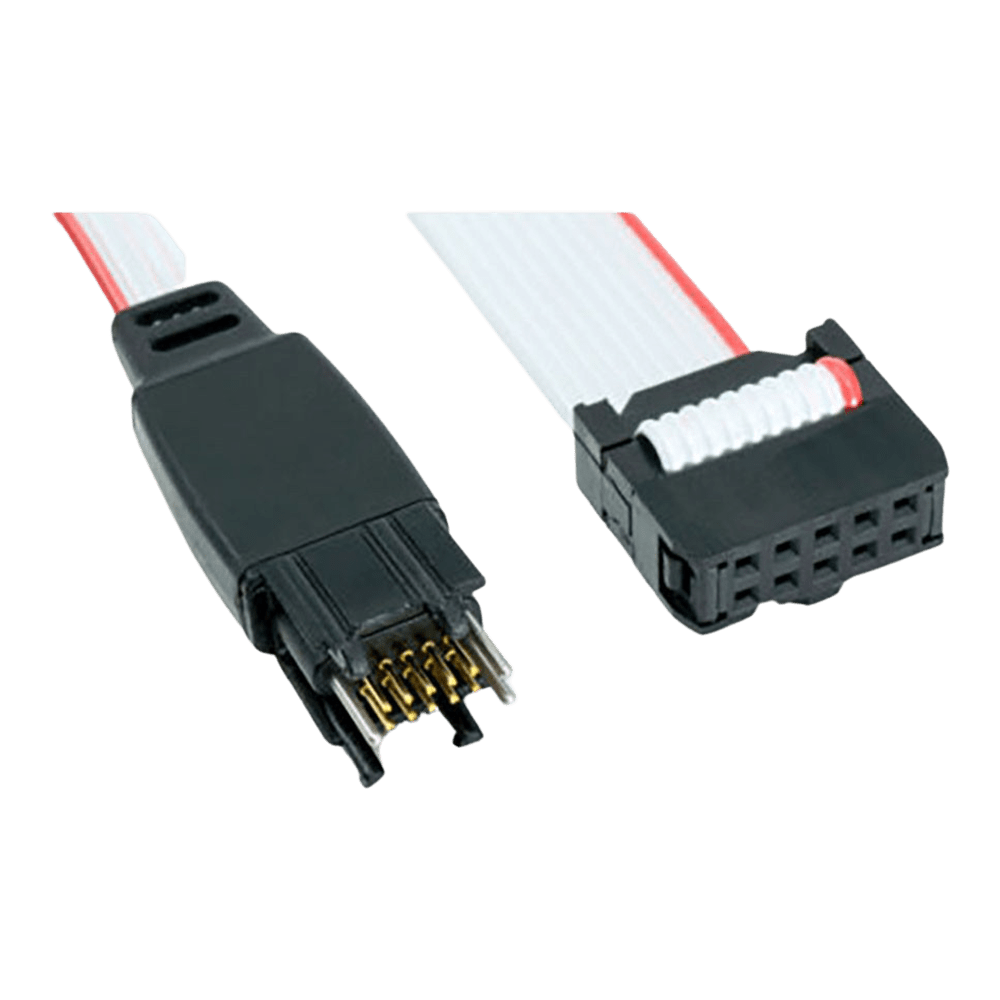
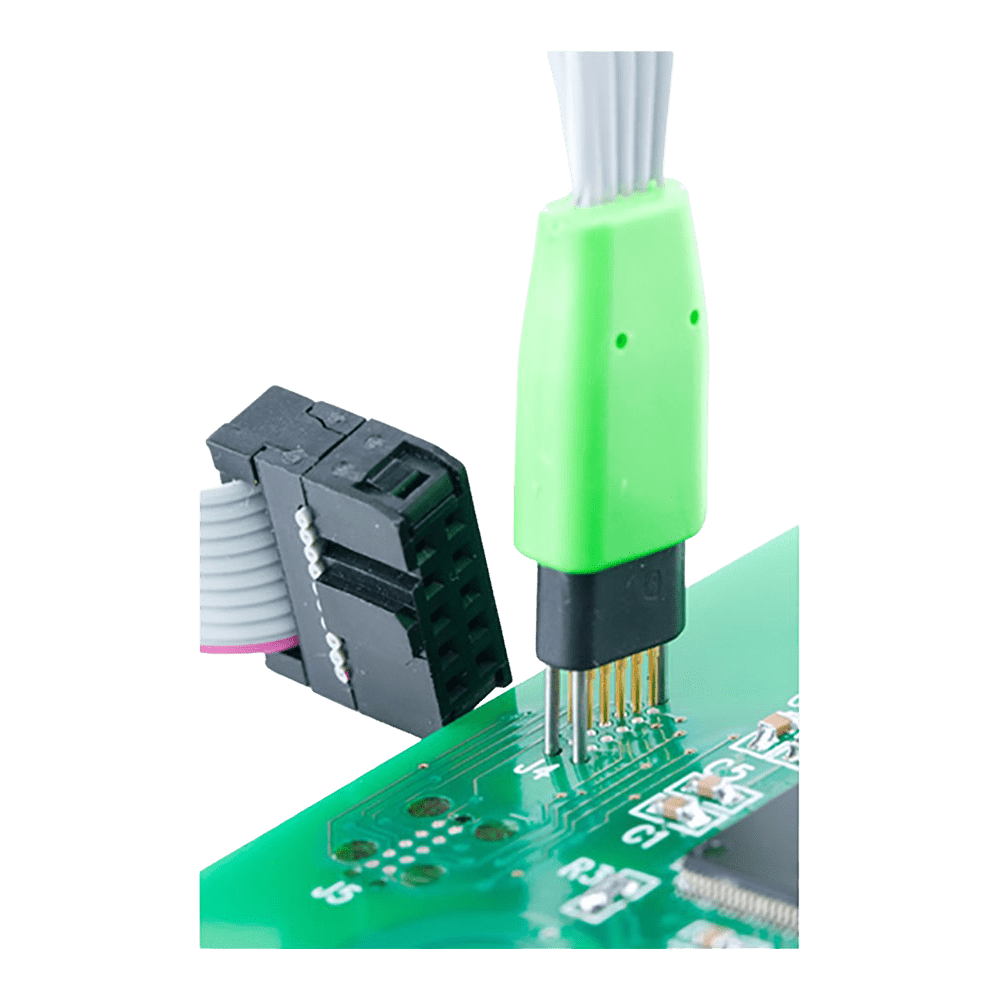
Four legs clip into latch holes on the board, so the cable stays in place hands-free. Best for development and debugging, where the cable stays connected for long periods.
Fits a smaller footprint (about 0.03 sq in) with no leg latch holes. For production programming, and for debugging when held in place with a TC2050-CLIP or in a fixture.
Longer alignment pins and legs for PCBs over 1.6 mm and up to 3.2 mm thick; ask us about thicker boards. Female connector, standard tabs.
Regular-tension squeeze tabs on the legged head. The legs stay latched until you squeeze the tabs, so the cable holds through long debug sessions. No Legs cables have no tabs, so this choice makes no difference to them.
Softer squeeze tabs, easier on operators' fingers in frequent production programming. Tag-Connect suggests them for very low humidity or low temperatures, when the standard tabs may be stiffer. The legs release more easily, so an accidental tug can disconnect the cable: not suited to debugging, and not recommended in humid environments. Legged, female only.
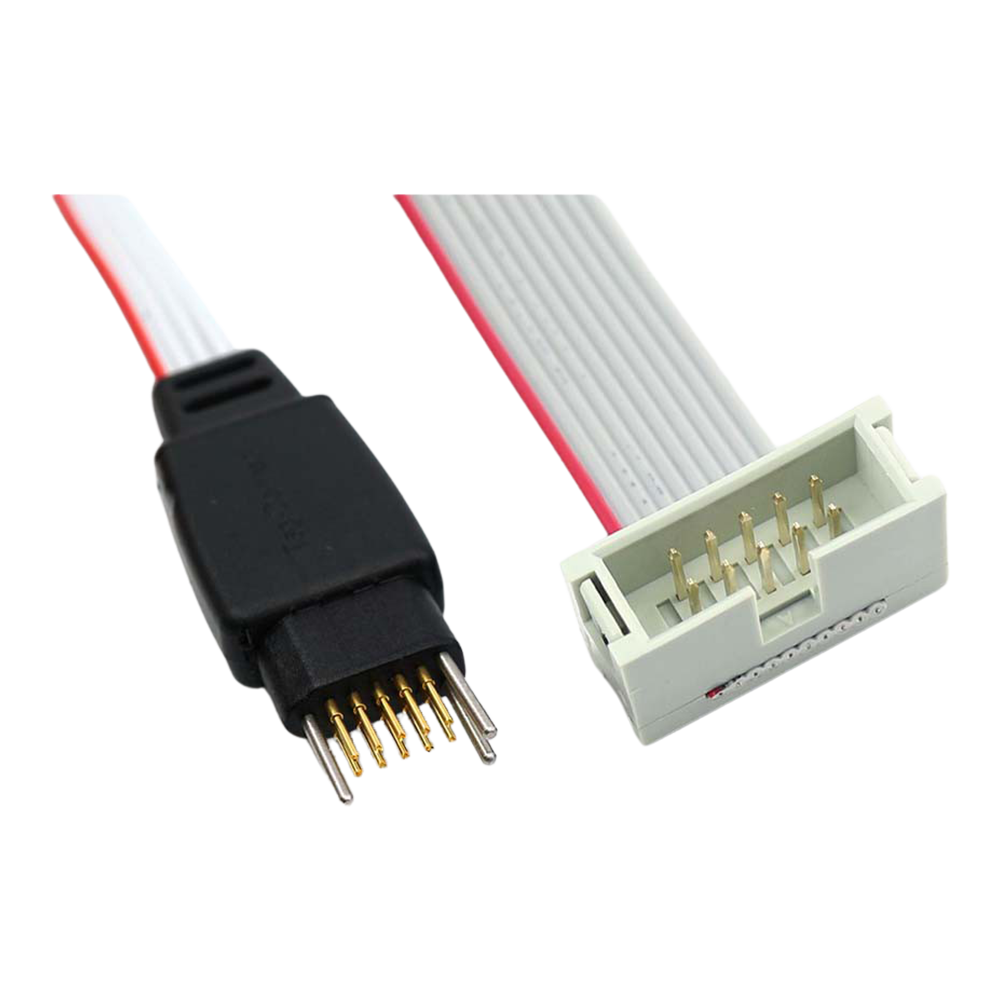
2x5 0.1 in female ribbon socket. Plugs onto a 10-pin 0.1 in header on the debugger or on an adapter.
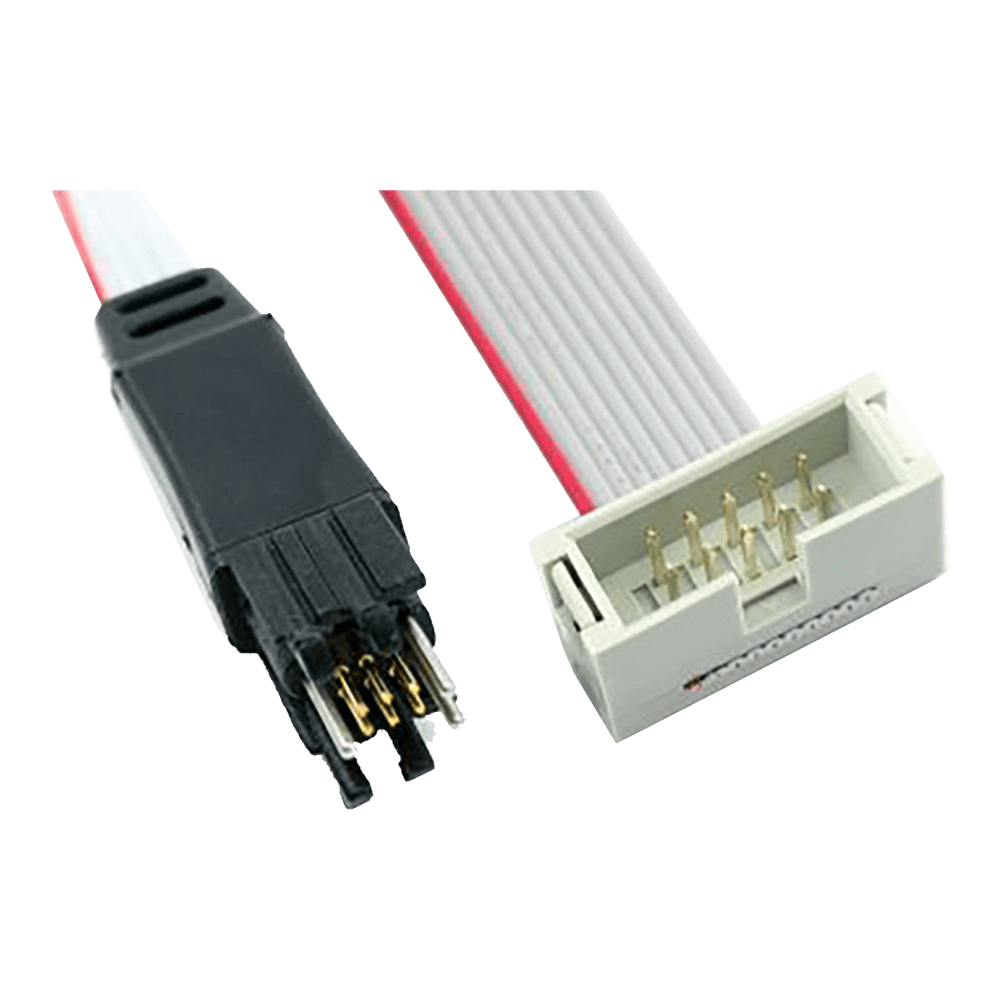
2x5 0.1 in male ribbon plug, for extending a debugger cable that cannot be removed, such as on some Intel (Altera) USB Blaster and ByteBlaster units.
Suggested Add-Ons
Optional. Tick any you need. One of each is added to your cart with this item, whatever the quantity.
Check and Add to Cart
Confirm the price and stock for your selection, set the quantity, then press Add to Cart.
Payment methods
- Bank transfer
Couldn't load pickup availability
Key Features
Overview
The Tag-Connect TC2050-IDC links a debugger or adapter with a 10-pin 0.1 in header to ten pads on your PCB. Spring pins contact the pads, so the board carries no JTAG or SWD header.
Choose the head, squeeze tabs and connector in the options above.
The Legged version clips into the footprint and stays in place without a fixture. The No Legs version needs about 0.03 sq in and is held by hand, with a TC2050-CLIP or in a fixture. For a SEGGER J-Link or ST-LINK with the 20-pin ARM header, add the TC2050-ARM2010 adapter.
Downloads
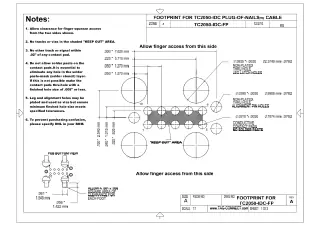
10-Pin Plug-of-Nails Cable with a 0.1 in IDC Connector
The ribbon is 10-conductor, so the signals you get depend on the tool or adapter at the other end, typically JTAG or SWD.
Options
| Option | Choice | Detail |
|---|---|---|
| Head | Legged | Four legs latch into holes in the PCB, so the cable holds itself in place |
| Head | No Legs | No leg holes; footprint about 0.03 sq in; hold by hand, with a TC2050-CLIP or in a fixture |
| Head | Long Legs | Longer alignment pins and legs for PCBs over 1.6 mm and up to 3.2 mm thick (TC2050-IDC-LONGLEGS) |
| Squeeze | Standard tabs | Regular-tension squeeze tabs on the legged head; holds through long debug sessions |
| Squeeze | Soft Squeeze | Softer tabs for frequent production programming; Legged, female only; not suited to debugging (TC2050-IDC-SOFT) |
| Connector | Female | Standard 2x5 0.1 in female ribbon socket, plugs onto a 10-pin 0.1 in header on the debugger or an adapter |
| Connector | Male | 2x5 0.1 in male ribbon plug, only for debuggers whose own cable cannot be removed and must be extended, such as some Intel (Altera) USB Blaster and ByteBlaster units |
Overall length on Tag-Connect's drawings, from the IDC connector end to the pin tips: 8 in (203.2 mm) for the Legged and No Legs versions. Tag-Connect publishes no drawing for the Soft Squeeze or Long Legs versions.
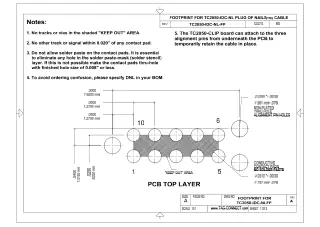
PCB footprint: ten contact pads at 0.05 in pitch with three alignment holes; the Legged footprint adds four leg latch holes. No solder paste on the contact pads. On the Legged footprint, allow finger access to the squeeze tabs from both sides. See the datasheets under Downloads and our Tag-Connect cable guide.
Spring-Pin Contacts
Tag-Connect quotes over 100,000 operations for the spring pins. On the Legged and Long Legs versions the legs hold the plug on the board during programming or debugging, so no fixture or hand pressure is needed.
Who It's For
Engineers who program, debug or test boards over a 10-pin interface through a TC2050 footprint, usually JTAG or SWD.
| Device Family | Debugger or Programmer | Connection |
|---|---|---|
| Arm Cortex (STM32, NXP and others), JTAG or SWD | SEGGER J-Link, ST-LINK/V2, STLINK-V3SET, PEmicro Multilink ACP and Cyclone ARM | Female, with the TC2050-ARM2010 adapter for 20-pin 0.1 in ARM headers |
| Intel (Altera) FPGA and CPLD, JTAG | Intel USB Blaster, ByteBlaster | Female on the 10-pin target connector; Male where the Blaster's own cable cannot be removed |
| Xilinx FPGA, JTAG | Xilinx Platform Cable | TC2050-XILINX adapter, which plugs onto the Platform Cable's 14-pin 2 mm header |
| Xilinx FPGA, JTAG | Digilent JTAG-HS2, JTAG-HS3 | TC2050-XILINX-M adapter, which plugs into the tool's female 14-pin 2 mm header |
| Lattice FPGA, JTAG | Lattice HW-USBN-2B | TC-LATTICE-10 adapter |
| Renesas MCUs, JTAG or FINE | Renesas E1, E2, E8a, E20 | TC-RENESAS adapter |
| Silicon Labs 8-bit MCUs, C2 or JTAG | Silicon Labs USB Debug Adapter | Female |
| Multi-vendor boundary scan (Intel, Xilinx, Lattice, Microchip) | XJTAG | TC2050-2X10 adapter, which takes two TC2050-IDC cables |
| TI C2000 DSPs, JTAG | TI XDS100v2 | TC-C2000-M adapter |
PEmicro Multilink Universal and FX, and Cyclone Universal, have a 0.05 in MINI-10 port: use the TC2050-IDC-050-ALL instead.
When to Choose a Different Cable
Not the right cable for a TI MSP430 FET (use the TC2050-IDC-430) or a probe with a 10-pin or 20-pin 0.05 in Cortex header (see the TC2050-IDC-050 family in our Tag-Connect cable guide).
Compare the Versions
| Part Number | Head | Squeeze | Connector | Best For |
|---|---|---|---|---|
| TC2050-IDC | Legged | Standard tabs | Female | Development and debugging: clips in and stays connected hands-free |
| TC2050-IDC-M | Legged | Standard tabs | Male | Extending a debugger cable that cannot be removed |
| TC2050-IDC-NL | No Legs | None (no tabs) | Female | Production programming, or debugging with a TC2050-CLIP; smallest footprint |
| TC2050-IDC-NL-M | No Legs | None (no tabs) | Male | No Legs footprint with a debugger cable that cannot be removed |
| TC2050-IDC-SOFT | Legged | Soft Squeeze | Female | Frequent production programming on a legged footprint |
| TC2050-IDC-LONGLEGS | Long Legs | Standard tabs | Female | Legged connection on PCBs over 1.6 mm and up to 3.2 mm thick |
All six versions use the same ten-pad contact pattern; the head, squeeze tabs and connector gender differ.
Which cable fits your debugger? See our Tag-Connect cable guide.
| Ordering information | |
|---|---|
| Part number (SKU) | TC2050-IDC-NL |
| Manufacturer | Tag-Connect, LLC |
| EAN | 5055383606740 |
| Warranty | 6 months |
| Shipping weight | 0.1 kg |
- 1 ×Tag-Connect TC2050-IDC cable, in the version you select (Legged, No Legs or Long Legs; standard or Soft Squeeze tabs; female or male connector)
Cable only. No debugger, adapter, retaining clip or fixture is included. On No Legs versions, the TC2050-CLIP retaining clip and the TC-MOUNT-10 fixture bracket are offered as add-ons.
Questions and Answers
-
Does It Support Both JTAG and SWD?
Yes. The cable is commonly used for JTAG (IEEE-1149.1) and ARM SWD workflows when wired via the matching adapter.
-
How Many Mating Cycles Can I Expect?
Tag-Connect quotes over 100,000 operations for the spring pins, used within the datasheet footprint guidelines.
-
Any Footprint Do’s and Don’ts?
Follow the Tag-Connect datasheet. The main footprint rules are below.
Feature Requirement Contact pads 10 pads, 0.031″ (0.787 mm) diameter, 0.050″ (1.27 mm) pitch Alignment holes 3 non-plated holes, 0.039″ (0.991 mm) diameter Leg latch holes (Legged and Long Legs footprint only) 4 non-plated holes, 0.0935″ (2.375 mm) diameter Keep-out Keep the area between the pad rows clear; no other track within 0.020″ of a pad Solder paste None on the pads Plating On the Legged footprint, the leg and alignment holes may be plated and used as vias if the minimum finished hole size is kept -
Is There a Hands-Free Option for No-Legs Footprints?
Yes. Order the No Legs version of this cable (TC2050-IDC-NL) and hold it with a TC2050-CLIP retaining clip on the board, or in a fixture such as the TC2050-MOUNT.
-
What Does Legged Mean on the TC2050-IDC?
It refers to the four plastic retention legs that latch into four leg holes in the PCB footprint (in addition to the three alignment holes), giving a stable, hands-free connection during longer debug sessions.
-
How Is This Different From a Standard 10-Pin Cortex Header?
The cable lands on a small footprint, so the target PCB doesn't need a mating header. That saves space and removes a BOM part, while still supporting JTAG/SWD via adapters.
-
Is It Compatible with SEGGER J-Link, ST-LINK, ULINK and Similar Tools?
Yes, through the right adapter or cable. For 20-pin 0.1″ ARM headers (SEGGER J-Link, ST-LINK/V2) use the TC2050-ARM2010 adapter with this cable. For a Keil ULINK2 or another probe with a 0.05″ micro-header, use the separate TC2050-IDC-050 family of cables instead of this one.
-
When Would I Choose the No Legs Version Instead?
Choose No Legs (TC2050-IDC-NL) for the smallest footprint, about 0.03 sq in with no leg latch holes, and for production programming where the plug is held by hand, with a TC2050-CLIP or in a fixture. Choose Legged for debugging, where the cable stays clipped in hands-free.


No questions match your search.
