
SEGGER Microcontroller GmbH
SEGGER MIPI-60 Adapter (8.06.42)
SEGGER MIPI-60 Adapter (8.06.42)
SKU: 8.06.42
Couldn't load pickup availability
Key Features
Overview
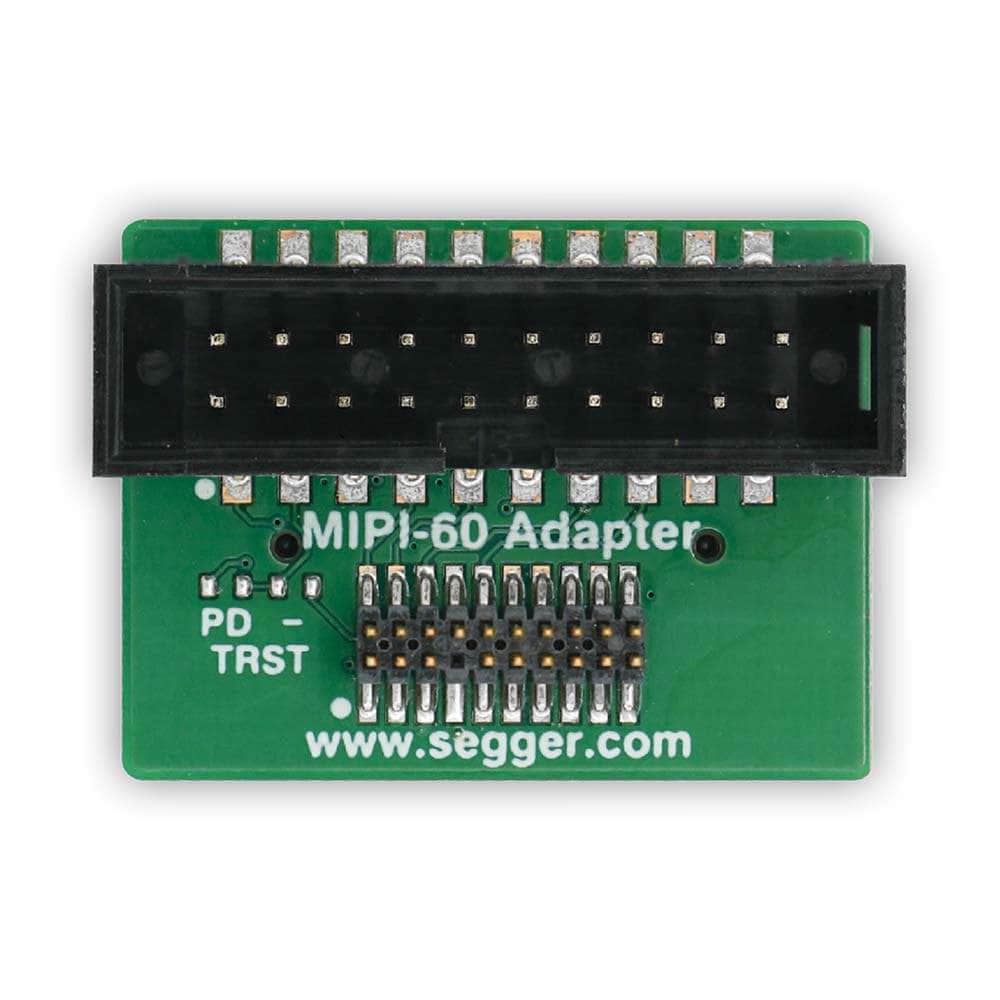
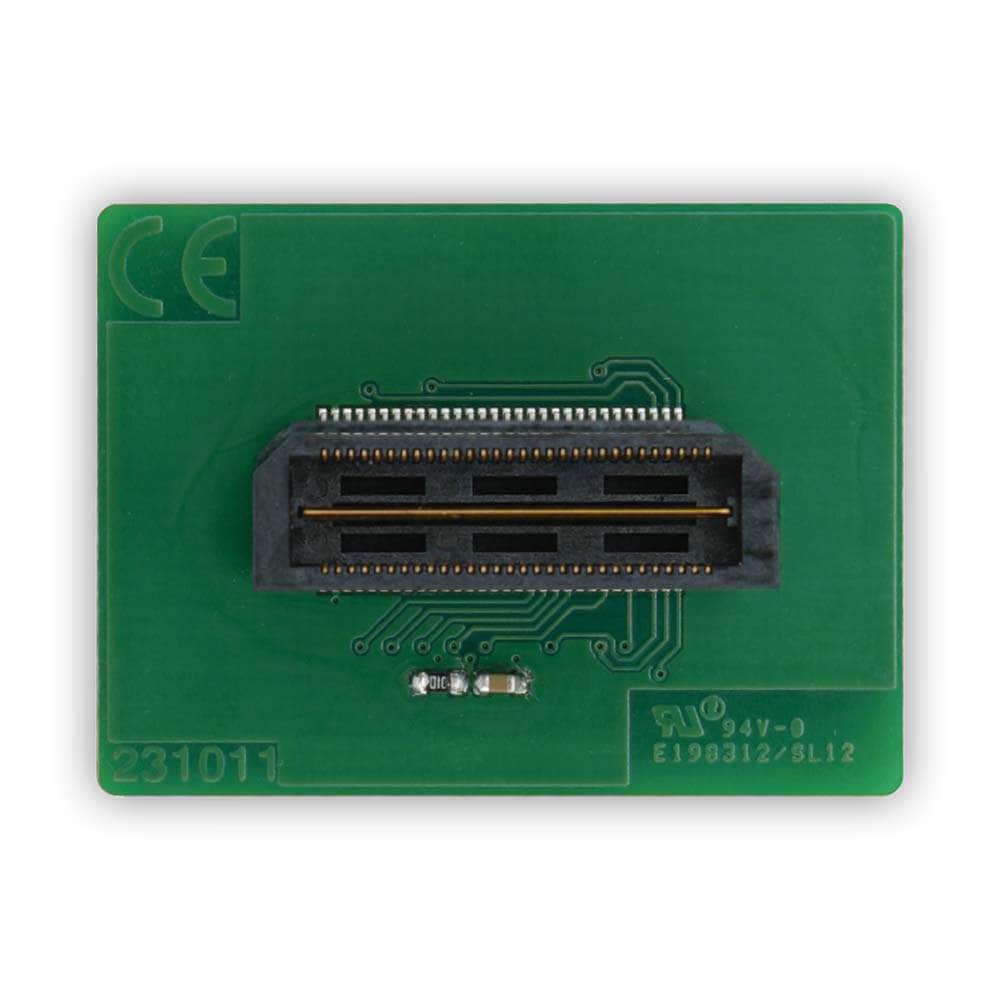
The SEGGER MIPI-60 Adapter (SKU: 8.06.42) links SEGGER J-Link, J-Trace or Flasher probes to Texas Instruments Jacinto7 targets that expose a 60-pin MIPI debug header. It presents two standard probe connectors on the adapter: a 19-pin Cortex-M debug/trace header and a 20-pin 0.1" Arm JTAG/SWD header. Up to 4-bit TPIU trace is supported via the 19-pin header.
Compatibility & Connectors
Designed for TI Jacinto7 boards with the 60-pin MIPI debug interface, the adapter carries JTAG/SWD signals and supports 4-bit trace from the target. Use with SEGGER J-Link, J-Trace or Flasher families.
Related Adapters & Probes
For other connector standards, see the SEGGER 19-Pin Cortex-M Adapter and SEGGER J-Link Mictor 38 Adapter. For instruction-trace and coverage, pair with J-Trace PRO Cortex or, for high-duty production/debug, J-Link PRO.
Why Consider This Adapter?
If your TI Jacinto7 board exposes MIPI-60, this adapter provides a straightforward, passive bridge to common SEGGER probe connectors without bespoke cabling. It reduces setup time and de-risks signal mapping by following Arm/MIPI debug connector guidance.
Note: See the schematic for exact pin mapping.
Downloads
Why Engineers Choose The SEGGER MIPI-60 Adapter (8.06.42)
Direct Jacinto7 Compatibility
Flexible Probe Connectivity
Standards-Aligned, Passive Mapping
| General Information | |
|---|---|
Product Type |
Adapter
|
Part Number (SKU) |
8.06.42
|
Manufacturer |
|
| Physical and Mechanical | |
Weight |
0.02 kg
|
| Other | |
EAN |
5055383692248
|
Questions and Answers
-
Will It Power My Target?
No. It routes debug/trace signals only; power your target separately according to the board’s design. (General SEGGER adapter behaviour; see schematic.) -
What’s the Difference Between the 19-pin and 20-pin Outputs?
The 19-pin header is the 0.05″ Cortex-M debug/trace connector (supports 4-bit TPIU). The 20-pin header is the 0.1″ Arm JTAG/SWD connector without trace. -
Can I Use It with non-Jacinto Boards?
Only if the board has the 60-pin MIPI debug header, which many boards don't. For other connectors, see the 19-Pin Cortex-M Adapter or the J-Link Mictor-38 Adapter.
-
What Is TPIU and When Would I Use It?
TPIU (Trace Port Interface Unit) funnels trace data to a 1/2/4-bit port. Use it for lightweight timing and event capture when you don't need full ETM. -
Where Can I Learn More About the MIPI-60 Debug Connector?
See ARM’s MIPI-60 pinout guidance and the MIPI Alliance articles on debug and trace. -
What Does the MIPI-60 Adapter Do?
It bridges a TI Jacinto7 board’s 60-pin MIPI debug header to standard SEGGER probe connectors (19-pin Cortex-M with 4-bit trace, and 20-pin Arm JTAG/SWD). -
Does It Support ETM/PTM Instruction Trace?
Yes, up to 4-bit TPIU trace via the 19-pin header. For full ETM streaming trace, pair your target with a J-Trace PRO.
-
Is the Mapping Published?
Yes, SEGGER provides the adapter schematic so you can review and verify pin assignments.

No questions match your search.