
Tag-Connect, LLC
Tag Connect TC2050-IDC-050-ALL-20 Programming Cable
Tag Connect TC2050-IDC-050-ALL-20 Programming Cable
SKU: TC2050-IDC-050-ALL-20
Couldn't load pickup availability
Key Features
Overview
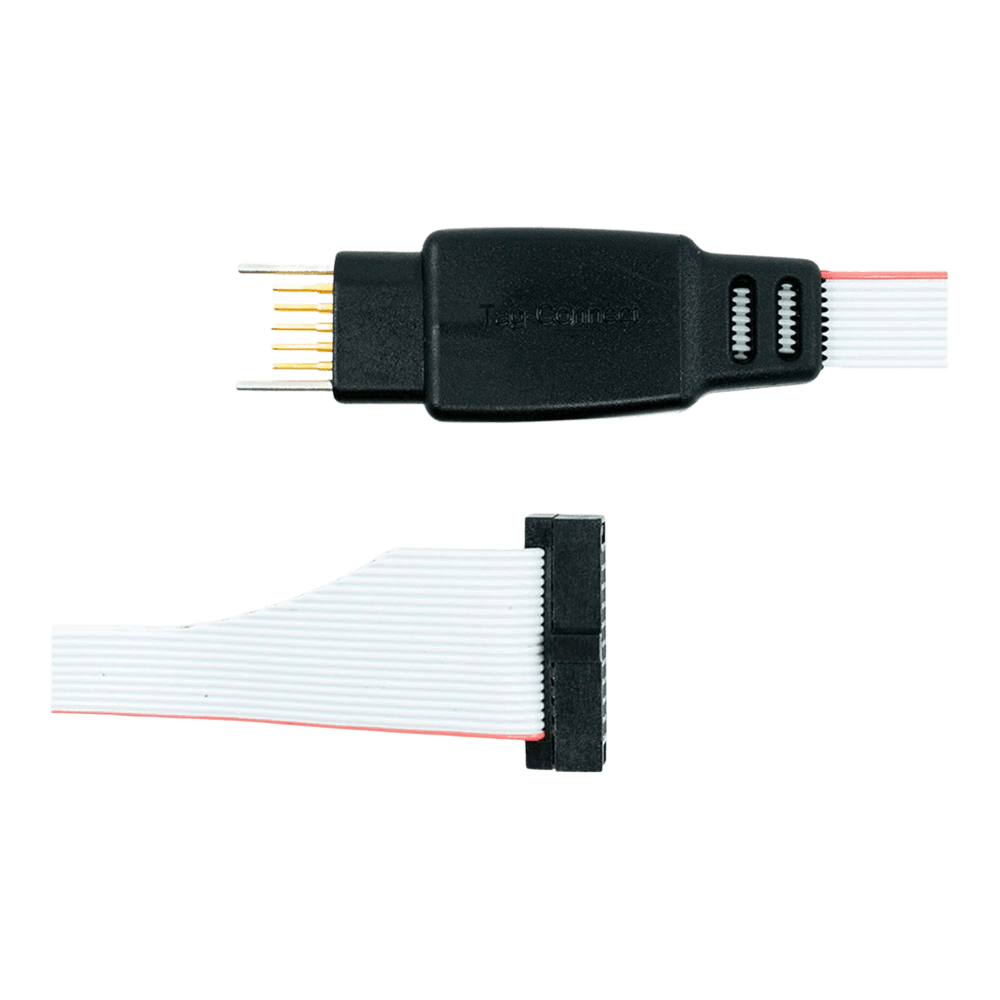
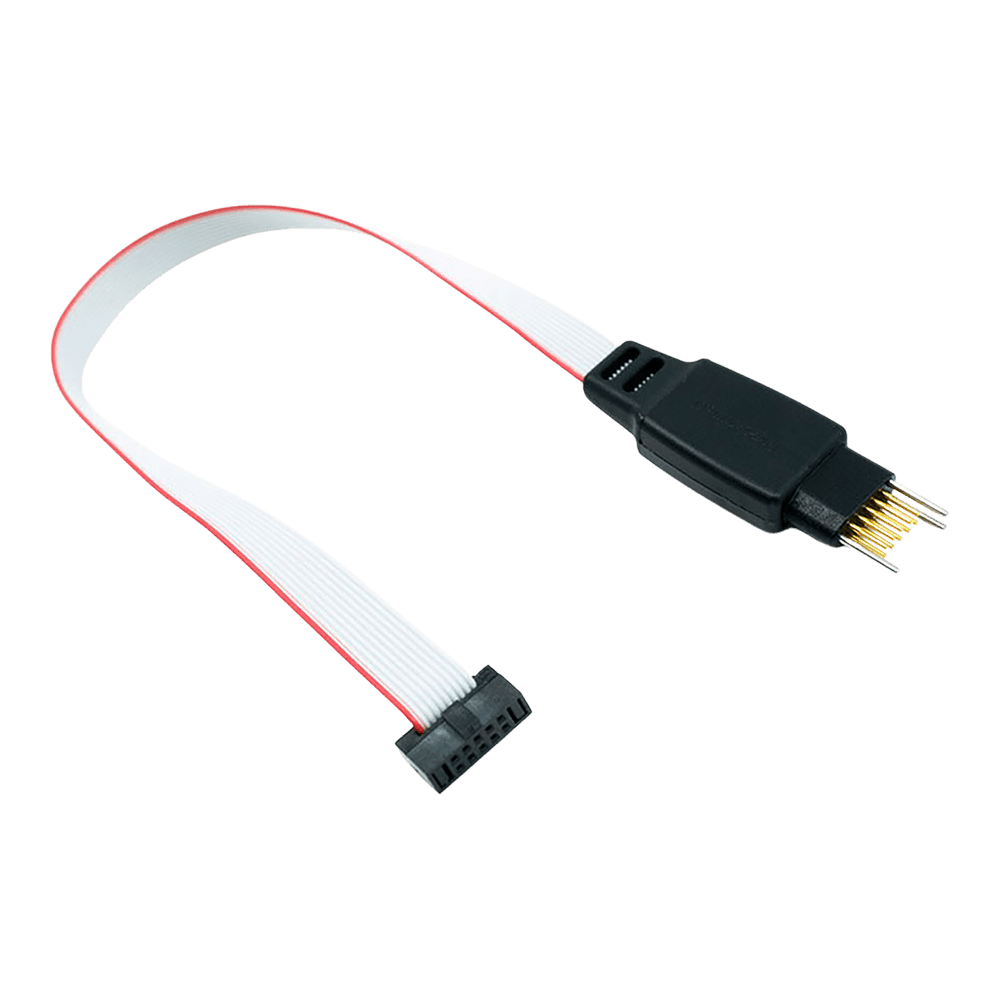
The Tag Connect TC2050-IDC-050-ALL-20 represents a space-saving solution for ARM Cortex development, eliminating traditional programming headers whilst maintaining full debugging capability. This legged variant provides secure connection during extended debugging sessions through integrated retention clips.
Compatible with ARM Keil ULINK2, IAR I-JET, and other debuggers featuring Samtec FTSH-110-01 style connectors. The cable maintains 1:1 pin mapping for the first ten connections, optimising signal integrity for JTAG and SWD protocols.
Engineers choose this solution when PCB space is premium but robust debugging access remains essential. The spring-pin technology delivers over 100,000 connection cycles, making it suitable for both development and production programming scenarios.
Related products: TC2050-IDC-NL-050-ALL-20 No Legs variant and TC2050-ARM2010 adapter for standard 20-pin JTAG interfaces.
Downloads
Why Engineers Choose the Tag Connect TC2050-IDC-050-ALL-20 Programming Cable
Space-Critical Designs
Production Programming
Development Efficiency
Professional Programming Cable for ARM Cortex Debugging
The Tag Connect TC2050-IDC-050-ALL-20 cable eliminates the need for expensive programming headers on your PCB whilst providing reliable JTAG and SWD debugging capabilities. This professional-grade cable connects directly to a minimal footprint on your target board, saving both cost and space on every PCB.
Direct PCB Connection - No Header Required
The spring-loaded pogo pins make secure contact with your PCB pads through precise alignment holes. The "with legs" design features retaining clips that lock the cable in place during debugging sessions, eliminating the need to hold the cable manually whilst setting breakpoints or stepping through code.
ULINK2 & ARM Cortex Compatibility
Designed specifically for ARM Keil ULINK2 debuggers and similar tools using the Samtec FTSH-110-01 style 20-pin 0.050" pitch micro-header. The cable connects pins 1-10 from the TC2050 footprint to pins 1-10 of the 20-pin connector, with pins 11-20 left unconnected as per standard ARM debugging protocols.
| Pin | Signal | Description |
|---|---|---|
| 1 | VCC | Target reference voltage |
| 2 | SWDIO/TMS | Serial Wire Debug I/O / JTAG Test Mode Select |
| 3 | GND | Ground |
| 4 | SWCLK/TCK | Serial Wire Clock / JTAG Test Clock |
| 5 | GND | Ground |
| 6 | SWO/TDO | Serial Wire Output / JTAG Test Data Out |
| 7 | KEY | Keying (no pin) |
| 8 | TDI/NC | JTAG Test Data In / Not Connected |
| 9 | GND | Ground |
| 10 | nRESET | Target reset (active low) |
Wiring Quick-Start
PCB footprint requirements:
Pad diameter: 0.0197" (0.5mm) Hole diameter: 0.0138" (0.35mm) for alignment pins Pad spacing: 0.050" (1.27mm) between rows Footprint area: 0.35" x 0.125" (8.9mm x 3.2mm) Connect the 20-pin IDC connector to your ULINK2 debugger with pin 1 aligned to the red stripe on the ribbon cable. The TC2050 end aligns with your PCB footprint using the three precision guide holes.
Which cable fits your debugger? See our Tag-Connect cable guide.
| General Information | |
|---|---|
Part Number (SKU) |
TC2050-IDC-050-ALL-20
|
Manufacturer |
|
| Physical and Mechanical | |
Weight |
0.1 kg
|
| Other | |
EAN |
5055383665464
|
Questions and Answers
-
How Do I Create the PCB Footprint for This Cable?
Download the official TC2050-IDC datasheet from Tag-Connect for exact pad dimensions, hole sizes and spacing.
-
Is This Cable Suitable for Production Programming?
Yes for development, and Tag-Connect also offers it for production use; the spring pins are rated for over 100,000 operations. For production programming Tag-Connect recommends the no-legs TC2050-IDC-NL-050-ALL-20, and notes that the fine 0.050″ ribbon on these cables can break with repeated flexing.
-
Can I Use This with 3.3V Target Systems?
Yes. The cable is passive, so it works at any target voltage your debugger supports. Pin 1 carries the target voltage reference to the debugger; it is not a power supply.
-
What Signals Are Available on the TC2050 Footprint?
The footprint carries the JTAG/SWD signals below. It is passive, so the exact signal set follows the Cortex-10/20 header it is wired to, and pins 1-10 of the 20-pin connector pass straight through.
- VCC reference
- SWDIO/TMS
- SWCLK/TCK
- SWO/TDO
- TDI
- nRESET
- multiple ground connections
-
How Does This Compare to Traditional 20-pin JTAG Headers?
It removes the connector cost of a traditional 20-pin JTAG header, carrying the JTAG/SWD signals on pins 1-10 of the header (trace pins 11-20 are not connected).
Traditional 20-pin header This cable and footprint Connector on the board Fitted on every board None; per-board cost of the footprint is zero Board space Depends on the header About the size of two or three SMT resistors Signals carried Pins 1-20 Pins 1-10 (pins 11-20, including trace, not connected) -
What Debuggers Are Compatible with the TC2050-IDC-050-ALL-20 Cable?
It works with ARM Keil ULINK2, IAR I-JET, ARM ULINK Pro and any debugger with a Samtec FTSH-110-01 style 20-pin 0.050" pitch connector.
-
How Does This Differ From the Standard TC2050-IDC-050 Cable?
This cable connects all 10 TC2050 pins one-to-one, whereas the standard TC2050-IDC-050 leaves two pins open.
Cable TC2050 pins 5 and 9 Other pins TC2050-IDC-050-ALL-20 (this cable) Connected All 10 connected 1-1; pins 11-20 of the 20-pin connector not connected TC2050-IDC-050 Not connected Pins 1-4, 6-8 and 10 connected -
What PCB Thickness Range Is Supported?
Tag-Connect does not publish a thickness range for the standard legs. Its LONGLEGS version is recommended for boards over 1.6 mm (0.063″) thick and works up to 3.2 mm (0.126″), so treat about 1.6 mm as the practical limit for the standard legs.
Legs PCB thickness Standard legs (this cable) Up to about 1.6 mm (0.063″); no range published TC2050-IDC-LONGLEGS Over 1.6 mm, up to 3.2 mm (0.126″); contact Tag-Connect for thicker LONGLEGS is only offered as the TC2050-IDC-LONGLEGS (0.1″ IDC) cable, not in a 0.050″ 20-pin version.
-
Can I Use This Cable with STM32 Microcontrollers?
Yes, provided your debugger has a Cortex-20 header with 0.050″ pitch. The cable carries the Cortex debug signals on pins 1-10, so check that your debugger uses that connector. Tag-Connect's STM32 and ST-LINK solutions use other cables (STDC14 or ARM20).
-
What's the Difference Between Legged and No-legs Versions?
The legged version (this cable) has four plastic legs that latch into the PCB for a secure hands-free connection. The no-legs version must be held by hand or used with the TC2050-CLIP.
Legged (this cable) No legs Hold on the PCB Secures itself with plastic legs Held by hand, or with a TC2050-CLIP Footprint Adds four leg holes Pads and alignment holes only Tag-Connect suggests it for Development needing a secure connection over time Production programming, especially short one-off operations


No questions match your search.