
Tag-Connect, LLC
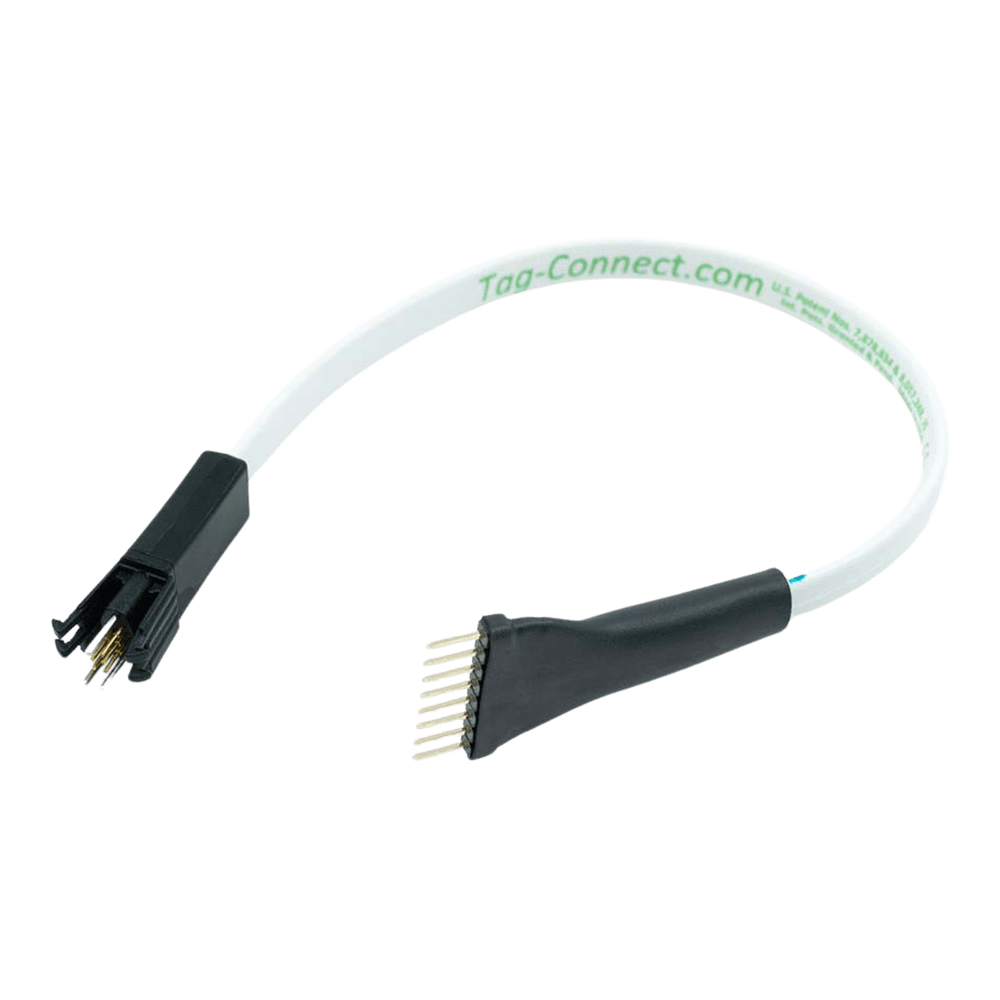
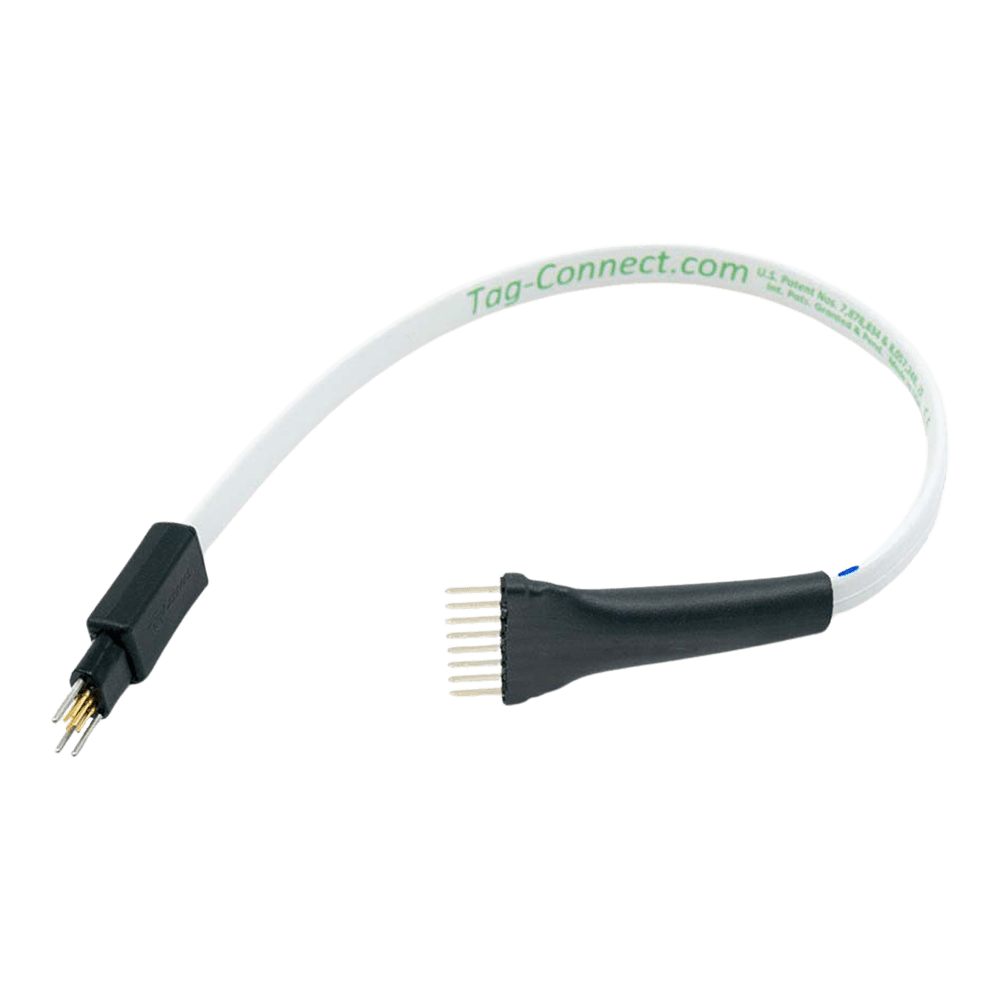
Tag-Connect TC2030-PKT-SWD 6-Pin SWD Cable for PICkit 4/5 and SNAP
Tag-Connect TC2030-PKT-SWD 6-Pin SWD Cable for PICkit 4/5 and SNAP
SKU: TC2030-PKT-SWD
Couldn't load pickup availability
Key Features
Overview
The TC2030-PKT-SWD represents the optimal solution for ARM Cortex debugging workflows, combining Tag-Connect's proven pogo-pin technology with specialised SWD protocol support. Unlike standard programming cables, this variant features an 8-pin SIP connector specifically designed for the PICkit 4, PICkit 5, and SNAP debugger SWD requirements.
The cable excels in both development and production environments. Its spring-loaded contact pins ensure reliable electrical connections, whilst the four plastic retention legs provide secure PCB attachment for extended debugging sessions. The compact TC2030 footprint requires minimal PCB real estate—approximately the size of an 0805 resistor.
Compatible with TC2030-CTX ARM Cortex cables and shares the same PCB footprint as TC2030-PKT-SWD-NL no-legs variant for flexible production workflows.
Downloads
Why Engineers Choose the Tag-Connect TC2030-PKT-SWD 6-Pin SWD Cable for PICkit 4/5 and SNAP
Eliminates PCB Connectors
Reliable SWD Connections
Development Efficiency
Professional SWD Programming Solution for ARM Cortex MCUs
The TC2030-PKT-SWD cable provides a reliable connection for programming and debugging SAM ARM Cortex microcontrollers using Microchip PICkit 4, PICkit 5, or SNAP debuggers. This specialized cable features an 8-pin SIP connector designed specifically for SWD (Serial Wire Debug) protocol.
Wiring Quick-Start
Connect the cable to your PICkit 4/5/SNAP by aligning Pin 1 of the TC2030-PKT-SWD with Pin 1 of the debugger's 8-pin connector. The cable automatically maps SWD signals to the correct pins:
| Signal | PICkit 4/5/SNAP Pin | TC2030 Pin | Function |
|---|---|---|---|
| NMCLR/RESET | 1 | 3 | Target reset control |
| VDD VIOREF | 2 | 1 | Voltage reference |
| GND | 3 | 5 | Ground connection |
| SWO | 4 | 6 | Serial Wire Output |
| SWCLK | 5 | 4 | Serial Wire Clock |
| SWDIO | 8 | 2 | Serial Wire Data I/O |
PCB Footprint Requirements
The TC2030 footprint requires a compact 7.0 × 4.0 mm area on your PCB with six contact pads and four leg retention holes. The spring-loaded pogo pins make reliable contact with the PCB pads, whilst the four plastic legs clip securely into matching holes for hands-free operation during extended debugging sessions.
Ready-to-Run Code Example
Connect your SAM MCU for immediate programming:
// Configure SWD pins in your PCB design // Pin 1 (VDD): Connect to MCU VDD // Pin 2 (SWDIO): Connect to MCU SWDIO // Pin 3 (RESET): Connect to MCU RESET // Pin 4 (SWCLK): Connect to MCU SWCLK // Pin 5 (GND): Connect to MCU ground // Pin 6 (SWO): Connect to MCU SWO (optional)Which cable fits your debugger? See our Tag-Connect cable guide.
| General Information | |
|---|---|
Part Number (SKU) |
TC2030-PKT-SWD
|
Manufacturer |
|
| Physical and Mechanical | |
Weight |
0.1 kg
|
| Other | |
EAN |
5055383665303
|
Questions and Answers
-
Can I Switch Between Legged and No-legs Versions on the Same PCB?
Yes. The TC2030-PKT-SWD-NL no-legs version fits the same PCB footprint, so you can use the legged cable for development and the no-legs one for production programming.
-
What's the Maximum Programming Frequency Supported?
Tag-Connect does not publish a maximum SWD clock for this cable. The cable is passive and does not limit the SWD clock; the usable speed is set by the PICkit, the target and your PCB layout.
-
Are There Any Cable Length Limitations for Signal Integrity?
Tag-Connect does not publish a cable length for the TC2030-PKT-SWD and lists no longer variant. Keeping the cable short is sensible at higher SWD clock speeds.
If a test fixture needs extra reach, contact us about custom lengths.
-
How Many Programming Cycles Can the Cable Handle?
Tag-Connect's cycle testing shows the spring pins last well over 100,000 operations; the ribbon cable usually wears out first. In practice, expect to replace the cable before the pins wear.
-
Does the Cable Provide Target Power?
No. The cable is passive and has no power source. Your target normally needs its own supply; some programmers can supply a small current to the target through the VDD pin, so check your programmer's settings.
-
What's the Difference Between TC2030-PKT-SWD and Standard TC2030-PKT Cables?
The TC2030-PKT-SWD has an 8-pin SIP connector for SWD on PICkit 4/5/SNAP debuggers; the standard TC2030-PKT has a 6-pin connector for PIC programming.
TC2030-PKT-SWD TC2030-PKT Connector 8-pin 0.1 in male SIP 6-pin 0.1 in male SIP Use SWD on PICkit 4/5/SNAP ICSP programming of PIC, dsPIC, PIC32 -
Can I Use This Cable with STM32 Microcontrollers?
No. Tag-Connect designs this cable only for SWD debugging of SAM ARM Cortex MCUs with Microchip debuggers.
STM32 debugger Tag-Connect solution ST-LINK/V2 TC2030-IDC with the ARM20-CTX adapter STLINK-V3 TC2030-CTX-STDC14 -
Does the Cable Work with Both Development and Production Programming?
Yes. The retention legs hold the TC2030-PKT-SWD securely during development work, and the pogo pins handle high-volume production programming.
-
What PCB Footprint Modifications Are Required?
The footprint needs six contact pads, three alignment holes and four leg holes in roughly 6 x 7.5 mm, plus finger access; Tag-Connect quotes about 0.09 sq in. No special PCB finish is needed.
Because no special finish is required, standard finishes such as HASL or ENIG are fine.
-
How Does This Compare to Traditional Debugging Headers?
Tag-Connect states that the no-legs footprint saves over 66 percent of the board space of a 10-pin FTSH-105 Cortex header, and there is no connector to buy for each board.


No questions match your search.