
Tag-Connect, LLC
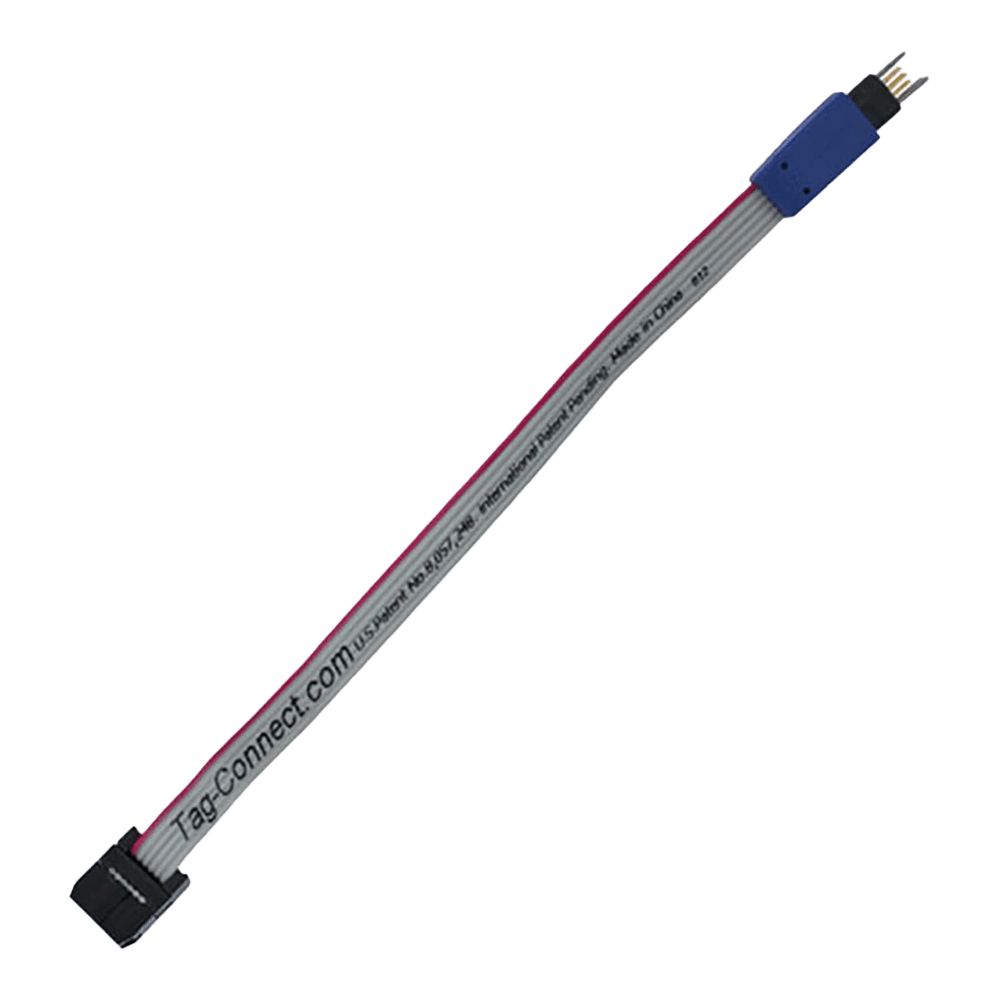
Tag Connect TC2030-IDC Cable
Tag Connect TC2030-IDC Cable
SKU: TC2030-IDC-NL
Couldn't load pickup availability
Key Features
Overview
Works with ARM SWD and AVR ISP, and with STM32, Atmel, Renesas and Zilog microcontrollers.
The legs hold the plug in place, so it suits both development debugging and high-volume production programming. The pins are rated for over 100,000 connection cycles and the pinout is the same across these platforms. For a smaller footprint or hand-held programming, the TC2030-IDC-NL no-legs version is available. The longer TC2030-IDC-10 suits more complex setups. Adapters such as the ARM20-CTX connect it to standard debuggers.Downloads
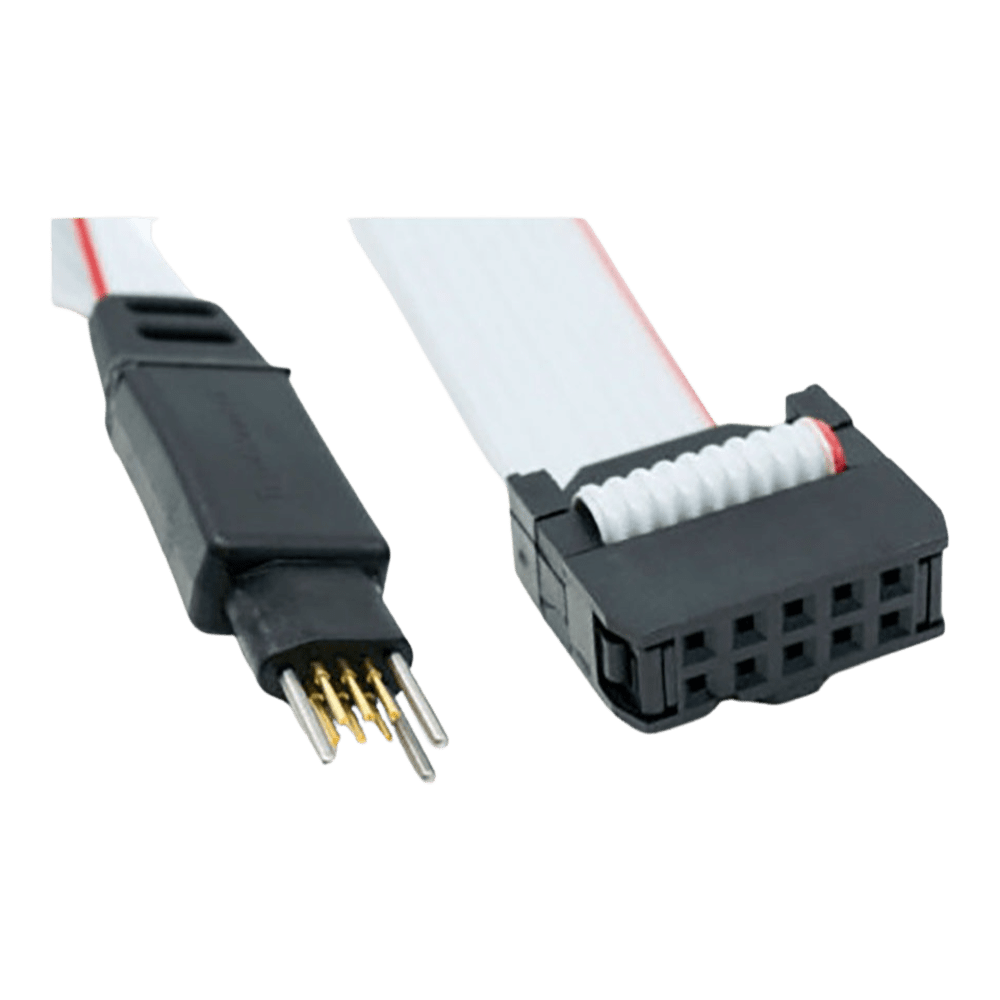
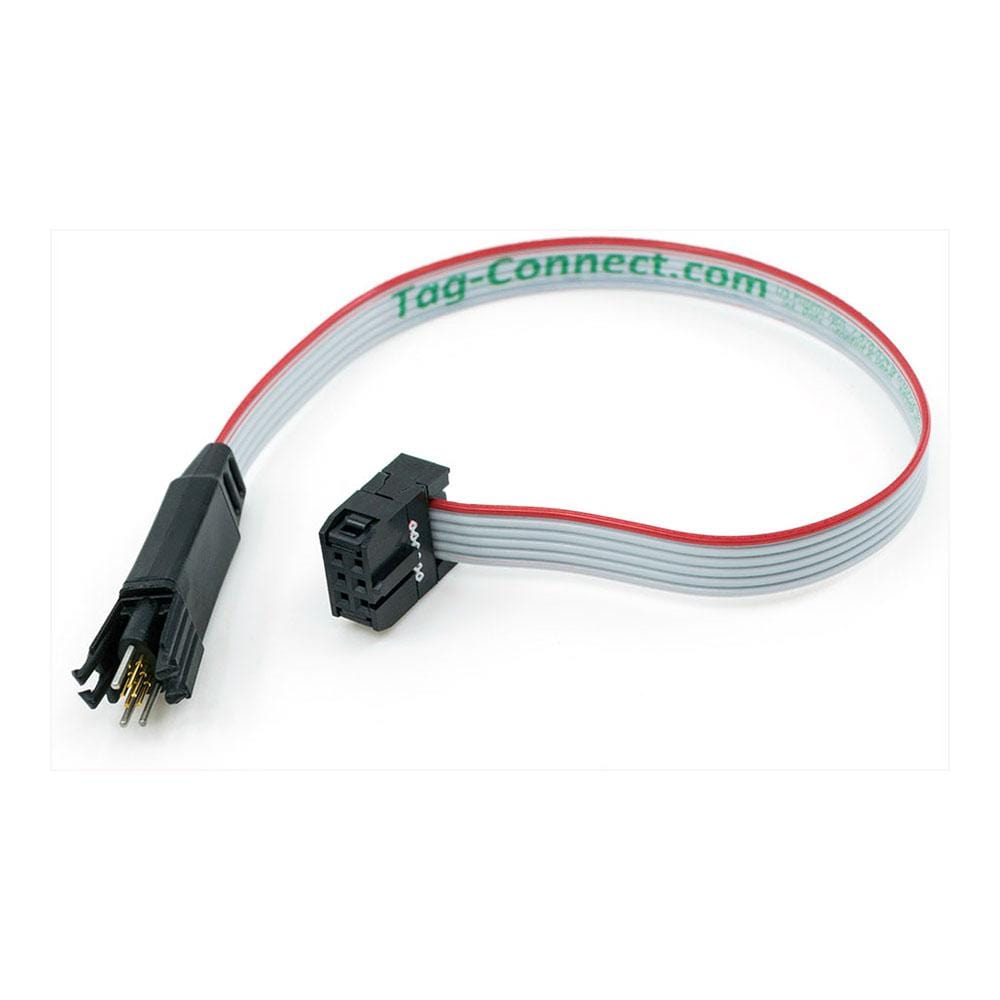
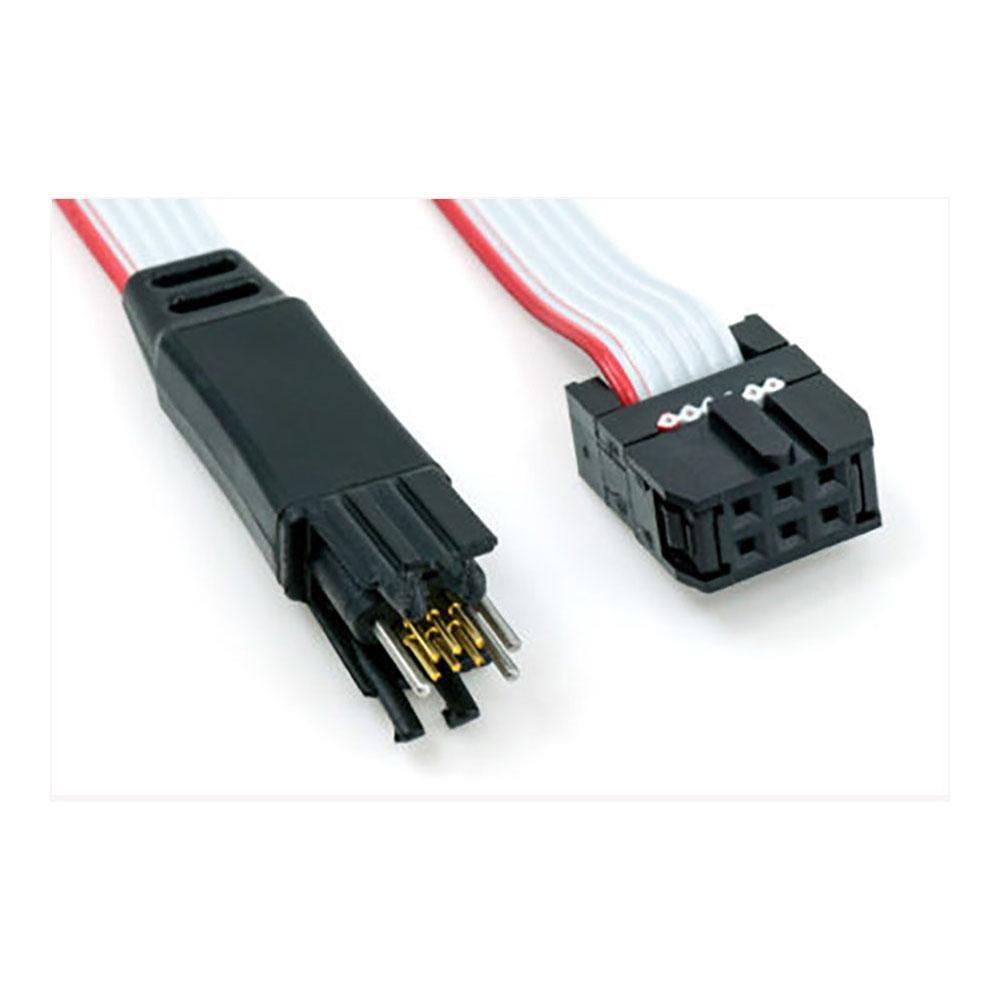
6-Pin Plug-of-Nails Cable with Legs and a 0.1″ IDC Connector
The Tag-Connect TC2030-IDC connects a debugger or programmer with a 6-pin 0.1″ IDC header to a 6-pad TC2030 footprint on your PCB, with no connector fitted to the board. Its legs clip into the footprint so the cable stays in place while you work. The NL (no-legs) variant needs a smaller footprint and is held by hand, with a clip or in a fixture.
Pin Assignment
The cable is wired straight through: TC2030 pad n goes to IDC pin n. The signal on each pin depends on the convention you use:
| Pad and IDC Pin | ARM SWD (Tag-Connect convention, as on the TC2030-CTX) | AVR ISP (standard 6-pin ISP header) |
|---|---|---|
| 1 | VTref | MISO |
| 2 | SWDIO | VCC |
| 3 | nRESET | SCK |
| 4 | SWCLK | MOSI |
| 5 | GND | RESET |
| 6 | SWO | GND |
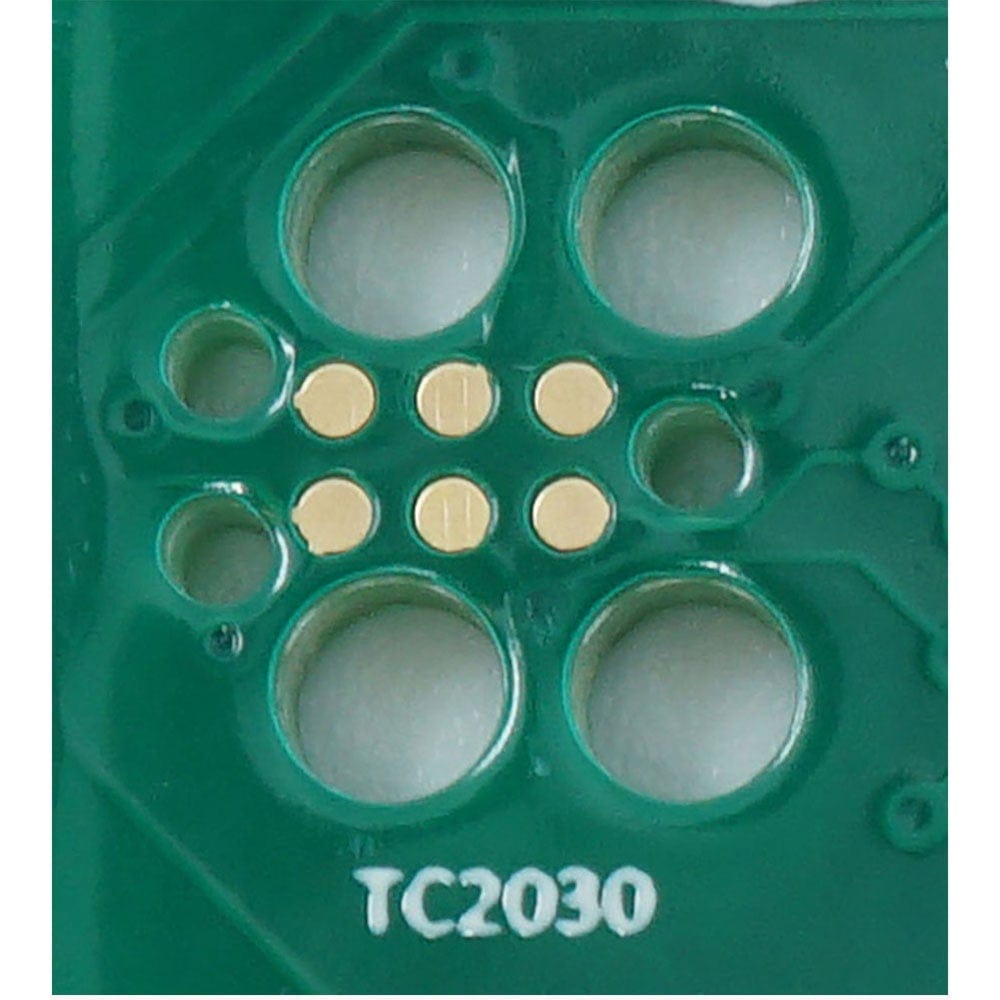
PCB footprint: no solder paste on the contact pads. The legged footprint adds latch holes for the legs; see the drawings in our Tag-Connect cable guide.
Spring-Pin Contacts with Retention Legs
Each TC2030-IDC cable has six spring pins rated for over 100,000 insertion cycles. The plastic legs hold the plug on the board during programming or debugging, so no fixture or hand pressure is needed.
Debugger compatibility: plugs into tools with a 6-pin 0.1″ IDC header. For a SEGGER J-Link or ST-LINK/V2 with the 20-pin ARM header, add the ARM20-CTX adapter. For the Microchip Atmel-ICE AVR port, use the TC2030-ICESPI-LEMTA instead.
Which cable fits your debugger? See our Tag-Connect cable guide.
| General Information | |
|---|---|
Part Number (SKU) |
TC2030-IDC-NL
|
Manufacturer |
|
| Physical and Mechanical | |
Weight |
0.1 kg
|
| Other | |
EAN |
5055383690916
|
Questions and Answers
-
How Do I Design the PCB Footprint for a Reliable Connection?
The standard footprint needs six contact pads, three alignment-pin holes and four leg latch holes, with no solder paste on the pads.
Item Legged footprint No-legs footprint Contact pads 6, 0.031 in (0.79 mm) diameter, 0.050 in (1.27 mm) pitch, 2 x 3 Same Alignment-pin holes 3, 0.039 in (0.99 mm) diameter Same Leg latch holes 4, 0.0935 in (2.375 mm) diameter None Solder paste None on the pads None on the pads - Keep other tracks and signals at least 0.02 in from any contact pad, and keep the shaded keep-out area free of tracks and vias.
- Allow finger access clearance for leg operation.
-
Does the TC2030-IDC Provide Target Power to the Connected Device?
No. The cable is passive and does not supply target power.
It is wired pin for pin; with ARM debuggers (ARM20-CTX adapter) pin 1 carries the target voltage reference (VTref), so the debugger can sense the target voltage. Whether the target can be powered through the cable depends on the debugger; normally the target has its own supply.
-
What Cable Length Options Are Available for the TC2030-IDC?
Tag-Connect offers the standard TC2030-IDC, a 10 in (254 mm) TC2030-IDC-10 for longer reach, and 36 in versions on request.
Version Length TC2030-IDC About 225 mm / 8.8 in overall on Tag-Connect's drawing TC2030-IDC-10 10 in / 254 mm 36 in version Made on request; contact us -
Can Multiple TC2030-IDC Footprints Be Placed on One PCB?
Yes. Tag-Connect places no restriction on the footprint's location provided you have sufficient area, so multiple footprints can share a board to reach different MCUs or debug interfaces.
Leave enough space for leg operation, and consider the pin assignments so signals do not conflict when cables are connected at the same time.
-
How Does the Standard TC2030-IDC Compare to Traditional JTAG Connectors for Cost Savings?
The cable connects straight to pads on the PCB, so there is no header to buy or fit on each board. The saving grows with production volume, and the board needs less space.
Connection on the board Area (Tag-Connect figures) TC2030, legged 0.09 sq in TC2030, no legs 0.02 sq in RJ12 jack 0.52 sq in -
What Microcontroller Families Does the TC2030-IDC Support?
The standard TC2030-IDC covers ARM Cortex, Atmel AVR, Renesas and Zilog devices, and its 6-pin configuration handles SWD, JTAG, ISP and proprietary protocols through the appropriate adapters.
Family Route ARM Cortex (STM32) ST-LINK/V2 with ARM20-CTX ARM Cortex (NXP) PEmicro with ARM20-CTX Other ARM Cortex parts SEGGER J-Link with ARM20-CTX Atmel AVR AVRISP mkII, direct Renesas TC-Renesas adapter (E1/E8a) Xilinx, Lattice (JTAG) Direct Zilog Listed on the TC2030-IDC page -
How Does the PCB Footprint Compare to Traditional Programming Headers?
The TC2030 footprint is a small pattern of pads and holes on the PCB, much smaller than a traditional programming header, and no connector is fitted to the board. That saves board space and the cost of a header on every board.
-
What Debuggers Are Compatible with the TC2030-IDC Cable?
The TC2030-IDC works with SEGGER J-Link, ST-LINK/V2 and STLINK-V3SET, PEmicro Multilink and Cyclone, and Atmel AVRISP mkII, among the debuggers on Tag-Connect's solutions pages.
Debugger Connection SEGGER J-Link ARM20-CTX adapter ST-LINK/V2, STLINK-V3SET ARM20-CTX adapter PEmicro Multilink, Cyclone Listed on the TC2030-IDC page Atmel AVRISP mkII Direct Renesas E1/E2/E8a/E20 Via adapter Xilinx and Lattice JTAG cables Direct Atmel-ICE Not this cable: use the TC2030-ICESPI or TC2030-CTX -
Can the TC2030-IDC Handle Production Programming Volumes?
Yes. Tag-Connect's cycle testing shows the spring pins last well over 100,000 operations; the ribbon cable usually wears out first. The legs snap into the board, so the cable stays in place without being held. Throughput then depends on your programmer.
-
What's the Difference Between Standard TC2030-IDC and TC2030-IDC-NL Versions?
The standard TC2030-IDC has retention legs that clip into PCB holes, so debugging needs no hand pressure; the TC2030-IDC-NL (no legs) has an even smaller footprint for quick programming but is held by hand.
TC2030-IDC TC2030-IDC-NL Retention Legs clip into PCB holes Hand pressure, clip or fixture Footprint area 0.09 sq in 0.02 sq in


No questions match your search.