
Tag-Connect, LLC
Tag-Connect TC2050-IDC-NL-050-ALL-20 No-Legs Cable
Tag-Connect TC2050-IDC-NL-050-ALL-20 No-Legs Cable
SKU: TC2050-IDC-NL-050-ALL-20
Couldn't load pickup availability
Key Features
Overview
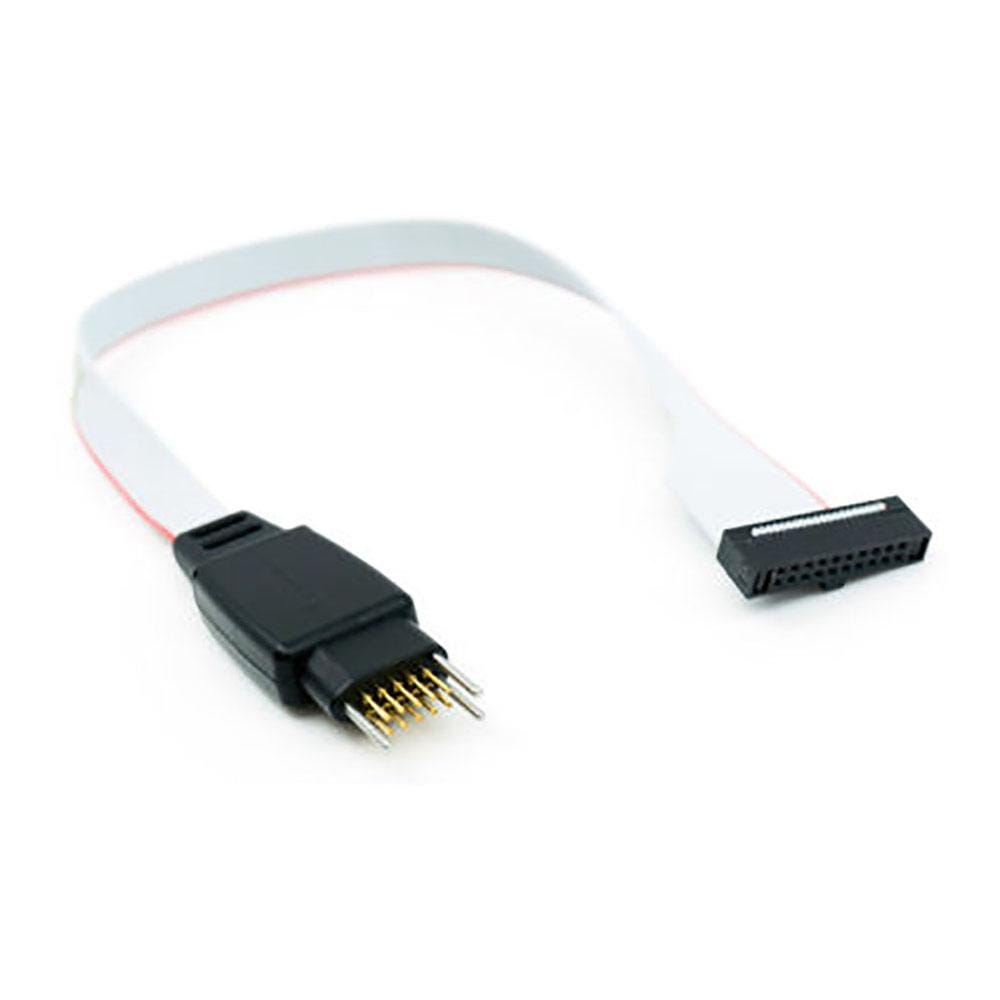
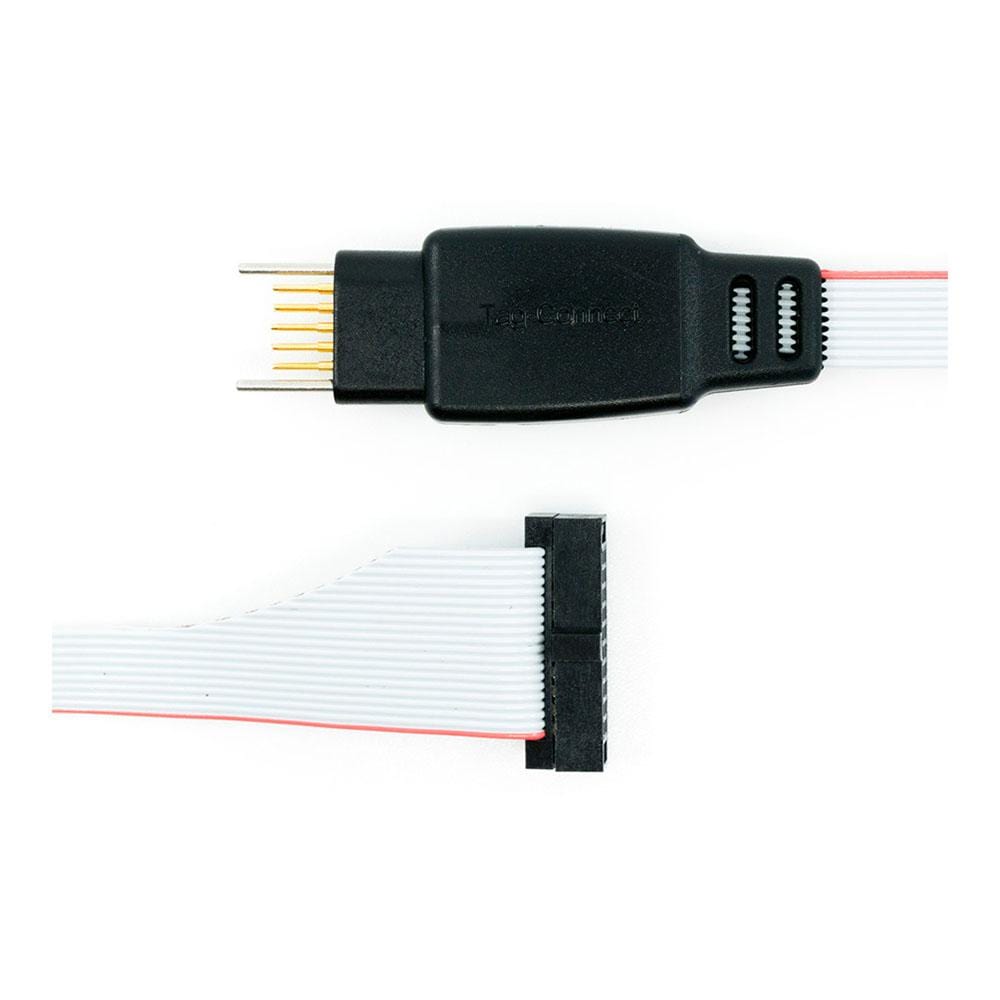
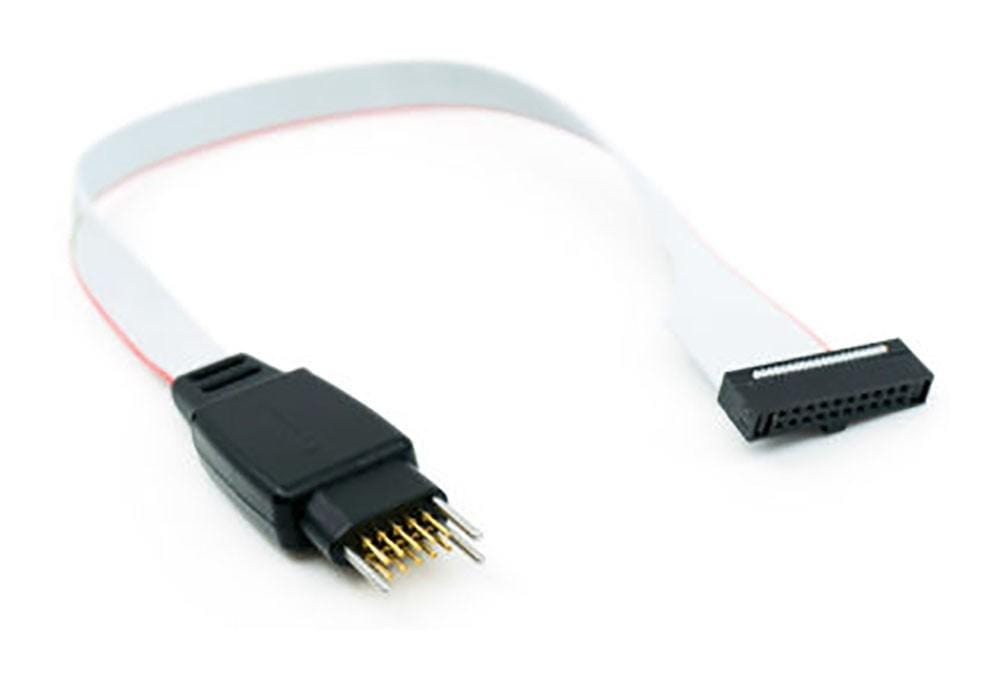
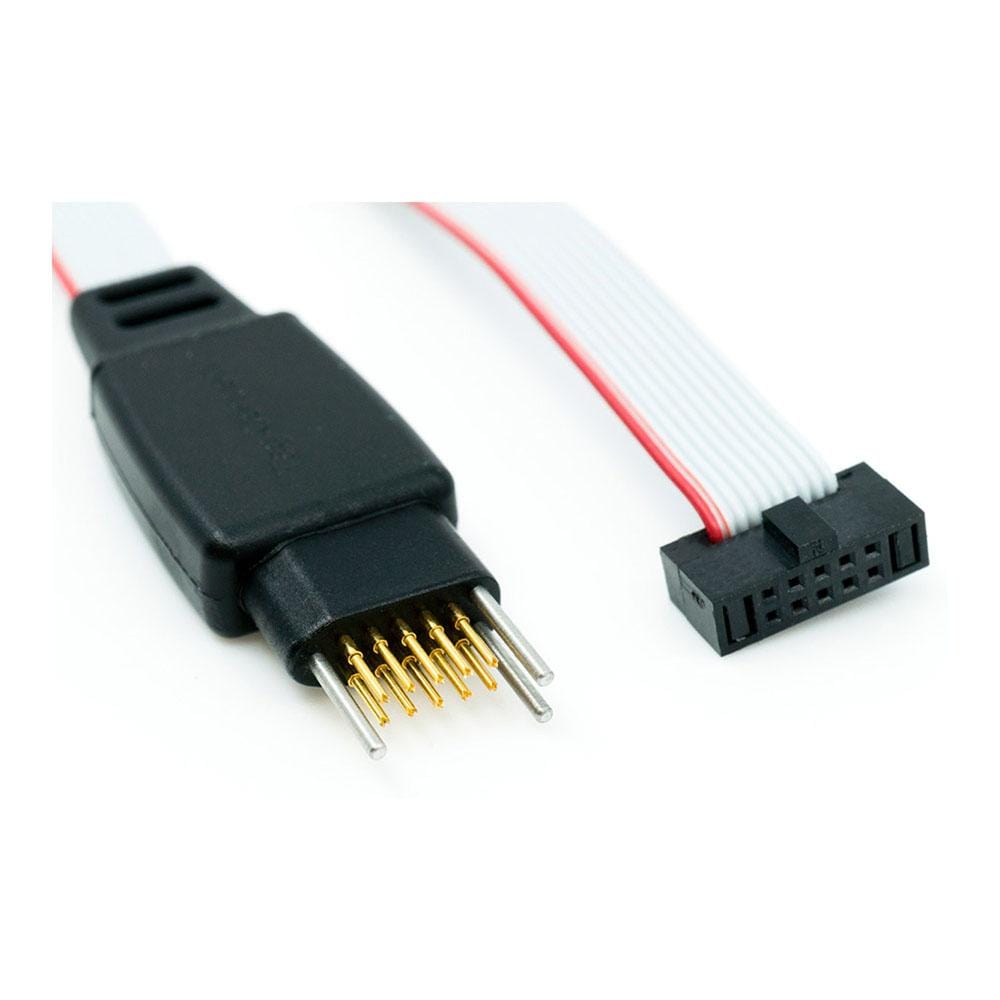
Tag-Connect TC2050-IDC-NL-050-ALL-20 is a professional programming/debug cable that mates a 10-pin TC2050 “No-Legs” Plug-of-Nails™ connector on the target PCB to a 20-pin, 0.05″ (1.27 mm) micro-IDC on the tool side. It is designed for debuggers that use the Cortex-20/MIPI-20 micro-header, such as Keil ULINK2 and ULINK Pro.
The No-Legs (NL) tip minimises PCB footprint and eliminates a mating header, reducing BOM cost and board height. For hands-free sessions, use a retention accessory such as the TC2050-CLIP. Where a 10-pin micro-IDC is preferred, consider the related TC2050-IDC-NL-050-ALL. If your tool presents a 20-pin 0.1″ header, the TC2050-ARM2010 adapter routes ARM-20 to the same TC2050 target footprint.
This cable suits production programming—where short, repeatable connections matter—and development debug when combined with a clip or fixture. It retains the robust spring-pin contact system and keyed geometry expected of Tag-Connect, helping ensure reliable engagement with correctly implemented footprints. Engineers working on ARM-based designs who want to conserve space, remove board-mounted headers, and keep a consistent 10-pin TC2050 target can standardise on this part across projects.
For 6-pin Cortex-SWD targets with a 20-pin tool end, see TC2030-CTX-20.
Downloads
Why Engineers Choose The Tag-Connect TC2050-IDC-NL-050-ALL-20 No-Legs Cable
Tiny Footprint, Zero BOM
Direct Cortex-20 Connection
Production-Ready Reliability
The TC2050-IDC-NL-050-ALL-20 programming cable has an 0.050″ pitch ribbon connector suitable for ULINK2 and similar debuggers that use the Samtec FTSH-110-01 style micro-header. This uses the "No Legs" version of the TC2050 connector, ideally suited to production where short board connection times are required but also suitable for development.
The pin connections are 1-1 and pins 1-10 are connected, pins 11-20 are not connected in the cable.
Please refer to TC2050-IDC-NL datasheet for the PCB footprint information.
Which cable fits your debugger? See our Tag-Connect cable guide.
| General Information | |
|---|---|
Part Number (SKU) |
TC2050-IDC-NL-050-ALL-20
|
Manufacturer |
|
| Physical and Mechanical | |
Weight |
0.1 kg
|
| Other | |
EAN |
5055383665488
|
Questions and Answers
-
Can I Use It for Production Programming?
Yes. The pogo-pin system and alignment holes support fast, repeatable engagements. Add a TC2050-CLIP or fixture for throughput.
-
What If My Debugger Only Has a 20-pin 0.1″ Header?
Use the TC2050-ARM2010 adapter (ARM-20 to TC2050) with a TC2050-IDC or TC2050-IDC-NL cable.
-
Is There a Legged Version for Snap-in Retention?
Yes: TC2050-IDC-050-ALL-20 (legged) provides mechanical hold-down on the PCB.
-
How Does This Compare with Expensive Bed-of-nails Fixtures?
It offers a simple, lower-complexity path for bring-up and production flashing; fixtures remain for high-volume automated test when needed.
-
Does the Cable Support Trace Signals?
Trace typically needs additional pins. For ULINK Pro ETM, consider the TC2030-CTX-ETM, which adds trace via a TC2050 tail.
-
What Debuggers Does This Cable Suit?
It mates with debuggers that have a 20-pin 0.05″ Cortex-20/MIPI-20 micro-header (for example ULINK2/Pro). For 0.1″ ARM-20 tools, use the TC2050-ARM2010 adapter with a TC2050-IDC or TC2050-IDC-NL cable instead.
-
How Do I Keep the No-Legs Tip Attached During Debug?
Use the TC2050-CLIP for hands-free retention, or a suitable fixture where continuous connection is required.
-
Is There a Version with a 10-pin micro-IDC (FTSH-105) Tool End?
Yes. The TC2050-IDC-NL-050-ALL uses a 10-pin 0.05″ micro-IDC for tools with FTSH-105-01 headers.
-
I Only Use SWD—should I Pick a 6-pin Solution?
Yes, many SWD-only users do. The TC2030-CTX-20 pairs a 6-pin Tag-Connect with a 20-pin tool end.


No questions match your search.