
Mikroelektronika d.o.o.
Fan 5 Click Board™
Fan 5 Click Board™
SKU: MIKROE-5507
Couldn't load pickup availability
Key Features
Overview
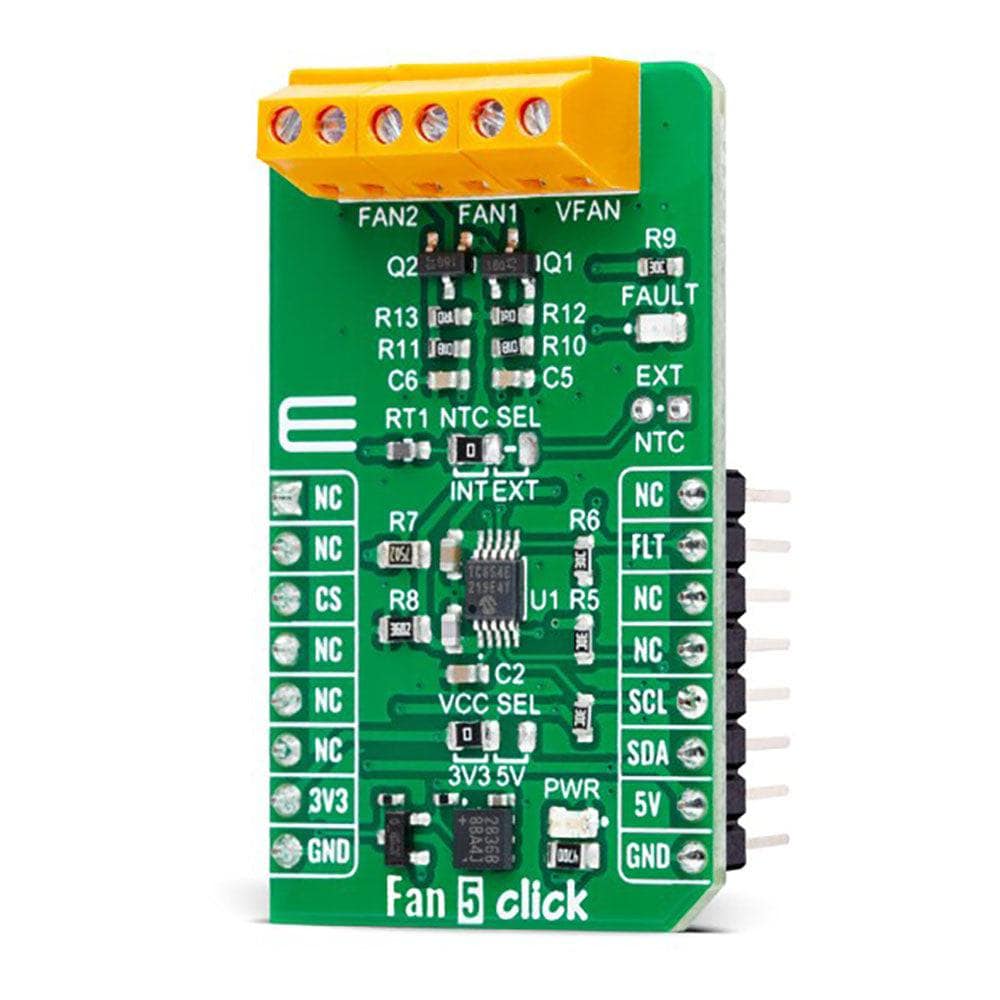
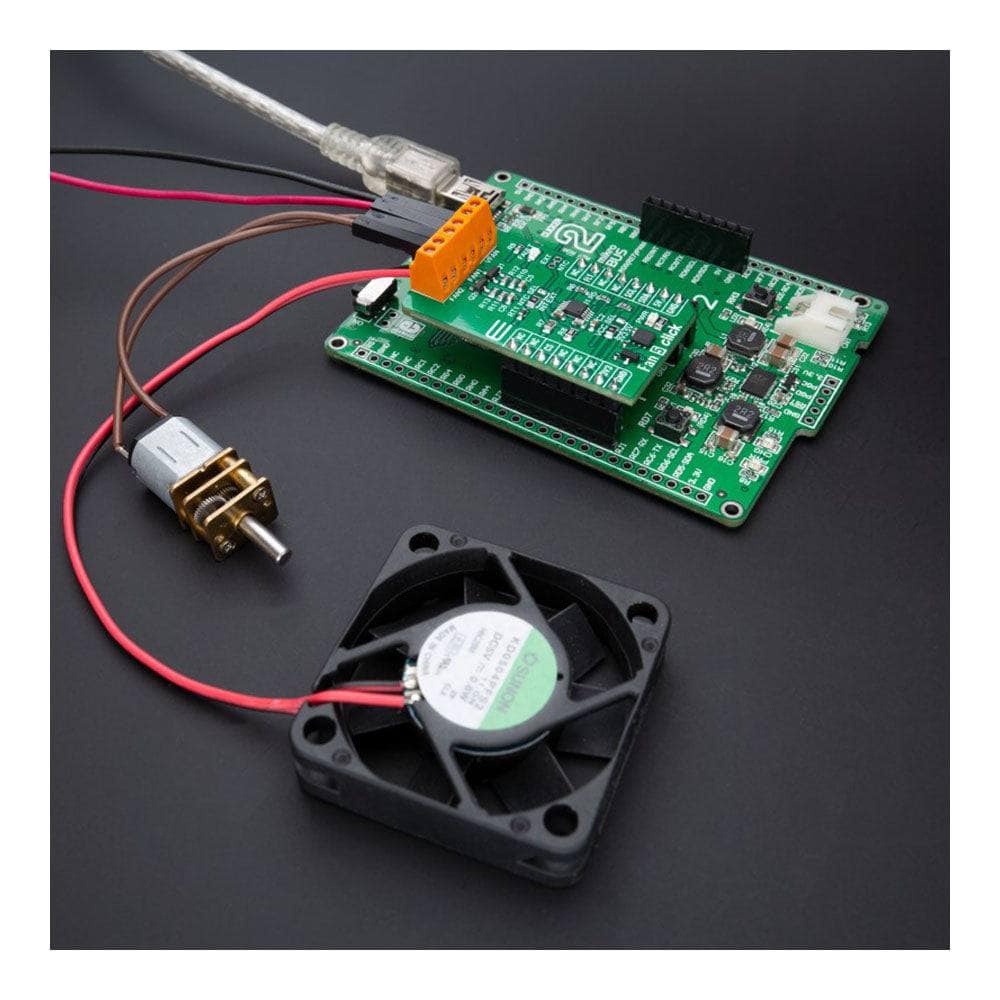
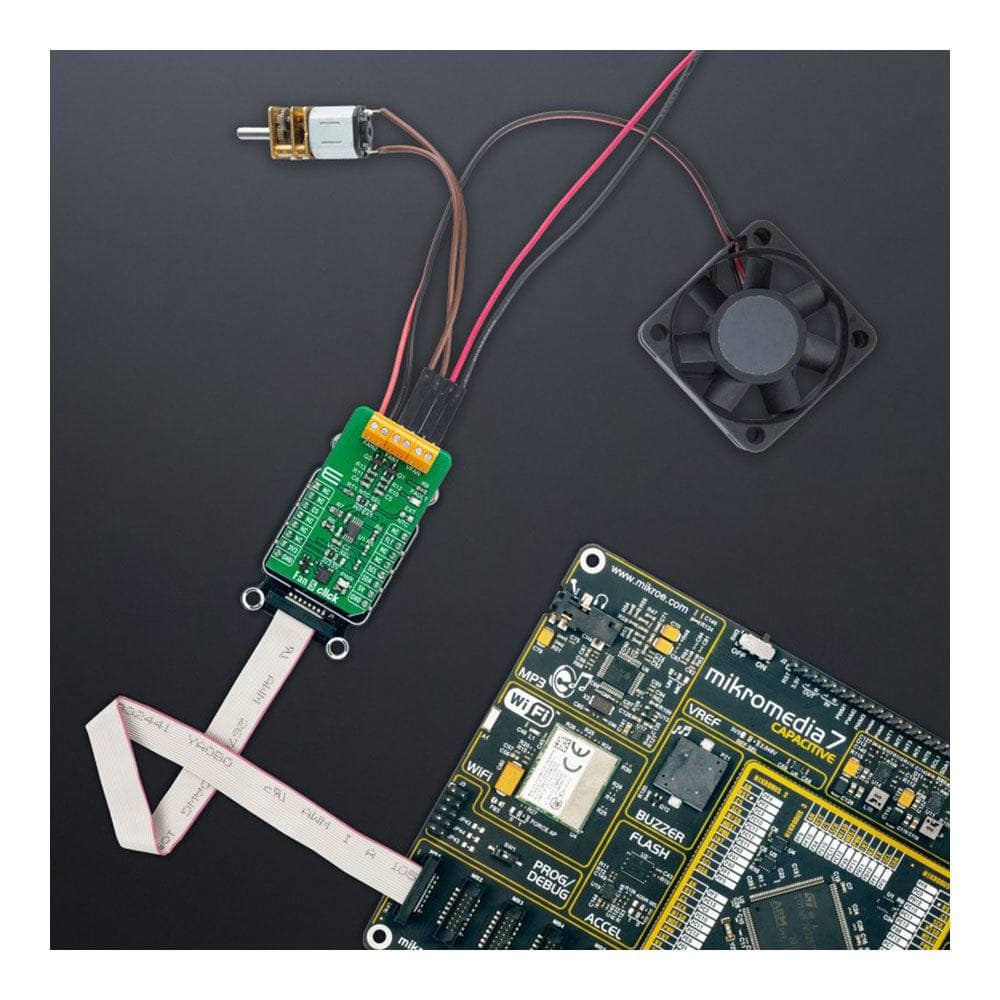
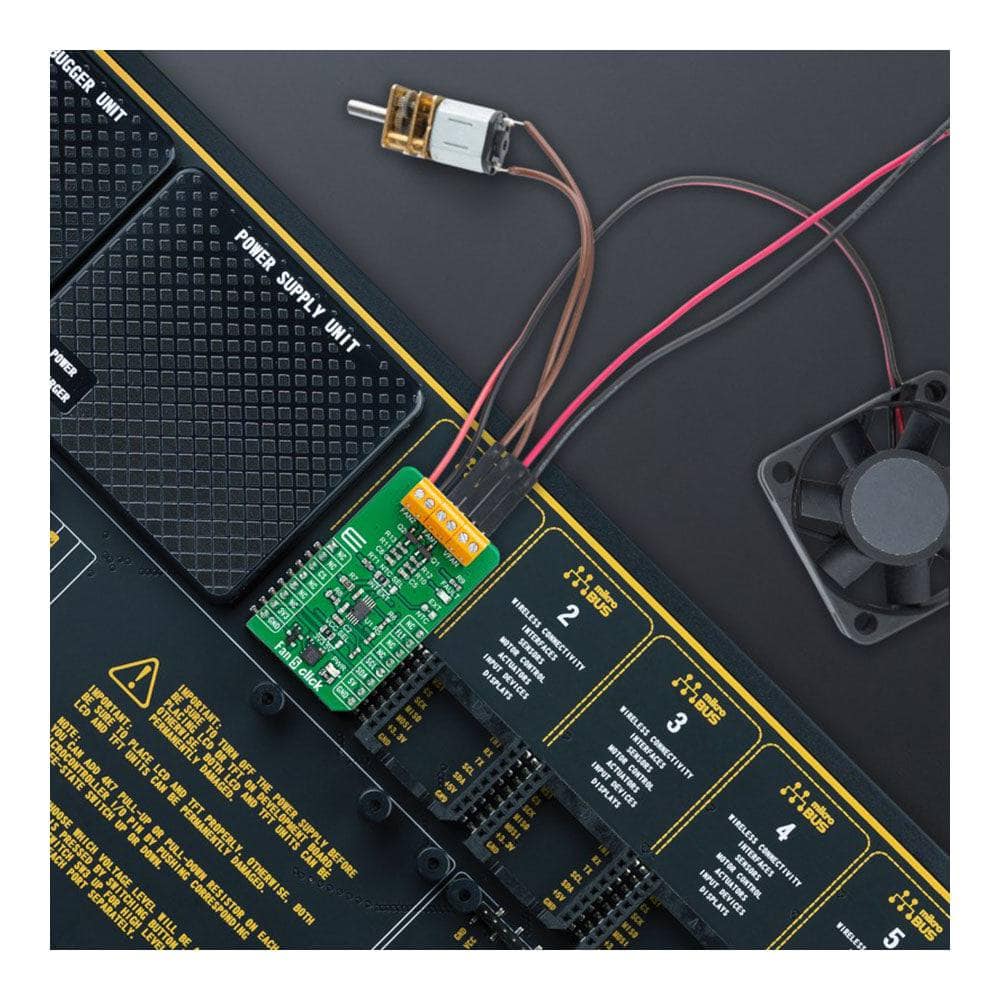
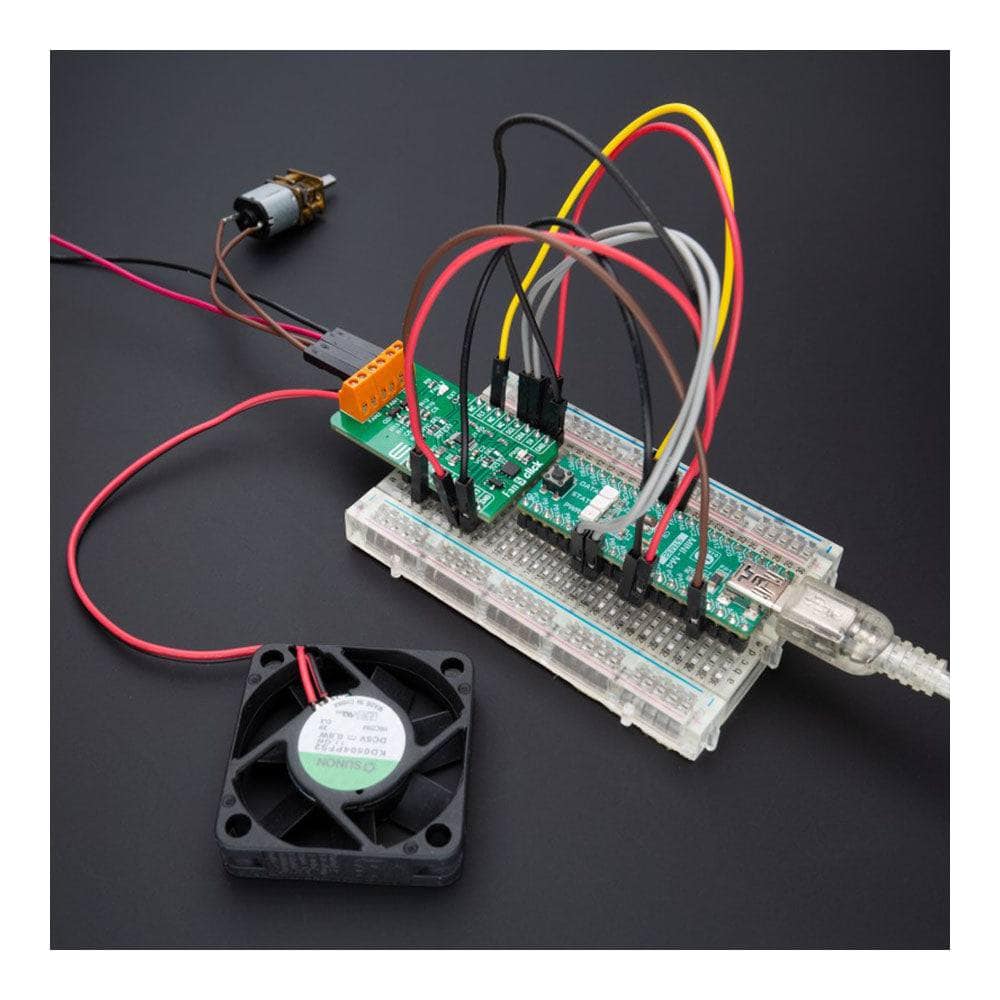
Introducing the Fan 5 Click Board™ - the ultimate solution for managing your fan speed! This compact add-on board features Microchip's TC654, a PWM mode fan speed controller with FanSense™ technology, making it perfect for brushless DC fans. With its temperature-proportional fan speed control, you'll experience lower acoustic noise and increased fan longevity. Plus, with the ability to control the speed of two cooling fans based on thermistor temperature or I2C-programmed PWM duty cycle, and a fan failure indicator to alert you when the fan's RPM falls below a user-set threshold, this Click board™ is ideal for networking equipment, servers, and other applications requiring cooling and temperature control.
And the best part? The Fan 5 Click Board™ is supported by a mikroSDK-compliant library that simplifies software development and comes fully tested and ready to be used with a system equipped with the microBUS™ socket. Don't settle for anything less - upgrade to Fan 5 Click Board™ today!
Downloads
How Does The Fan 5 Click Board™Work?
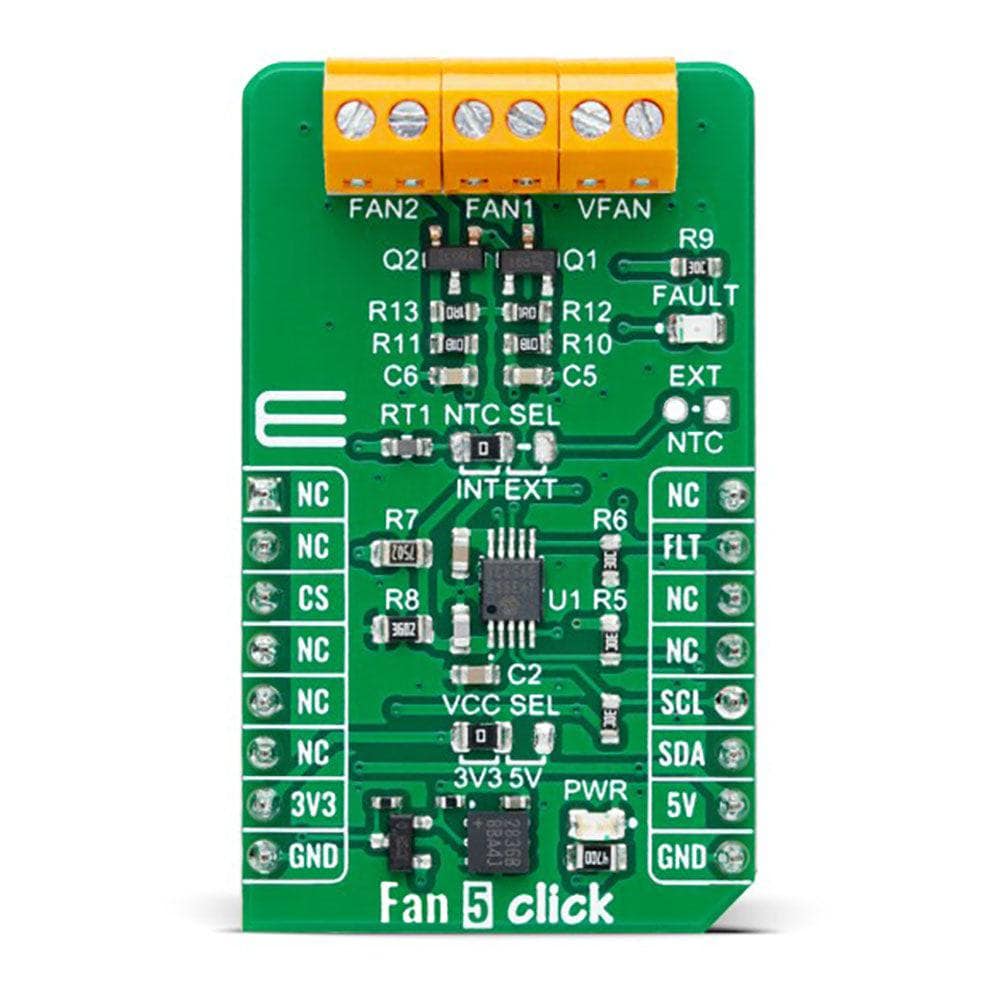
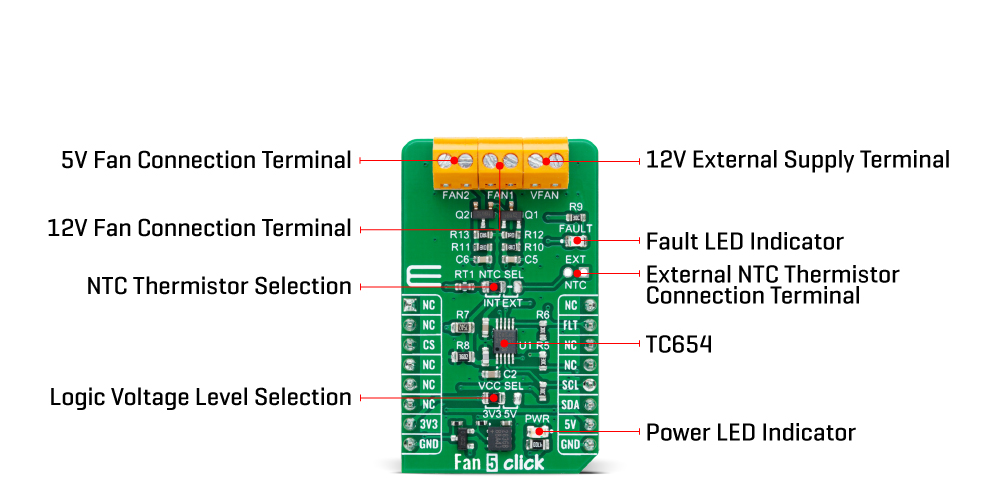
The Fan 5 Click Board™ is based on the TC654, a fan speed controller from Microchip that allows you to control and monitor the speed of two DC brushless fans. The TC654 is based on the FanSense™ technology, which protects your application against fan failure and eliminates the need for 3-wire fans. With the TC654, the fan speed can be controlled by its input voltage or the serial interface, allowing for high flexibility. The input voltage of the TC654 represents temperature, typically provided by a chosen internal or external thermistor (selected through an NTC SEL jumper). The TC654 controls fan speed according to the system temperature by pulse-width modulating the voltage across the fan. This method reduces the fan's acoustic noise and extends the fan's working life.
An external N-channel MOSFET, one per channel, controls the fans. Modulating the voltage applied to the gate of the MOSFETs also modulates the voltage applied to the fan. The PWM output can be adjusted between 30% and 100%, based on the TC654's input voltage, or programmed, as mentioned, via the I2C interface to allow fan speed control without needing an external thermistor. The standard I2C 2-Wire interface reads data and configures settings with a maximum frequency of 100kHz.
The TC654 also measures and monitors fan revolutions per minute (RPM), representing a measure of its health. As a fan's bearings wear out, the fan slows down and eventually stops (locked rotor). The TC654 can detect open, shorted, unconnected, and locked rotor fan conditions by monitoring the fan's RPM level. Apart from the availability of this information on the FLT pin of the mikroBUS™ socket, this condition can also be visually detected through the red LED marked with FAULT. The fan RPM data and threshold registers are available over the I2C interface, allowing complete system control.
In addition to the two terminals for fan connections, there is another terminal, VFAN, for an external 12V power supply for FAN1. FAN2 uses the necessary supply from the 5V mikroBUS™ power rail.
The Fan 5 Click Board™ can operate with both 3.3V and 5V logic voltage levels selected via the VCC SEL jumper. This way, it is allowed for both 3.3V and 5V capable MCUs to use the communication lines properly. However, the Click board™ comes equipped with a library containing easy-to-use functions and an example code that can be used, as a reference, for further development.
SPECIFICATIONS
| Type | Brushless |
| Applications | Can be used for networking equipment, servers, or other applications requiring cooling and temperature control |
| On-board modules | TC654 - fan speed controller from Microchip |
| Key Features | Temperature proportional fan speed, reduced noise, 5V and 12V fan drive, FanSense™ technology protecting against fan failure, PWM fan drive, I2C interface, selectable thermistor, fault LED indicator, and more |
| Interface | I2C |
| Compatibility | mikroBUS |
| Click board size | M (42.9 x 25.4 mm) |
| Input Voltage | 3.3V or 5V |
PINOUT DIAGRAM
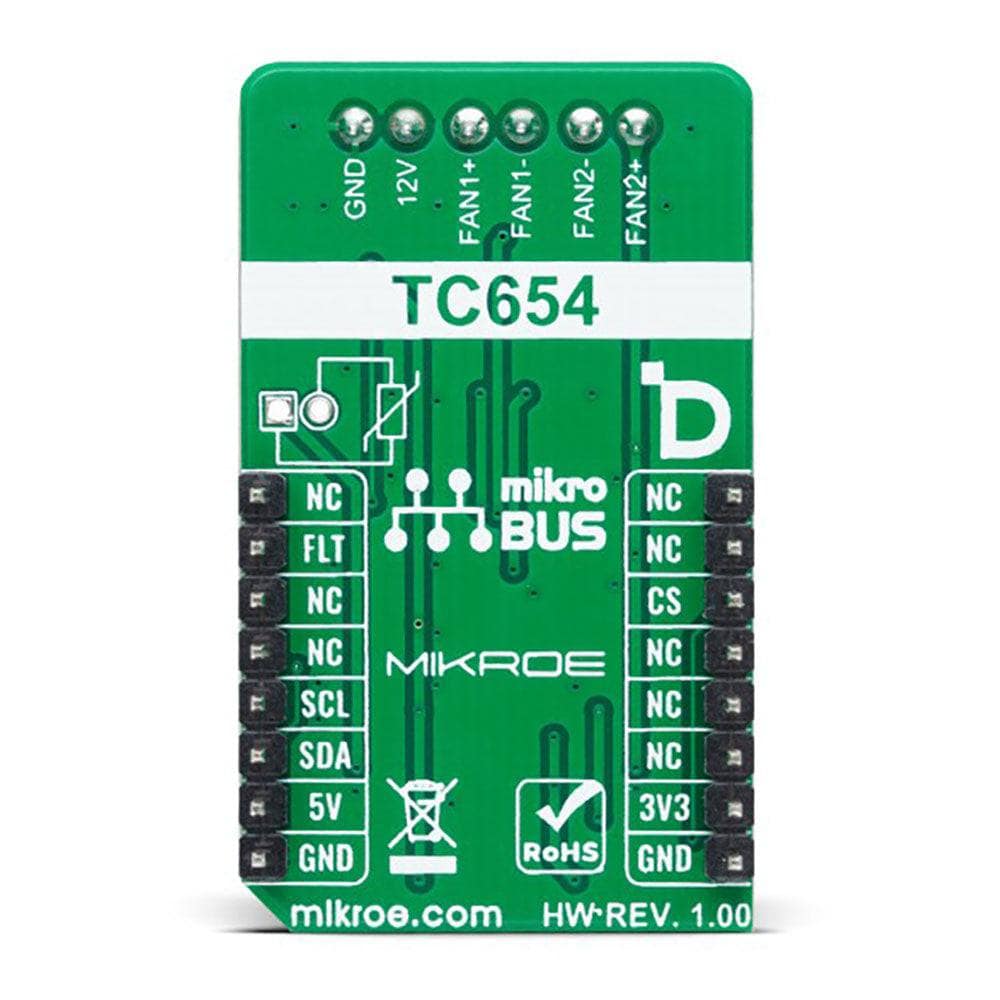
This table shows how the pinout of the Fan 5 Click Board™ corresponds to the pinout on the mikroBUS™ socket (the latter shown in the two middle columns).
| Notes | Pin |  |
Pin | Notes | |||
|---|---|---|---|---|---|---|---|
| NC | 1 | AN | PWM | 16 | NC | ||
| NC | 2 | RST | INT | 15 | FLT | Fault Indicator | |
| NC | 3 | CS | RX | 14 | NC | ||
| NC | 4 | SCK | TX | 13 | NC | ||
| NC | 5 | MISO | SCL | 12 | SCL | I2C Clock | |
| NC | 6 | MOSI | SDA | 11 | SDA | I2C Data | |
| Power Supply | 3.3V | 7 | 3.3V | 5V | 10 | 5V | Power Supply |
| Ground | GND | 8 | GND | GND | 9 | GND | Ground |
ONBOARD SETTINGS AND INDICATORS
| Label | Name | Default | Description |
|---|---|---|---|
| LD1 | PWR | - | Power LED Indicator |
| LD2 | FAULT | - | Fault LED Indicator |
| JP1 | VCC SEL | Left | Logic Level Voltage Selection 3V3/5V: Left position 3V3, Right position 5V |
| JP2 | NTC SEL | Left | NTC Thermistor Selection INT/EXT: Left position INT, Right position EXT |
| J1 | EXT NTC | Unpopulated | External NTC Thermistor Connection Header |
FAN 5 CLICK ELECTRICAL SPECIFICATIONS
| Description | Min | Typ | Max | Unit |
|---|---|---|---|---|
| Supply Voltage | 3.3 | - | 5 | V |
| VFAN Supply Voltage | - | 12 | - | V |
| General Information | |
|---|---|
Part Number (SKU) |
MIKROE-5507
|
Manufacturer |
|
| Physical and Mechanical | |
Weight |
0.02 kg
|
| Other | |
EAN |
8606027385810
|
Questions and Answers
-
How Do I Use the Mikroe Fan 5 Click Board™?
Connect the Fan 5 Click Board™ to a host board through the mikroBUS™ socket and configure the on-board TC654 over I2C. The TC654 generates the fan PWM itself, and you set the speed by programming the duty cycle (30% to 100%). It works with any host board that has a mikroBUS™ socket.
-
What Is the Maximum Fan Speed That Can Be Controlled with the Mikroe Fan 5 Click Board™?
It depends on the fan. The TC654 generates the PWM drive at about 30Hz (typical), and the speed is set by the duty cycle, from 30% to 100%.
-
What Is the Voltage and Current Rating of the Mikroe Fan 5 Click Board™?
The board takes 3.3V or 5V logic. FAN1 is powered from an external 12V VFAN terminal and FAN2 from the 5V mikroBUS™ rail, so both 12V and 5V fans can be used. MIKROE does not publish a current rating.
-
Does the Mikroe Fan 5 Click Board™ Have an Automatic Speed Control?
Yes. The TC654 can set the fan speed automatically from the on-board NTC thermistor (or an external one, selected with the NTC SEL jumper), or you can program the speed over I2C.
-
Is the Mikroe Fan 5 Click Board™ Compatible with Other mikroBUS™ Boards?
Yes, the Mikroe Fan 5 Click Board™ is compatible with any development board that has a mikroBUS™ socket.
-
What Is the Mikroe Fan 5 Click Board™?
The Mikroe Fan 5 Click Board™ controls the speed of a DC fan using PWM (Pulse Width Modulation) signals. Uses include cooling and ventilation systems.
No questions match your search.