


Tag-Connect, LLC
Tag-Connect TC2030-CTX 6-Pin Cable for Arm Cortex SWD (Legged or No-Legs)
Tag-Connect TC2030-CTX 6-Pin Cable for Arm Cortex SWD (Legged or No-Legs)
SKU: TC2030-CTX-NL
Couldn't load pickup availability
Key Features
Overview
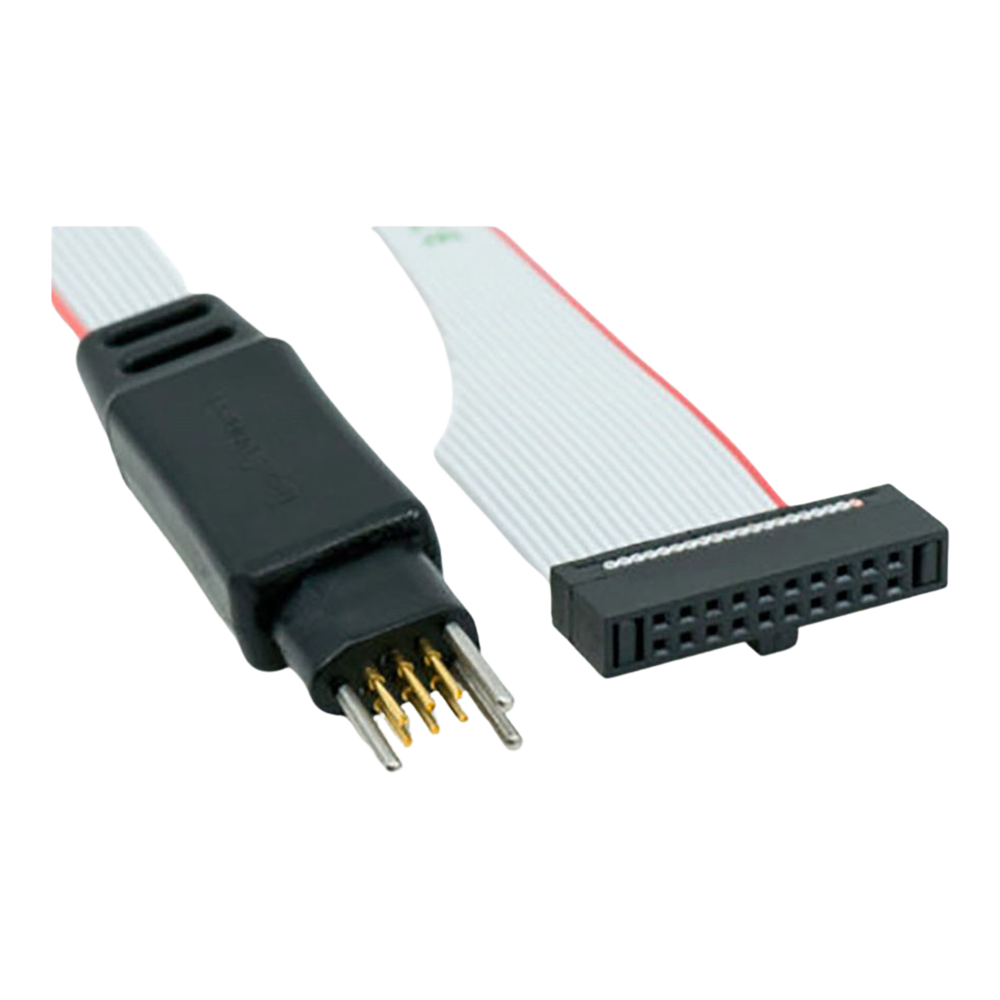
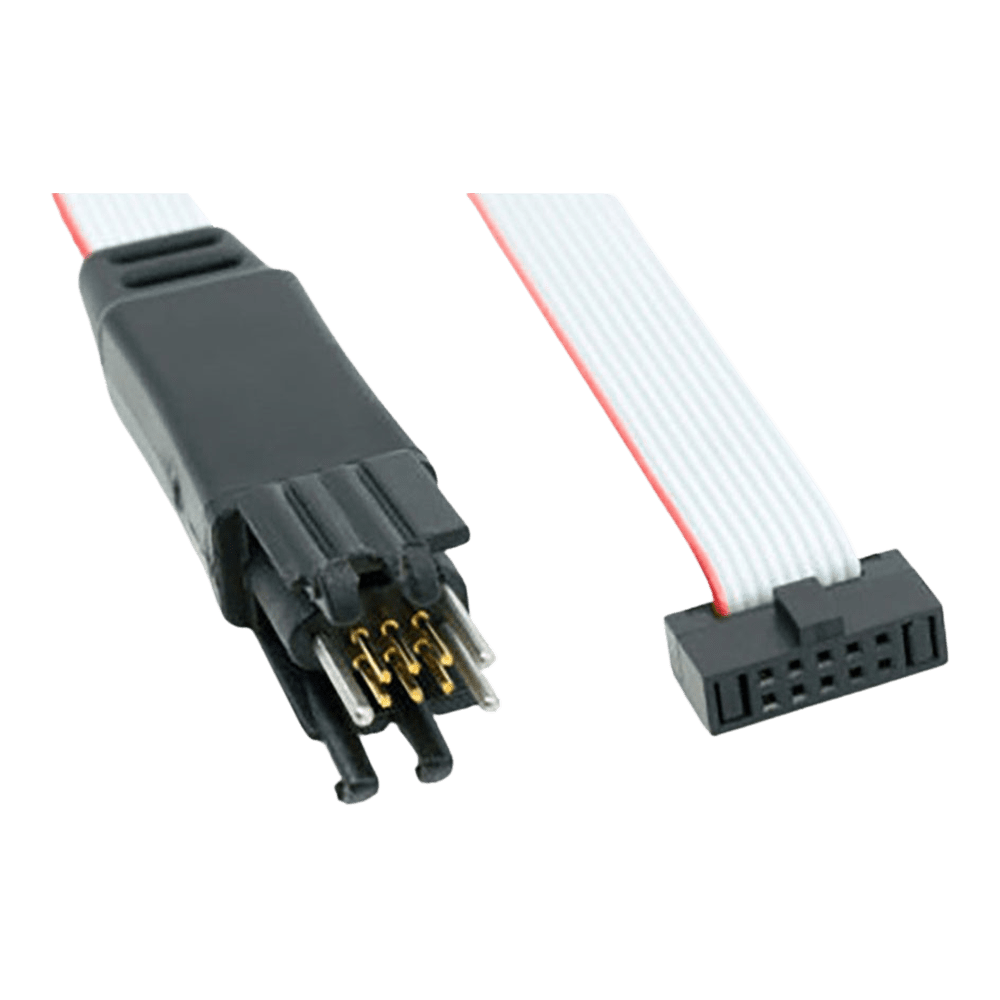
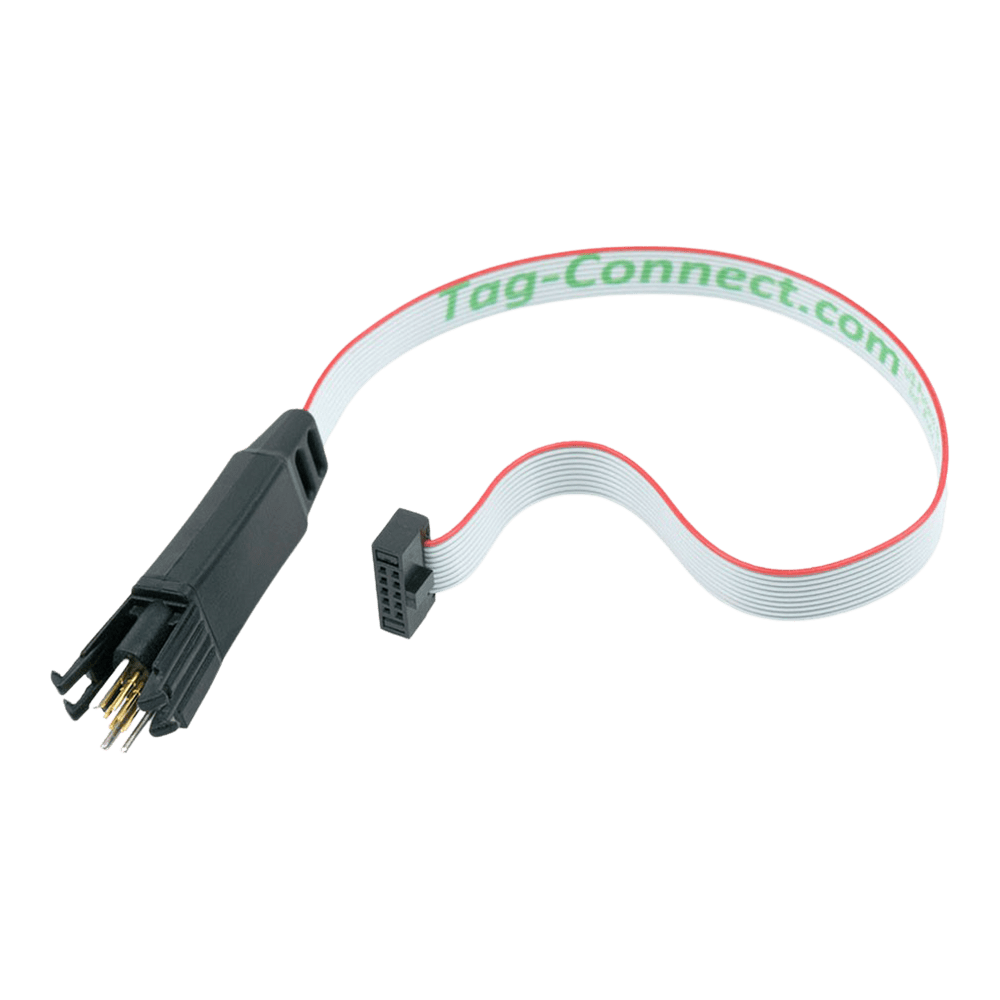
The Tag-Connect TC2030-CTX is a 6-pin, legged Plug-of-Nails™ cable for programming and debugging ARM® Cortex® targets over SWD. It mates to the tiny TC2030 footprint on your PCB and presents a 10-pin 0.05″ Cortex ribbon at the tool end, compatible with common debuggers such as ULINK-2 and similar.
Using the TC2030 footprint removes the need for a mated header on the board, reducing PCB area and helping control BoM cost while still providing a robust, repeatable connection. The legged design clips into four locating holes for hands-free stability during development and test.
The TC2030-CTX is part of a family, so you can match the cable to your toolchain: for ST-LINK/V3 choose the TC2030-CTX-NL-STDC14 (No-Legs) or legged STDC14 variant; if you need a 20-pin Cortex tool end see TC2030-CTX-20; for general 0.1″ IDC targets consider TC2030-IDC-NL; Altera/Intel users can opt for TC2030-ALT.
If you want SWD on a compact, solder-free target footprint with reliable retention during debug, the TC2030-CTX is a practical choice for professional designs.
Downloads
Why Engineers Choose The Tag-Connect TC2030-CTX 6-Pin Cable for Arm Cortex SWD (Legged or No-Legs)
Space, not sockets
Stable during debug
Fits your toolchain
Pinout, footprint and wiring diagram: TC2030-CTX pinout.
6-Pin Legged TC2030 Plug-of-Nails programming cable for use with ARM Cortex processors.
This special cable has a 6-pin TC2030 Tag-Connector and a 10-pin ribbon and ribbon connector. It mates with the FTSH-105 style micro-headers used for Cortex Debug Connector; as found in debuggers such as the Keil ULINK-2.
See also the TC2030-CTX-NL "No Legs" version of the cable with footprint that saves over 66% of the board space needed by typical FTSH-105 micro headers!
For traditional ARM solutions using the 20-pin header as found on the Segger J-LINK, see the TC2050-ARM2010 adapter used with TC2050-IDC (-NL) cables.
WARNING for ATMEL-ICE users: The Atmel-ICE has it's header pin numbers reversed (standard pin 1 is Atmel ICE's pin 10). To use our cable with Atmel's reversed pin-number header you'll either need to cut off the ribbon connector locating lug and plug it in reversed, or select the LEMTA version with the 10-pin connector fitted backwards. If you plug in a standard (correct) Cortex cable you're going to short power and stuff out.
Note: Cable only supplied, Keil's ULINK2 debugger and Tag-Connect Demo PCB shown for illustrative use – not included with the cable!
Which cable fits your debugger? See our Tag-Connect cable guide.
| General Information | |
|---|---|
Part Number (SKU) |
TC2030-CTX-NL
|
Manufacturer |
|
| Physical and Mechanical | |
Weight |
0.1 kg
|
| Other | |
EAN |
5055383698660
|
Questions and Answers
-
What PCB Features Do I Need on the Target?
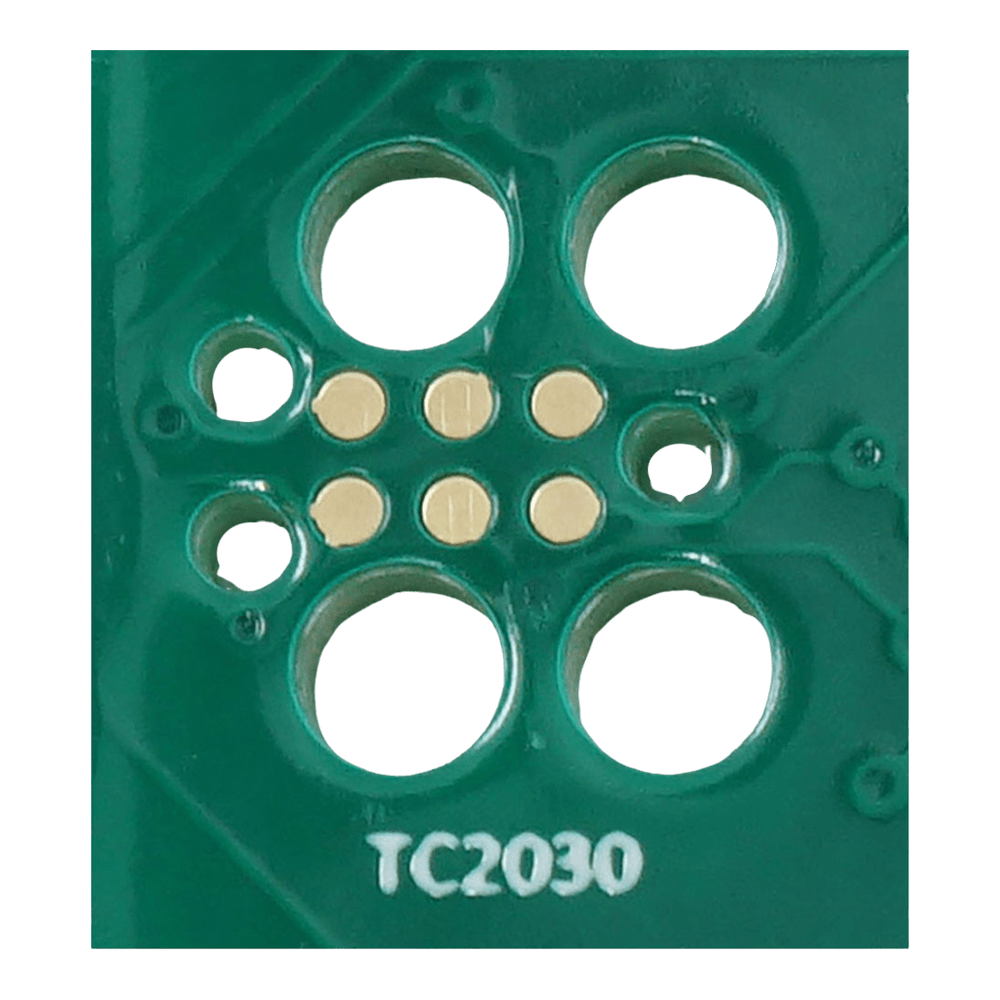
Provide the six contact pads and the three alignment pin holes; the legged version also needs four leg latch holes. Follow Tag-Connect's TC2030-IDC (legged) or TC2030-IDC-NL (no-legs) footprint drawing.
Footprint Contact pads Alignment pin holes Leg latch holes Legged (TC2030-IDC) 6 3 4 No legs (TC2030-IDC-NL) 6 3 None -
Is There a Recommended Method to Hold No-Legs Versions?
Yes, Tag-Connect clips/retainers can hold No-Legs cables during longer sessions.
-
Will This Reduce PCB Area vs a 10-pin Header?
Yes. Tag-Connect says the no-legs TC2030-CTX-NL saves over 66% of the board space needed by typical FTSH-105 micro-headers, which is under a third of the area of the Samtec FTSH 10-pin header.
-
Is Polarity Fool-proof on the Target?
In practice, yes. The footprint's asymmetric three-hole alignment pattern lets the connector seat only one way, so reversed insertion is impractical. This is our reading of Tag-Connect's footprint drawings and guide, which says to align the rear locating pins with the footprint; Tag-Connect does not use the word fool-proof.
-
What If I Later Switch Toolchains?
Keep the TC2030 target footprint and change only the cable variant (e.g., to STDC14 or 20-pin) to suit the new probe.
-
Does the TC2030-CTX Carry Full JTAG?
No. It is intended for SWD (and SWO). For full JTAG, use an appropriate 10/14/20-pin solution or other Tag-Connect families that expose JTAG pins.
-
What’s the Difference Between Legged and No-Legs Cables?
Legged cables are for development and no-legs cables are for production, and they differ in how they are held.
Legged No legs (NL) Best for Development, extended secure connection Production, short operations Retention Self-securing: legs clip into four leg latch holes Held by hand, or with a TC2030-CLIP or fixture for longer sessions Holes needed 3 alignment pin holes plus 4 leg latch holes 3 alignment pin holes -
Which Debuggers Does the 10-pin End Suit?
Probes with the standard 0.05″ “Cortex-10” micro-header, such as the ULINK-2 and similar interfaces. Check your probe's connector type before ordering.
-
How Do I Use It with ST-LINK/V3 (STDC14)?
Choose a CTX-to-STDC14 variant (legged or No-Legs) to connect ST-LINK/V3 while keeping the 6-pin TC2030 on your target.
-
Can I Access Trace (ETM)?
Yes, with the CTX-ETM variant. It adds a TC2050 tail for the 20-pin Cortex trace signals and keeps SWD on the TC2030.

No questions match your search.