
SEGGER Microcontroller GmbH
SEGGER J-Link WLAN
SEGGER J-Link WLAN
SKU: 8.14.28
Verfügbarkeit für Abholungen konnte nicht geladen werden
Key Features
Overview
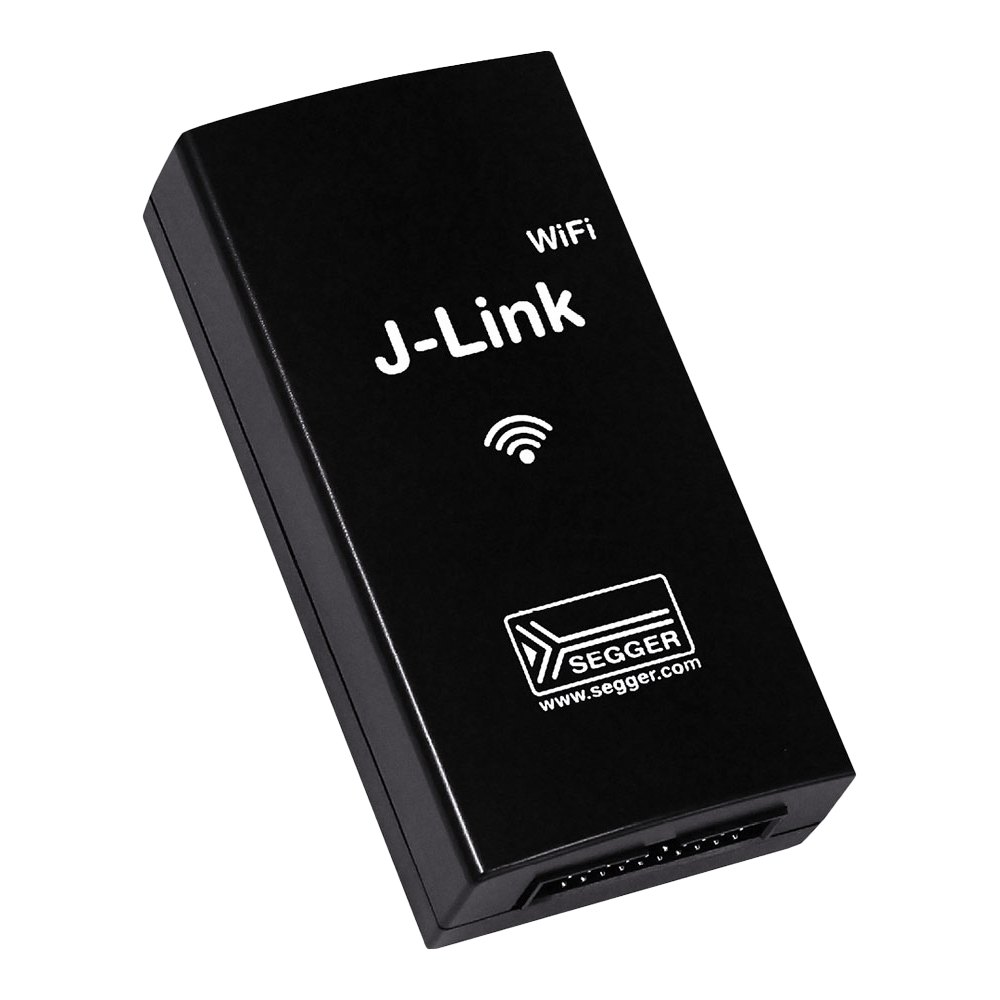
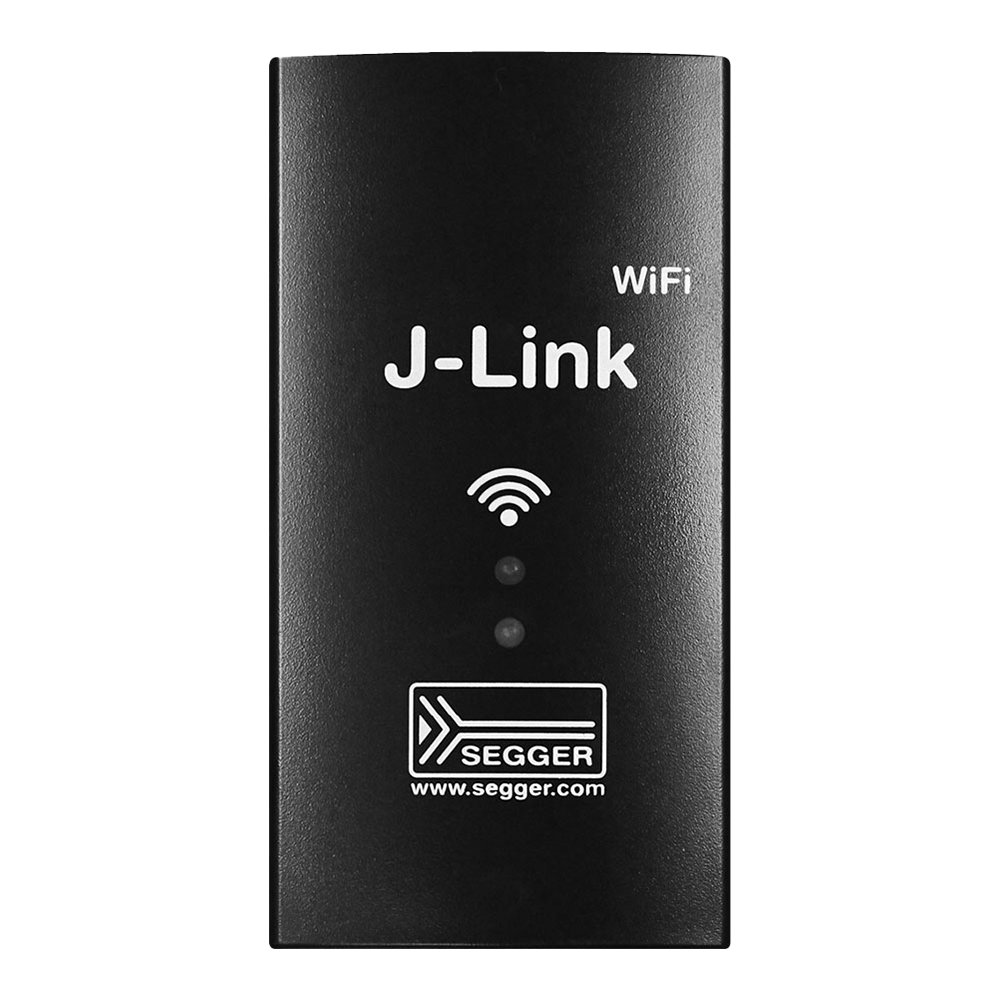
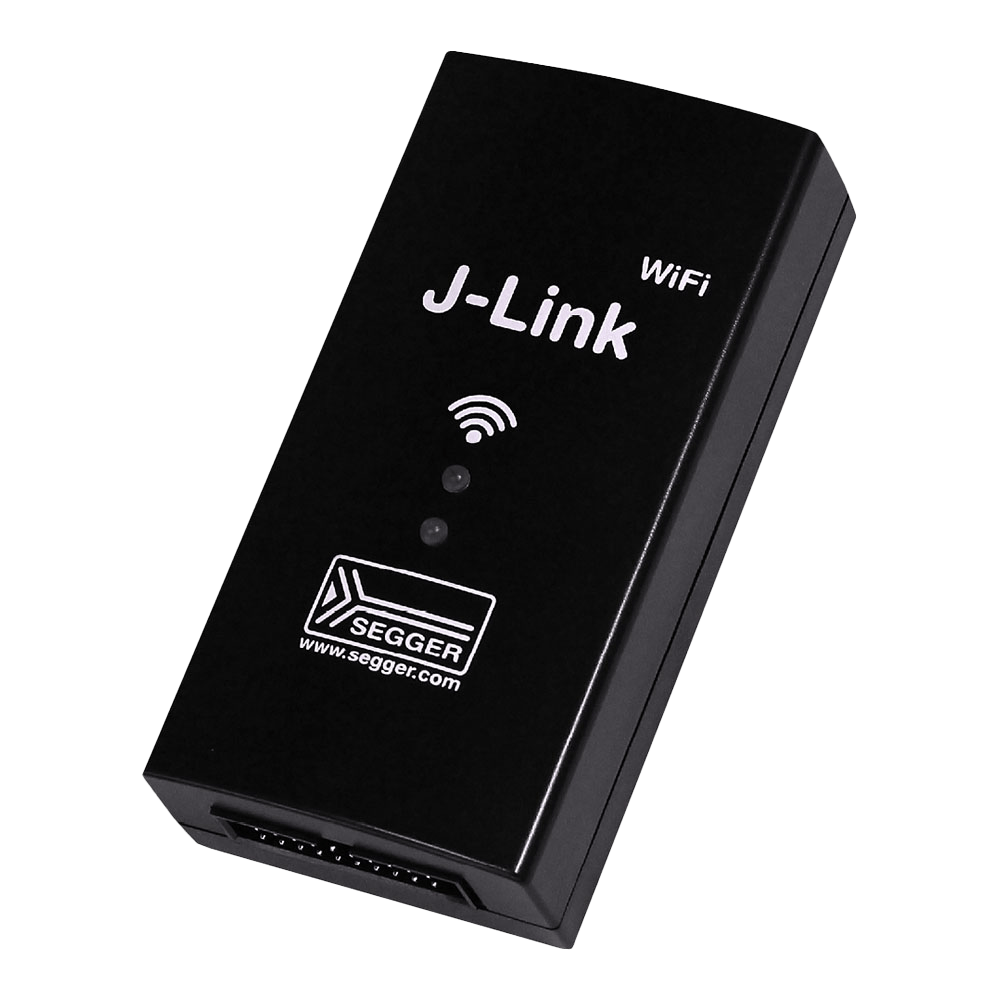
The SEGGER J-Link WiFi revolutionises embedded debugging by combining professional-grade debug capabilities with wireless connectivity. This advanced probe communicates at speeds up to 15MHz via IEEE 802.11 b/g/n WiFi, making it ideal for mobile applications, robotics, and systems requiring physical isolation from the development environment.
Perfect for scenarios where traditional wired connections prove impractical, the J-Link WiFi maintains full compatibility with all major IDEs including Eclipse, SEGGER Embedded Studio, and GDB-based development environments. The probe supports the complete range of ARM Cortex-A/R/M cores, plus RISC-V, ensuring broad applicability across modern embedded projects.
How it connects
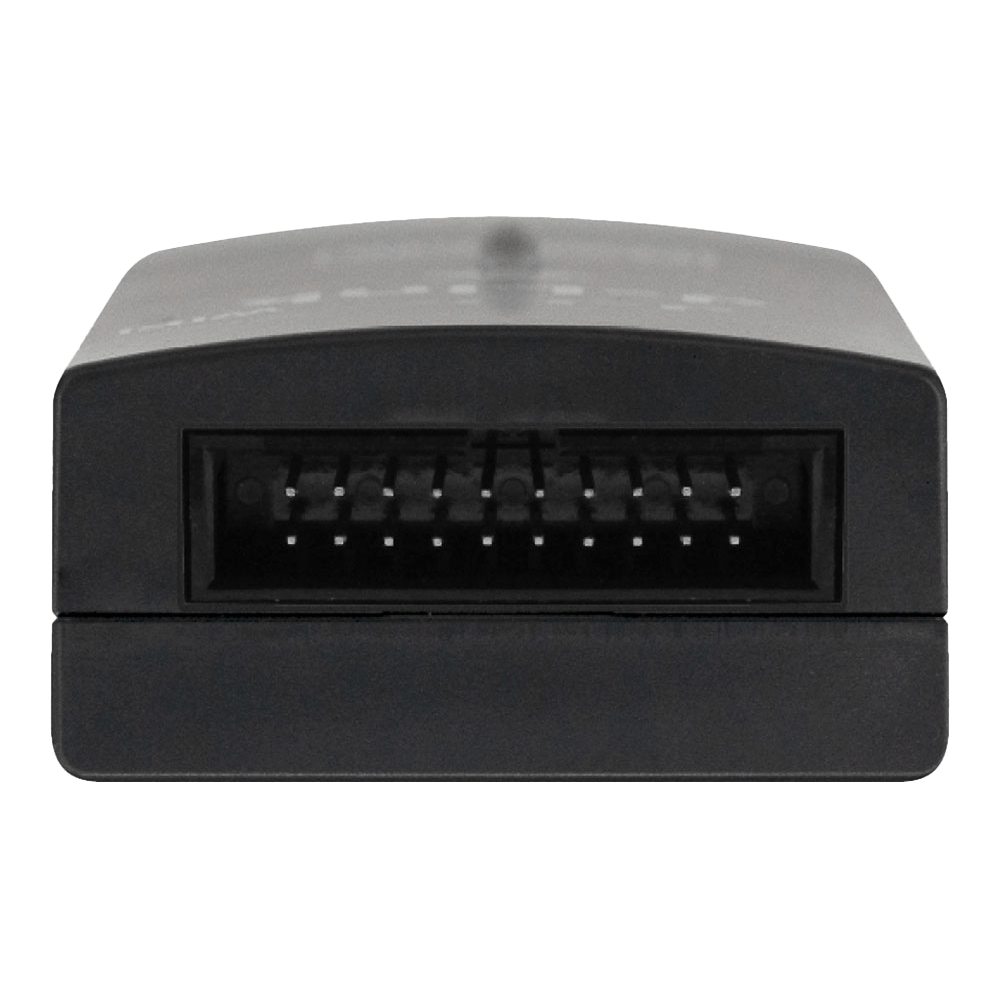
This J-Link uses SEGGER's standard 20-pin 0.1" (2.54 mm) JTAG/SWD connector, the same connector used on every J-Link and Flasher. For SWD you need VTref (pin 1), SWDIO (pin 7), SWCLK (pin 9), nRESET (pin 15) and GND (pin 4), plus SWO (pin 13) if you want trace output. Full JTAG, SWD, cJTAG and SPI pin tables, and the adapters for 10-pin 0.05" Cortex Debug headers: SEGGER J-Link 20-pin connector pinout.
Downloads
Why Engineers Choose the SEGGER J-Link WLAN
Wireless Freedom
Professional Performance
Complete Solution
Wir präsentieren J-Link WiFi: Ihre ultimative drahtlose Debug-Sonde
Entdecken Sie die Leistung und den Komfort des J-Link WiFi, einer hochmodernen JTAG/SWD-Debug-Sonde mit WiFi-Schnittstelle.
Hochgeschwindigkeitskommunikation für besseres Debugging
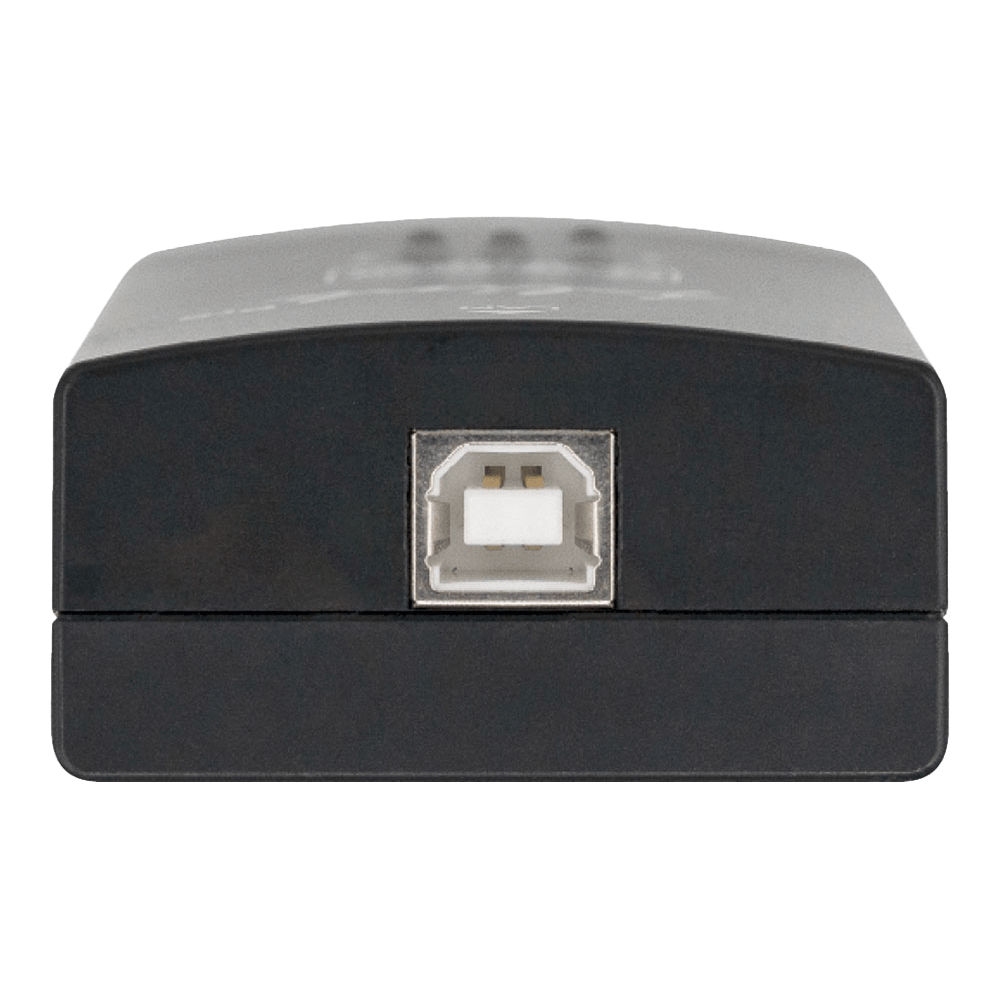
Erleben Sie eine beispiellose Debugging-Leistung, da das J-Link WiFi mit bis zu 15 MHz mit unterstützten Ziel-CPUs kommuniziert. Verabschieden Sie sich von lästigen Kabeln und nutzen Sie die drahtlose Debugging-Schnittstelle. Damit ist es die perfekte Lösung für Szenarien, in denen das Ziel in Bewegung ist oder von der Umgebung abgeschirmt werden muss. Die Stromversorgung erfolgt über USB und bezieht den Strom bequem aus derselben Quelle wie Ihr Zielgerät.
Nahtlose Integration mit führenden IDEs
Arbeiten Sie mühelos mit allen wichtigen IDEs, einschließlich Eclipse, GDB-basierten IDEs und SEGGER Embedded Studio, da diese J-Link-Debugsonden vollständig unterstützen. Sehen Sie sich die vollständige Liste der unterstützten IDEs an, um ein nahtloses Debugging-Erlebnis zu gewährleisten.
Unübertroffene Popularität und Zuverlässigkeit
Schließen Sie sich über 500.000 zufriedenen Benutzern an, die J-Link WiFi bereits als ihre bevorzugte Debug-Sonde für ARM-Kerne angenommen haben. Durch seine weite Verbreitung ist J-Link zum De-facto-Standard in der Branche geworden.
Vorteile, die über alle Erwartungen hinausgehen
J-Link WiFi ist mit zahlreichen erweiterten Funktionen ausgestattet, die Ihre Debugging-Fähigkeiten verbessern:
Webschnittstelle
Genießen Sie die mühelose TCP/IP-Konfiguration mit dem integrierten Webserver, der Ihren Einrichtungsprozess vereinfacht. Unbegrenzte Haltepunkte: Profitieren Sie von integrierten Lizenzen für unbegrenzte Haltepunkte im Flash-Speicher, RDI/RDDI und J-Flash, sodass Sie Ihren Code ohne Einschränkungen erkunden und optimieren können.
J-Link-Debugging für mobile Anwendungen
Erweitern Sie Ihre Debugging-Möglichkeiten um mobile Anwendungen und vergrößern Sie so Ihre Reichweite und Ihr Potenzial.
Integrierte VCOM-Funktionalität
Erleben Sie nahtlose Unterstützung für eine breite Palette von Mikrocontrollern und CPUs durch die integrierte VCOM-Funktionalität. Holen Sie sich noch heute Ihr J-Link WiFi!
Treten Sie mit J-Link WiFi in die Zukunft des Debuggens ein. Nutzen Sie die Freiheit des drahtlosen Debuggens und schöpfen Sie das wahre Potenzial Ihrer Projekte aus. Bestellen Sie jetzt und erleben Sie ein neues Maß an Effizienz und Komfort in Ihrem Entwicklungsprozess!
Questions and Answers
-
What's the Maximum Distance for WiFi Debugging?
SEGGER does not publish a range figure. Range depends on your WiFi infrastructure, and enterprise WiFi systems or repeaters can extend it for large facilities or outdoor use.
-
Does the J-Link WiFi Work with Major Development Environments?
It is compatible with most major environments, including Eclipse, Keil MDK, IAR EWARM, SEGGER Embedded Studio, GDB-based IDEs and others. The probe appears as a standard J-Link to your development tools.
-
Can I Power My Target Device Through the J-Link WiFi?
Yes, pin 19 provides 5V at up to 300mA to power small target boards. Larger systems will need separate power supplies, but the probe can still monitor target voltage levels for debugging.
-
Is the Wireless Connection Secure for Commercial Development?
SEGGER specifies IEEE 802.11 b/g/n (2.4 GHz) and does not list WiFi security protocols, so check it against your own security requirements. For sensitive projects, it can run on isolated networks or VPNs.
-
What's Included in the Software Package?
The professional software suite includes:
- Unlimited flash breakpoints
- J-Flash programming software
- Ozone graphical debugger
- RDI/RDDI interfaces
- GDB Server
- One year of email support with free software updates
-
What Makes the J-Link WiFi Different From Other Wireless Debug Probes?
The J-Link WiFi gives professional-grade debugging with a target interface of up to 15MHz, connected over WiFi, with a built-in web server for configuration. It also includes software licences and unlimited flash breakpoints.
-
Which Microcontrollers Are Supported by the J-Link WiFi?
The probe supports:
- ARM Cortex-A/R/M cores
- RISC-V processors
- Legacy ARM7/9/11
- Microchip PIC32
- Renesas RX
- SiLabs 8051 devices
That covers thousands of devices from major semiconductor manufacturers.
-
Can the J-Link WiFi Debug Devices While They're Moving or Rotating?
Yes. With no cable, you can debug robotic systems, rotating machinery or any mobile embedded application.
-
How Do I Configure the WiFi Network Settings?
Connect via USB first, then enter the SSID and password with J-Link Configurator or the J-Link Commander SetWifi command, both in the free J-Link software pack. The probe then joins the network by DHCP and reports its IP address.
-
Can Multiple Engineers Debug the Same Device Remotely?
SEGGER's J-Link Remote Server documentation describes a single client connection, and simultaneous access by several engineers is not documented. Remote Server lets developers connect to the target over the network from any location.
No questions match your search.