
Tag-Connect, LLC
Tag-Connect TC2050-PGUSB 10-Pin Plug-of-Nails Cable to 6-Pin IDC and USB Type A (Legged or No Legs)
Tag-Connect TC2050-PGUSB 10-Pin Plug-of-Nails Cable to 6-Pin IDC and USB Type A (Legged or No Legs)
SKU: TC2050-PGUSB
€75,95 EUR exc tax
Four legs clip into latch holes on the board, so the cable stays in place hands-free. Best for development and debugging.
Fits a smaller footprint with no leg latch holes. For production programming and test, and for debugging when held with a TC2050-CLIP.
Check and Add to Cart
Confirm the price and stock for your selection, set the quantity, then press Add to Cart.
Payment methods
- Bank transfer
Couldn't load pickup availability
Key Features
Overview
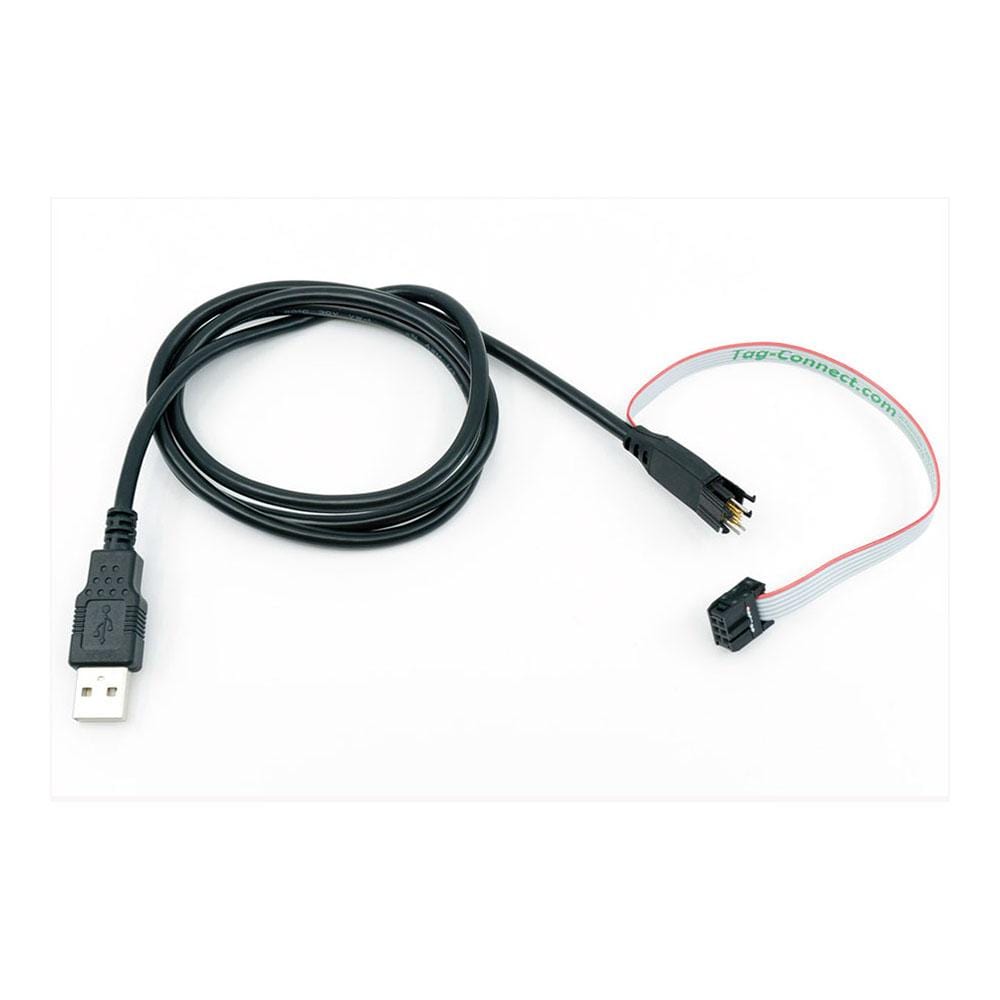
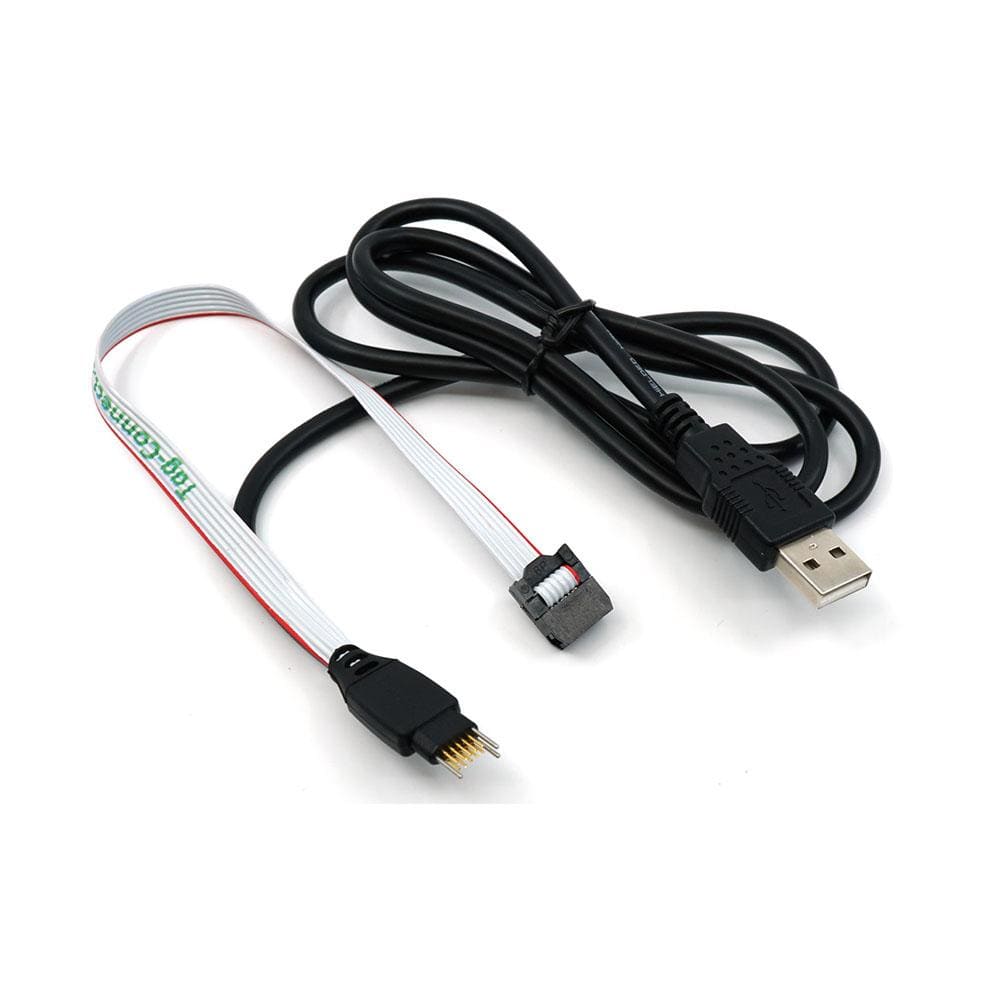
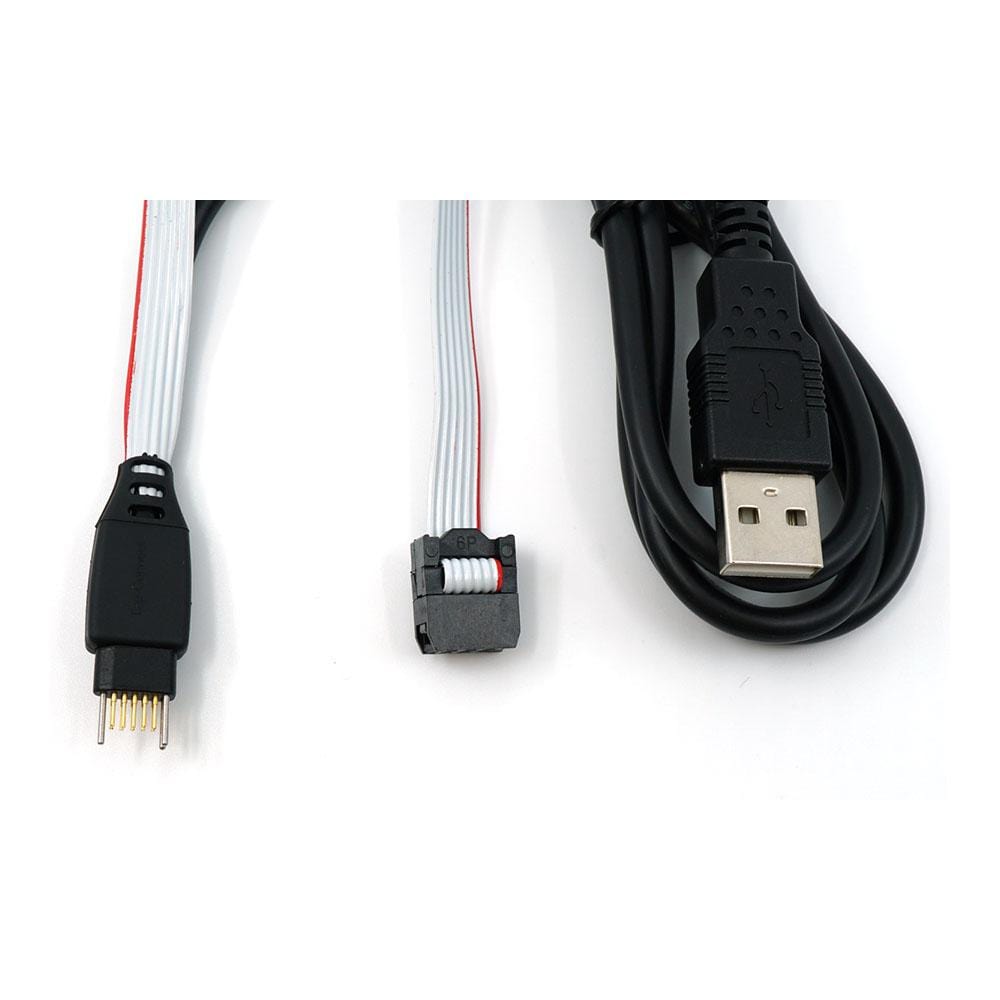
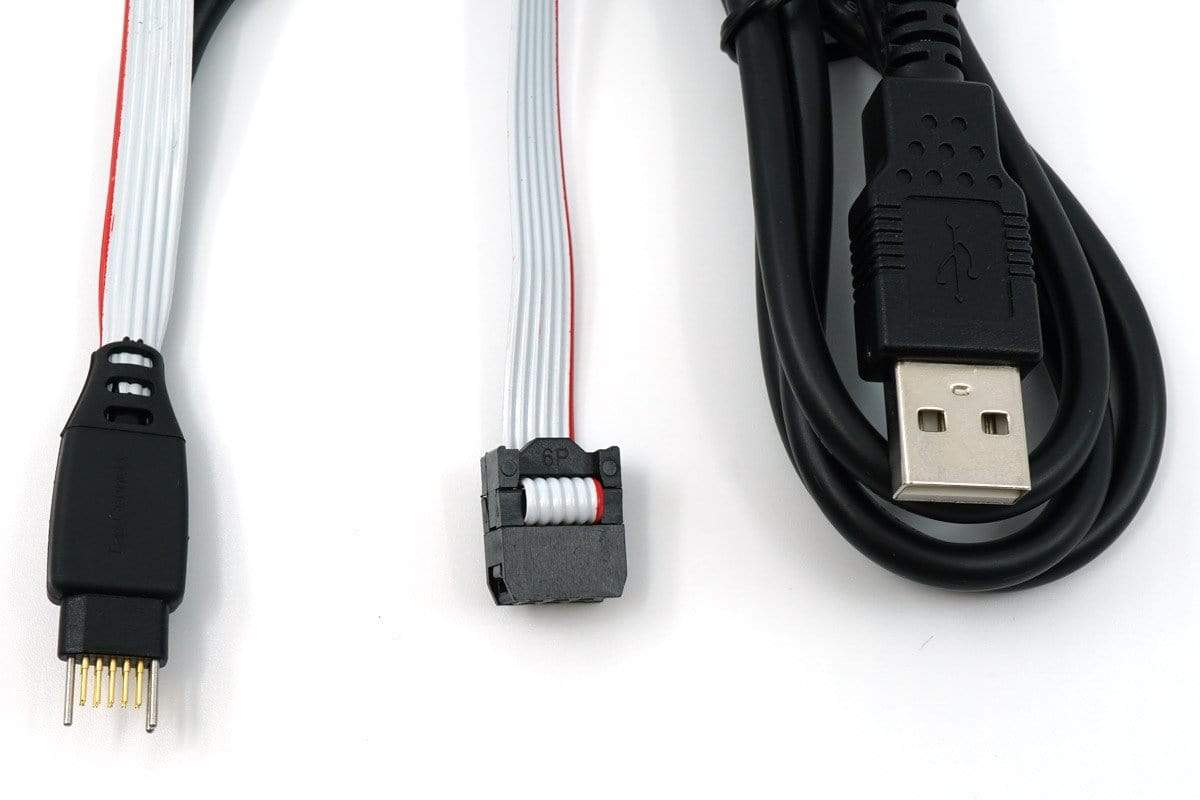
The Tag-Connect TC2050-PGUSB carries a 6-pin programming connection and a USB port through one 10-pin TC2050 footprint. Pads 1 to 6 go to a 6-pin 0.1 in IDC socket for your programmer and pads 7 to 10 to a USB 2.0 Type A plug, so the board needs no header and no USB socket.
Choose Legged or No Legs in the options above.
The Legged version clips into the footprint and stays in place without a fixture. The No Legs version (TC2050-PGUSB-NL) needs a smaller footprint and is held by hand, with a TC2050-CLIP or in a fixture.
One 10-Pin Footprint for a 6-Pin Programming Header and a USB Port
The TC2050-PGUSB splits the 10-pin TC2050 footprint two ways: pads 1 to 6 go straight through to a 6-pin (2x3) 0.1 in female IDC connector for your programmer, and pads 7 to 10 go to a USB 2.0 cable with a Type A plug. One connection both programs the board and links its USB port to a PC, with no programming header or USB socket fitted to the board.
Options
| Option | Choice | Detail |
|---|---|---|
| Head | Legged | Four legs latch into holes in the PCB, so the cable holds itself in place (TC2050-PGUSB) |
| Head | No Legs | No leg holes, so a smaller footprint; hold by hand, with a TC2050-CLIP or in a fixture (TC2050-PGUSB-NL) |
Pinout
| TC2050 Pad | Goes To |
|---|---|
| 1 to 6 | 6-pin IDC pins 1 to 6, straight through |
| 7 | USB GND |
| 8 | USB D- |
| 9 | USB D+ |
| 10 | USB VBUS |
Tag-Connect does not publish an overall length for the PGUSB versions.
PCB footprint: the standard TC2050 footprint, ten contact pads at 0.05 in pitch with three alignment holes; the Legged footprint adds four leg latch holes. No solder paste on the contact pads. Route your programming signals to pads 1 to 6 in the order your programmer's 6-pin header expects, and the USB lines to pads 7 to 10. Our Tag-Connect cable guide links the TC2050 footprint drawings.
Spring-Pin Contacts
In Tag-Connect's cycle testing, its spring pins last for well over 100,000 operations. On the Legged version the legs hold the plug on the board, so no fixture or hand pressure is needed.
Who It's For
Engineers designing boards with a USB device port who program through a tool with a 6-pin 2x3 0.1 in male header, and who want to program and test USB through one footprint in development or on the production line.
| Device Family | Debugger or Programmer | Connection |
|---|---|---|
| MCUs with a USB device interface | Programmer or debugger with a 6-pin 2x3 0.1 in male header | The 6-pin IDC socket plugs onto the tool's header; the USB Type A plug goes to a PC or USB hub |
Tag-Connect does not name specific programmers for this cable. Check that your tool's 6-pin pin order matches the pads you route to 1 to 6.
When to Choose a Different Cable
If you only need a programming connection on a 10-pin footprint, use the TC2050-IDC. For a 6-pin footprint with a USB lead, see the TC2030-USB. All our 10-pin cables are in 10-Pin Tag-Connect Cables.
Compare the Versions
| Part Number | Head | Best For |
|---|---|---|
| TC2050-PGUSB | Legged | Development and debugging: clips in and stays connected hands-free |
| TC2050-PGUSB-NL | No Legs | Production programming and test, or debugging with a TC2050-CLIP; smaller footprint |
Both versions use the same ten-pad contact pattern and pinout; only the head differs.
Which cable fits your debugger? See our Tag-Connect cable guide.
| Technical | |
|---|---|
| PCB end | 10-pin TC2050 Plug-of-Nails, Legged or No Legs |
| Programmer end | 6-pin (2x3) 0.1 in female IDC socket, pads 1 to 6 straight through |
| USB end | USB 2.0 Type A plug: pad 7 GND, pad 8 D-, pad 9 D+, pad 10 VBUS |
| Footprint | Ten pads at 0.05 in (1.27 mm) pitch, three alignment holes; four leg latch holes on the Legged footprint |
| Spring-pin life | Well over 100,000 operations in Tag-Connect's cycle testing |
| Ordering information | |
| Part number (SKU) | TC2050-PGUSB |
| Manufacturer | Tag-Connect, LLC |
| EAN | 5055383642236 |
| Warranty | 6 months |
| Shipping weight | 0.1 kg |
- 1 ×Tag-Connect TC2050-PGUSB cable, in the version you select (Legged or No Legs), with a 6-pin 0.1 in IDC socket and a USB Type A plug
Cable only. No programmer, retaining clip or fixture is included.
Questions and Answers
-
Does the TC2050-PGUSB Carry USB Data or Only Power?
Both. Tag-Connect's pinout wires pads 8 and 9 to the USB D- and D+ data lines, pad 10 to VBUS (which Tag-Connect labels VUSB) and pad 7 to GND on the Type A plug, so a board with a USB device port can connect to a PC through it. Tag-Connect gives no data-rate or current rating for the lead.
-
What Is the Difference Between the TC2050-PGUSB and the TC2050-PGUSB-NL?
Only the head. The TC2050-PGUSB has legs that latch into holes in the board and hold it in place. The TC2050-PGUSB-NL has no legs, so its footprint is smaller, and it is held by hand, with a TC2050-CLIP or in a fixture. The pinout is the same.
-
Which Programmers Does the TC2050-PGUSB 6-Pin Connector Fit?
Tag-Connect does not name programmers for this cable. The connector is a 6-pin (2x3) 0.1 in female IDC socket, with pads 1 to 6 wired straight through to the same-numbered pins, so it plugs onto a tool with a matching 6-pin male header. Route your board's signals to pads 1 to 6 in the order that header uses.
-
Is a Retaining Clip Included with the TC2050-PGUSB-NL?
No. The cable is supplied on its own. The TC2050-CLIP is sold separately, singly or as a pack of three.
-
Does the TC2050-PGUSB Use the Same Footprint as the TC2050-IDC?
Yes. Both use the standard 10-pin TC2050 footprint: ten contact pads at 0.05 in pitch and three alignment holes, plus four leg latch holes for the Legged version. The cables differ in where the pads go: the TC2050-IDC takes all ten pads to a 10-pin (2x5) 0.1 in IDC connector, while the TC2050-PGUSB takes pads 1 to 6 to the 6-pin socket and pads 7 to 10 to the USB plug.

No questions match your search.
