


Tag-Connect, LLC
Tag-Connect TC2050-ARM2010 ARM 20-pin to TC2050 Adapter
Tag-Connect TC2050-ARM2010 ARM 20-pin to TC2050 Adapter
SKU: TC2050-ARM2010
Couldn't load pickup availability
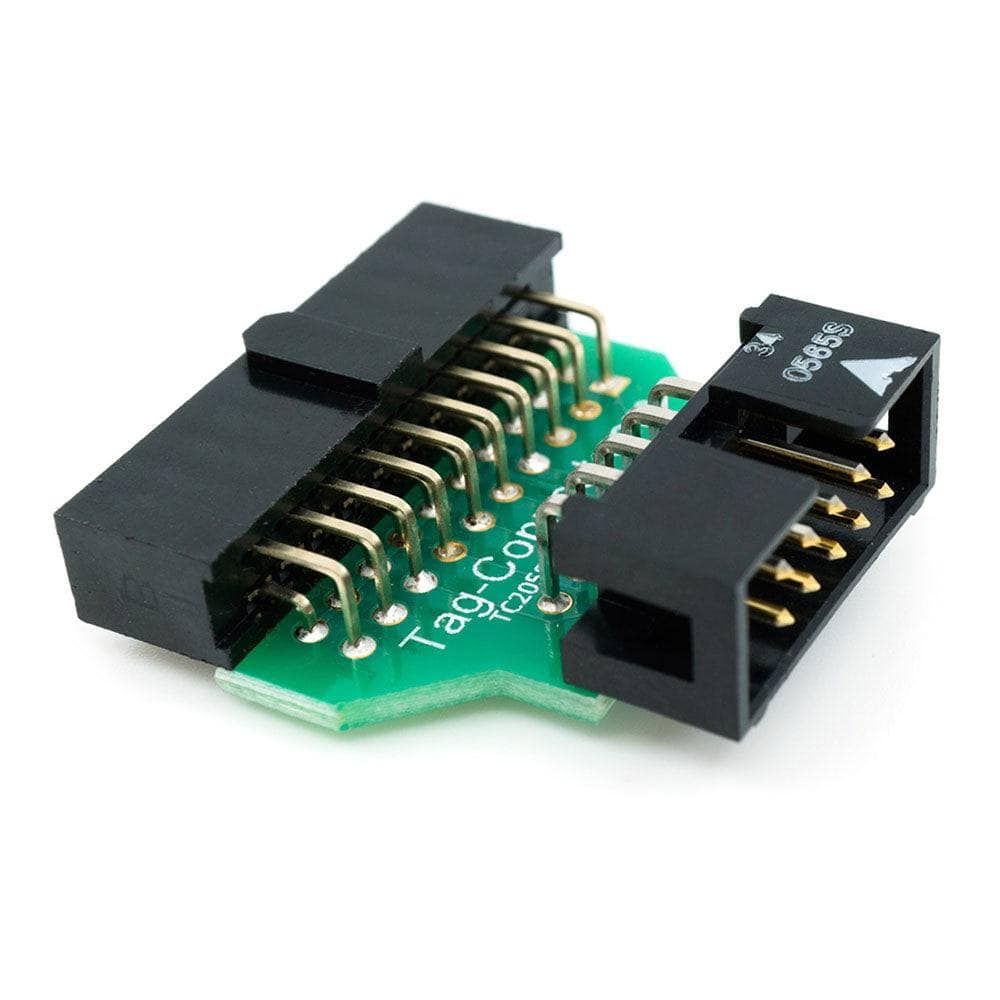
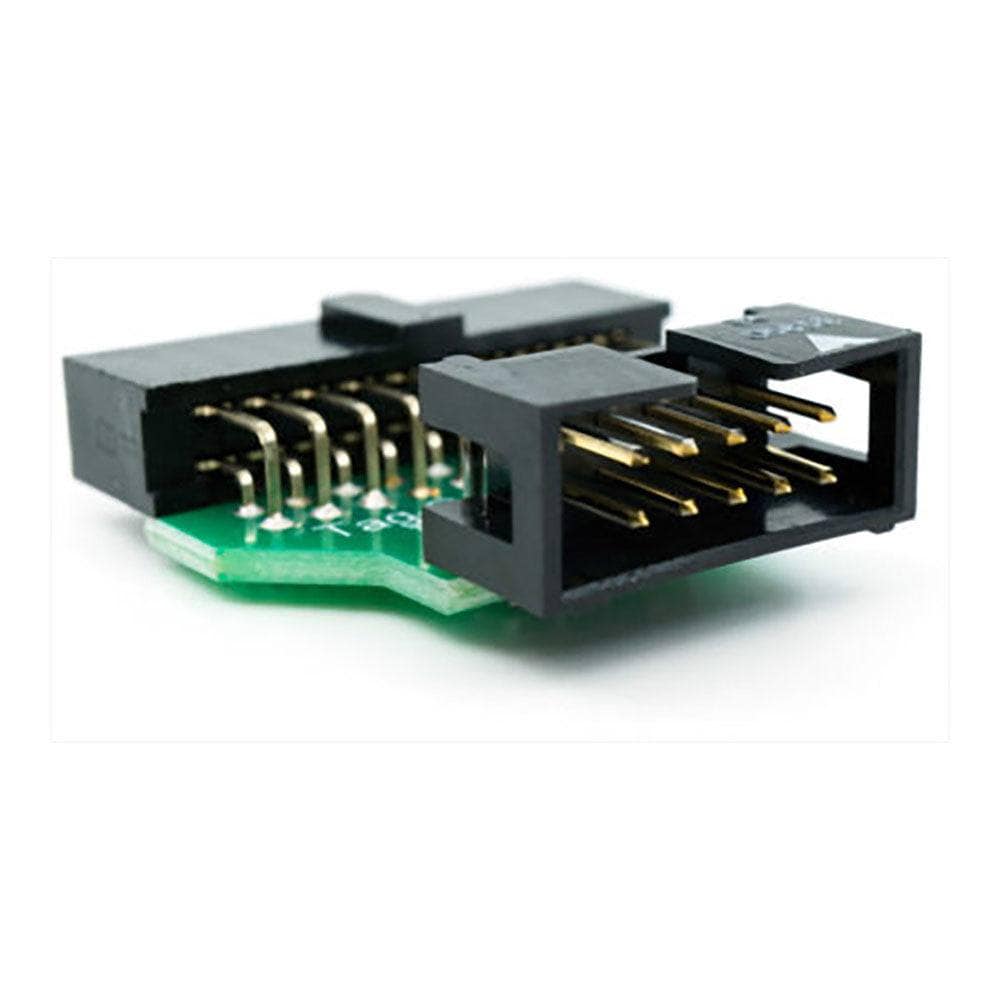
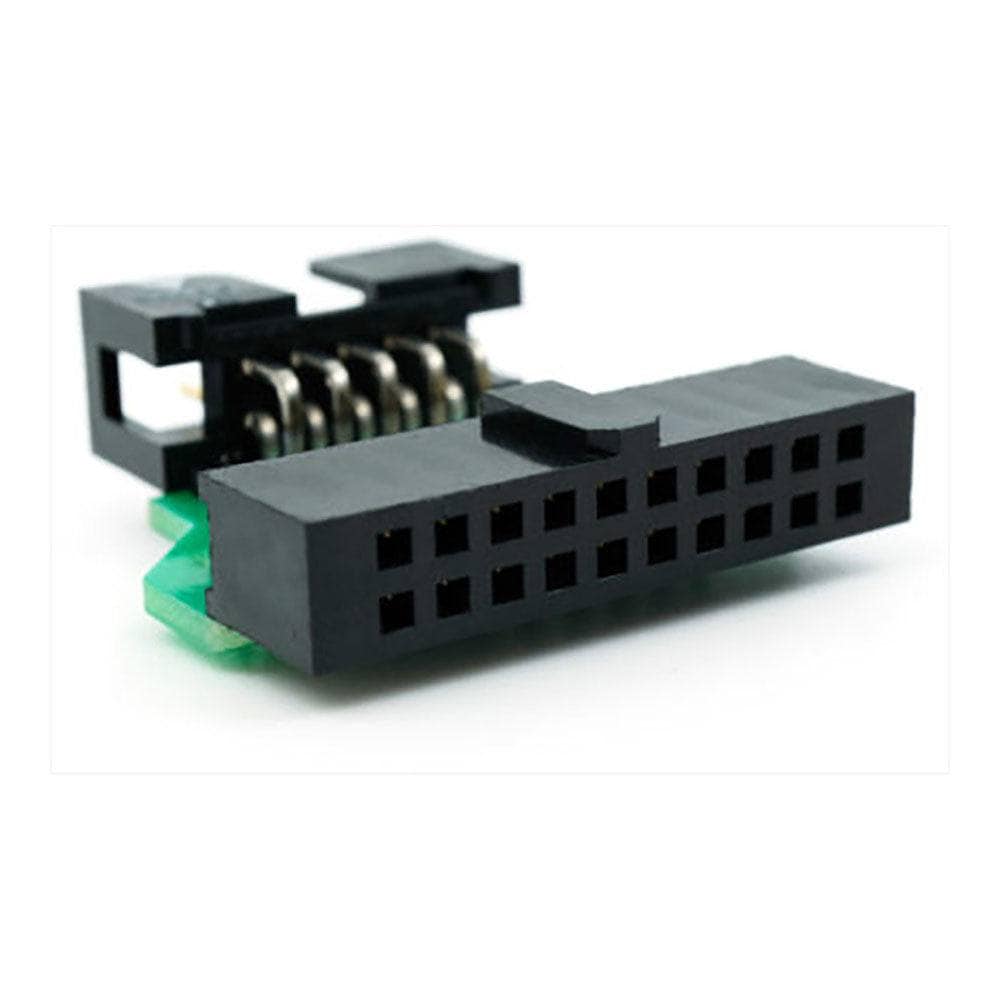
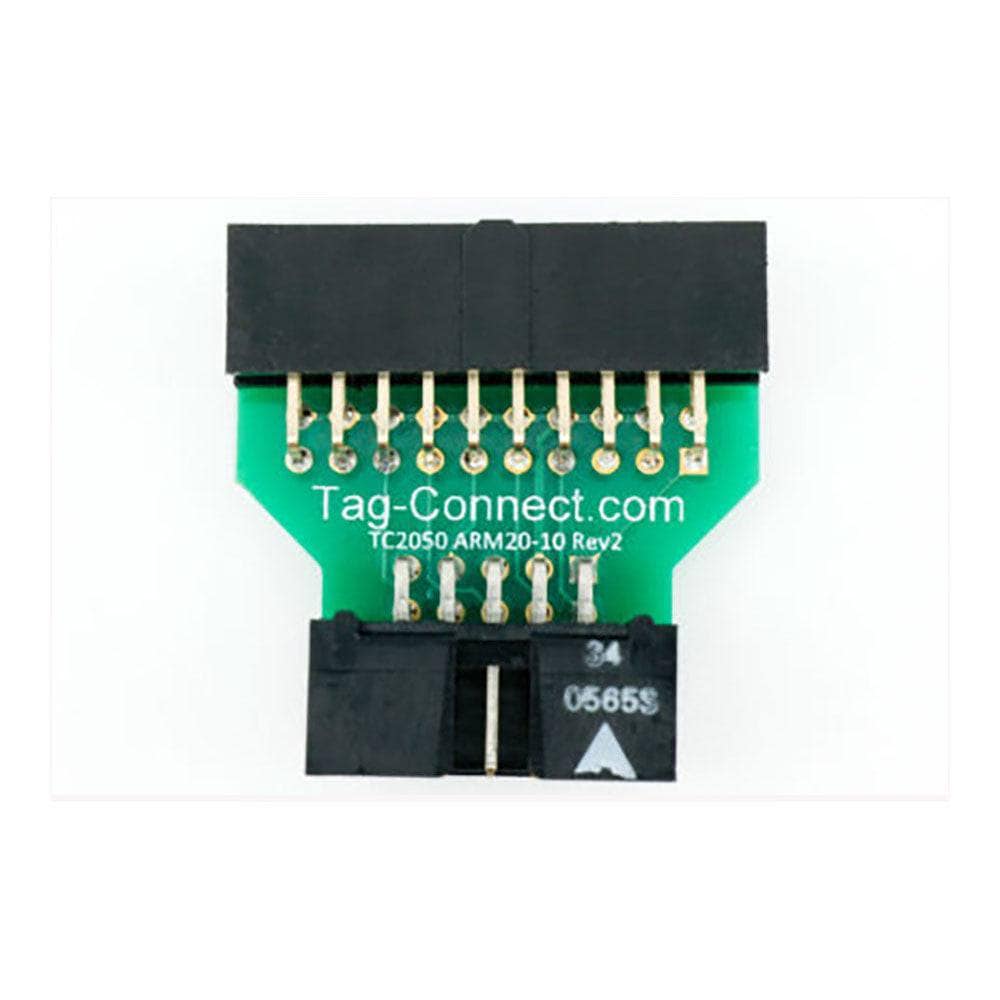
Key Features
Overview
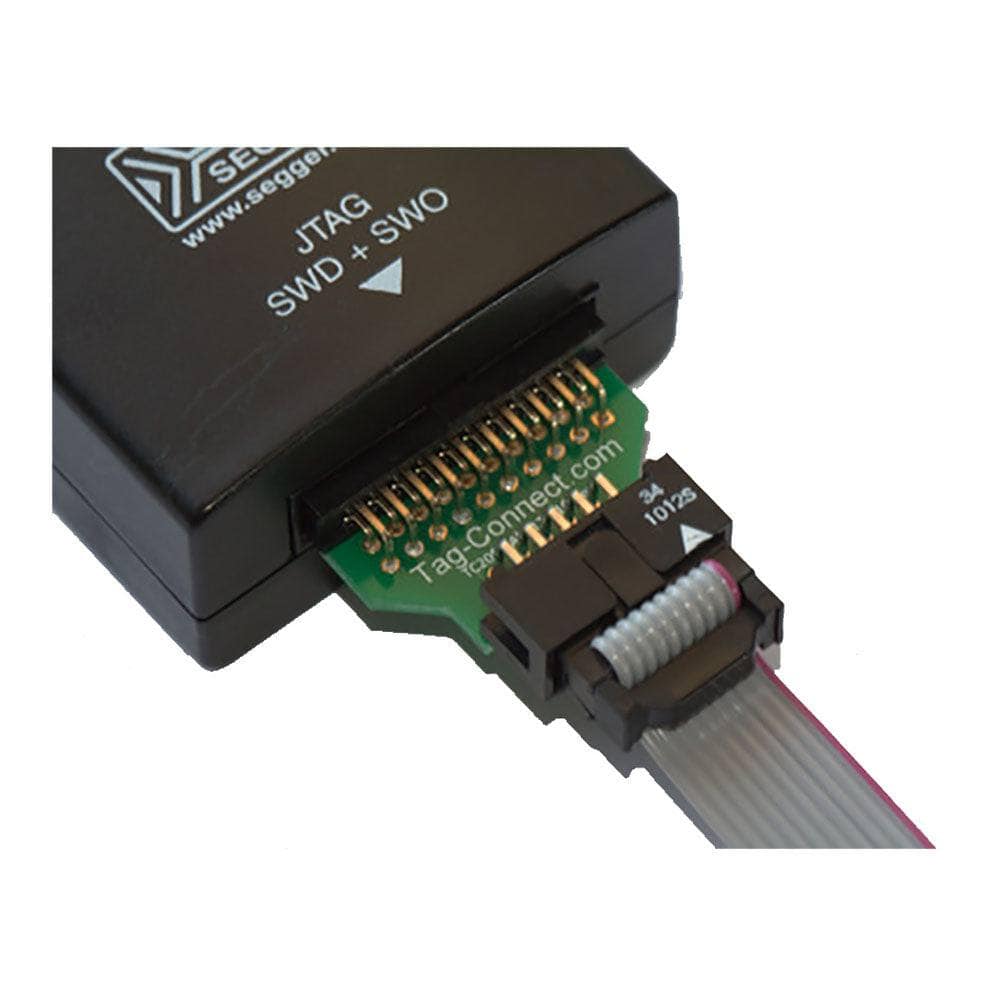
The Tag-Connect TC2050-ARM2010 is an adapter that lets you use Tag-Connect TC2050 10-pin Plug-of-Nails™ cables with debuggers that present the standard 20-pin (0.1″) ARM JTAG header. It supports both JTAG and SWD workflows and maps the ARM20 signals to the TC2050 footprint, including SWDIO/TMS, SWCLK/TCK, SWO/TDO, nRESET and optional nTRST.
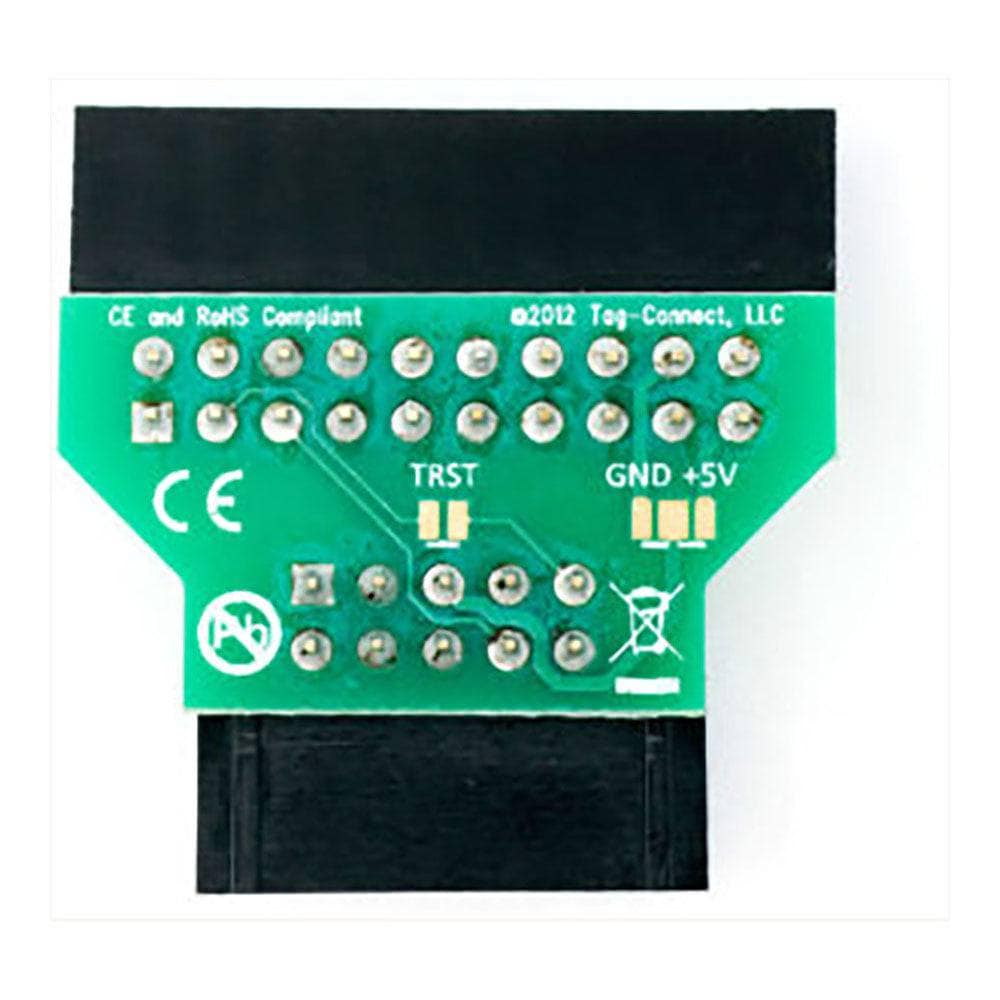
Two solder-bridge options provide flexibility: pin 5 of the TC2050 footprint can be configured as GND (for signal integrity) or as debugger power feed (some tools source 3.3 V or 5 V); and pin 9 can optionally carry nTRST when required. The board is intended for use with Tag-Connect TC2050-IDC and TC2050-IDC-NL cables to eliminate a mating connector on the target PCB.
If you prefer a smaller 6-pin SWD footprint, consider the related ARM20-CTX 20-pin to TC2030-IDC adapter with TC2030-IDC-NL cables. For ULINK-style 0.05″ headers, see TC2050-IDC-050 or, where all pins are needed, TC2050-IDC-050-ALL.
Engineers choose TC2050-ARM2010 to keep target boards compact while maintaining a standard connection back to popular tools such as J-Link, ST-LINK and PEmicro. The result is a familiar debugger interface on the tool side with a space-saving Tag-Connect footprint on the PCB.
Downloads
Datasheets
Why Engineers Choose the Tag-Connect TC2050-ARM2010 ARM 20-pin to TC2050 Adapter
Keep PCBs compact
Flexible power options
Drop-in with tools
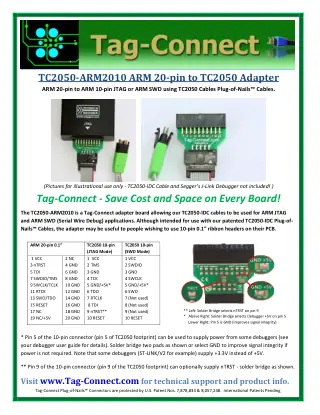
The TC2050-ARM2010 is a Tag-Connect adapter board allowing the TC2050-IDC cables to be used for ARM JTAG and ARM SWD (Serial Wire Debug) applications. Although intended for use with the patented TC2050-IDC Plug-of-Nails™ Cables, the adapter may be useful to people wishing to use 10-pin 0.1″ ribbon headers on their PCB.
20-pin to 10-pin IDC adapter to allow TC2050-IDC cables to be used for ARM JTAG and ARM SWD (Serial Wire Debug) applications.
Which cable fits your debugger? See our Tag-Connect cable guide.
| Ordering information | |
|---|---|
| Part number (SKU) | TC2050-ARM2010 |
| Manufacturer | Tag-Connect, LLC |
| EAN | 5055383698875 |
| Warranty | 6 months |
| Shipping weight | 0.1 kg |
- 1 ×TC2050-ARM2010 ARM 20-pin to TC2050 adapter
The debugger and cable are not included.
Questions and Answers
-
How Much Power Can Be Fed Via Pin 5?
Your debugger's power capability sets the limit, because pin 5 can supply power from some debuggers only. Some tools, ST-LINK/V2 for example, source +3.3 V instead of +5 V, so check your probe's manual before closing the solder bridge.
-
Do I Need nTRST?
Often not for SWD, where pin 9 is not used. In JTAG mode pin 9 is nTRST, marked optional on the datasheet, and a solder bridge on the left of the adapter enables it when your target needs it. Skipping nTRST on Cortex-M parts is our advice rather than a Tag-Connect statement.
-
How Does This Compare to Needle or Patch Adapters?
In our view the difference is the interface. Needle and patch boards route ARM20 to a Cortex-10 or to needle pads. The TC2050-ARM2010 keeps a Tag-Connect TC2050 interface and adds selectable power and nTRST bridges, which is useful if you already design TC2050 footprints.
-
Can I Use It with a 10-pin 0.05″ Cortex Header on the Tool?
Yes, with a suitable cable. The TC2050-IDC-050 series is for 10-pin 0.05 in headers (Samtec FTSH-105-01 style micro-header, for ULINK2 and similar debuggers), and comes as -050, -050-ALL (all 10 pins) and -NL-050.
Tag-Connect notes the fine 0.025 in ribbon on the -050 cables can break with repeated flexing, so prefer TC2050-IDC or TC2030-IDC where possible. The alternative is to fit the debugger vendor's 20-to-10 adapter before the TC2050-ARM2010. -
Where Can I Find the Signal Map?
The adapter’s datasheet includes full pin tables for ARM20 ↔ TC2050 in both JTAG and SWD modes.
-
What Does the TC2050-ARM2010 Do?
It adapts the standard 20-pin ARM JTAG header from a debugger to a Tag-Connect TC2050 10-pin footprint on the target, supporting both JTAG and SWD.
-
Is It Compatible with J-Link, ST-LINK or PEmicro?
Yes. Tag-Connect lists these tools; any tool with a male 20-pin 0.1 in ARM JTAG header should suit.
Tool Adapter Segger J-LINK TC2050-ARM2010 ST-LINK/V2 and STLINK-V3SET TC2050-ARM2010 PEmicro Multilink ACP, Universal, FX; Cyclone ARM, LC, FX TC2050-ARM2010 Tools with a female 20-pin IDC connector, such as Lauterbach TC2050-ARM2010-M variant -
Does It Work for SWD as Well as JTAG?
Yes. The adapter carries both modes to the TC2050 10-pin footprint.
TC2050 pin JTAG mode SWD mode 1 VCC VCC 2 TMS SWDIO 3 GND GND 4 TCK SWCLK 5 GND or +5 V (solder bridge) GND or +5 V (solder bridge) 6 TDO SWO 7 RTCK Not used 8 TDI Not used 9 nTRST (optional, solder bridge) Not used 10 RESET RESET -
What Is the Purpose of the Solder-bridges?
One bridge selects TC2050 pin 5 as GND or as debugger-supplied power. Another enables nTRST on pin 9 for targets that need TAP reset.

No questions match your search.