


Tag-Connect, LLC
Tag-Connect TC2030-PKT 6-Pin Programming Cable for PICkit
Tag-Connect TC2030-PKT 6-Pin Programming Cable for PICkit
SKU: TC2030-PKT
Couldn't load pickup availability
Key Features
Overview
Downloads
Why Engineers Choose the Tag-Connect TC2030-PKT 6-Pin Programming Cable for PICkit
Space-Critical Designs
Development Efficiency
Cost Reduction
Professional Microcontroller Programming Solution
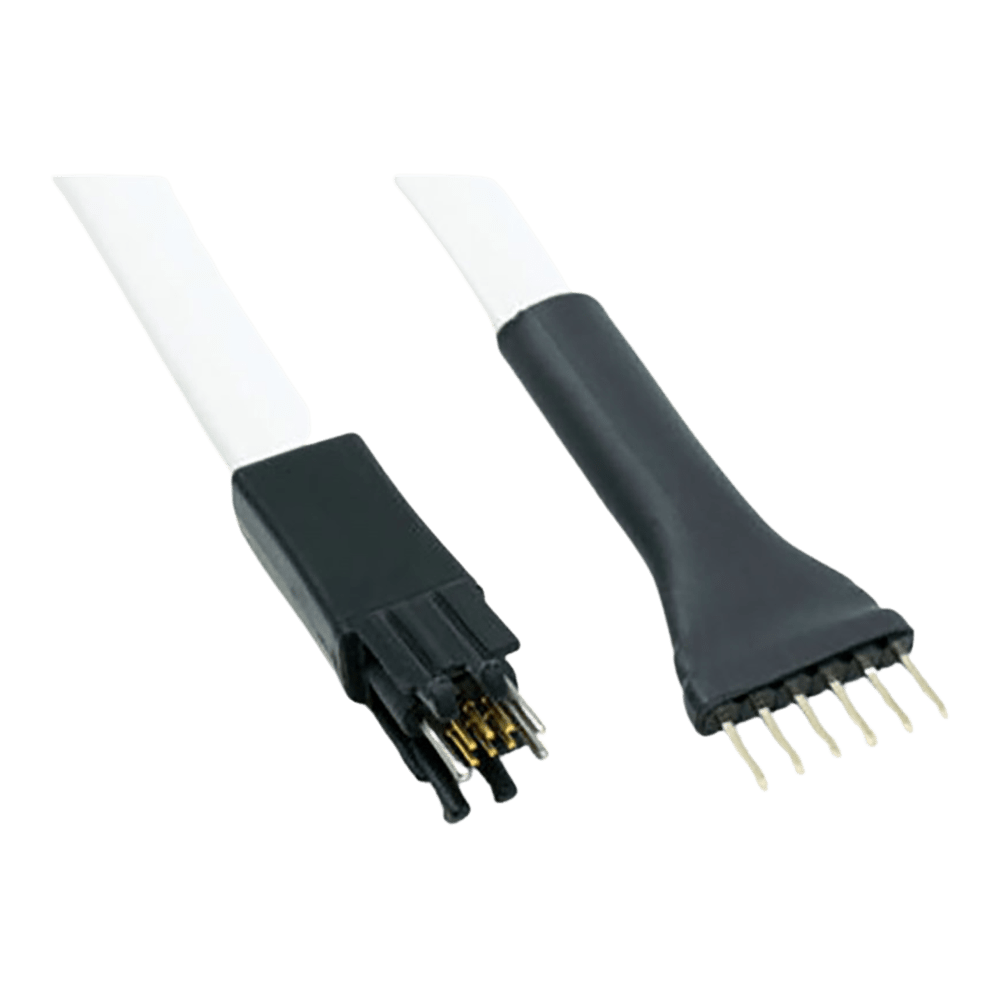
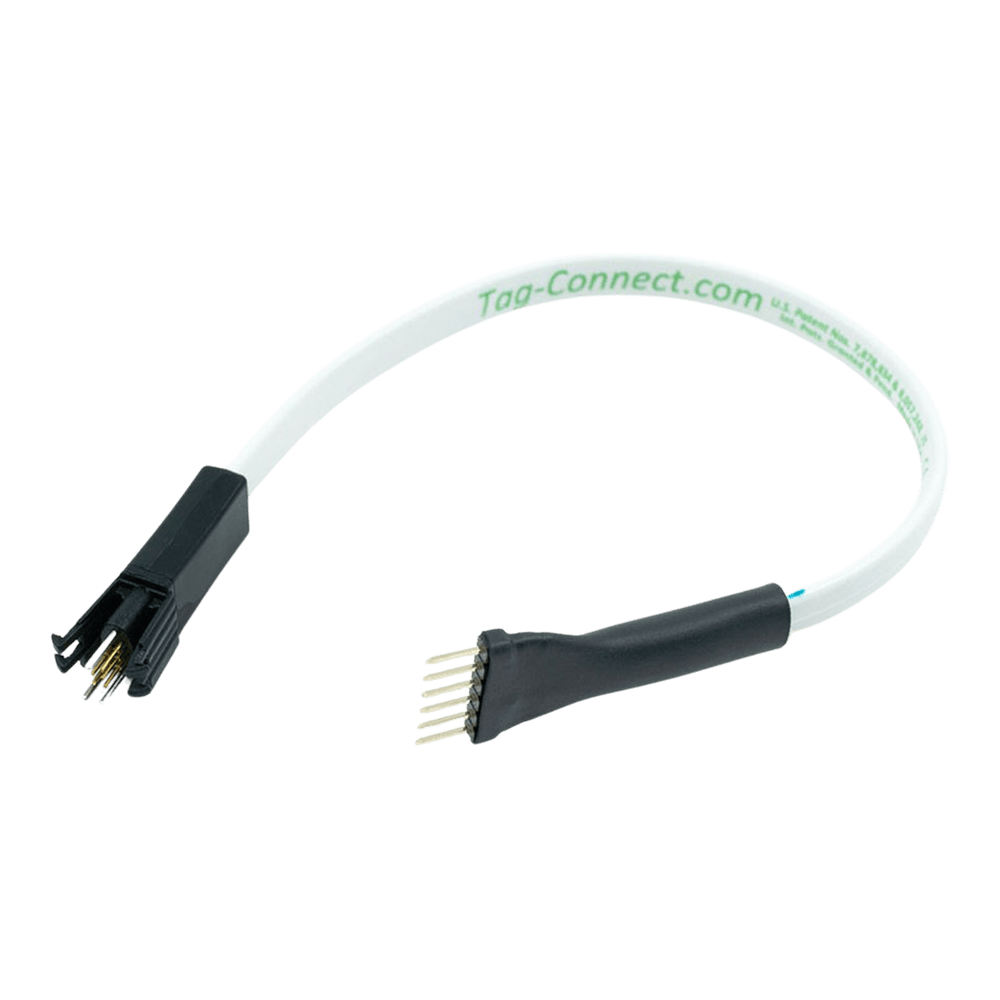
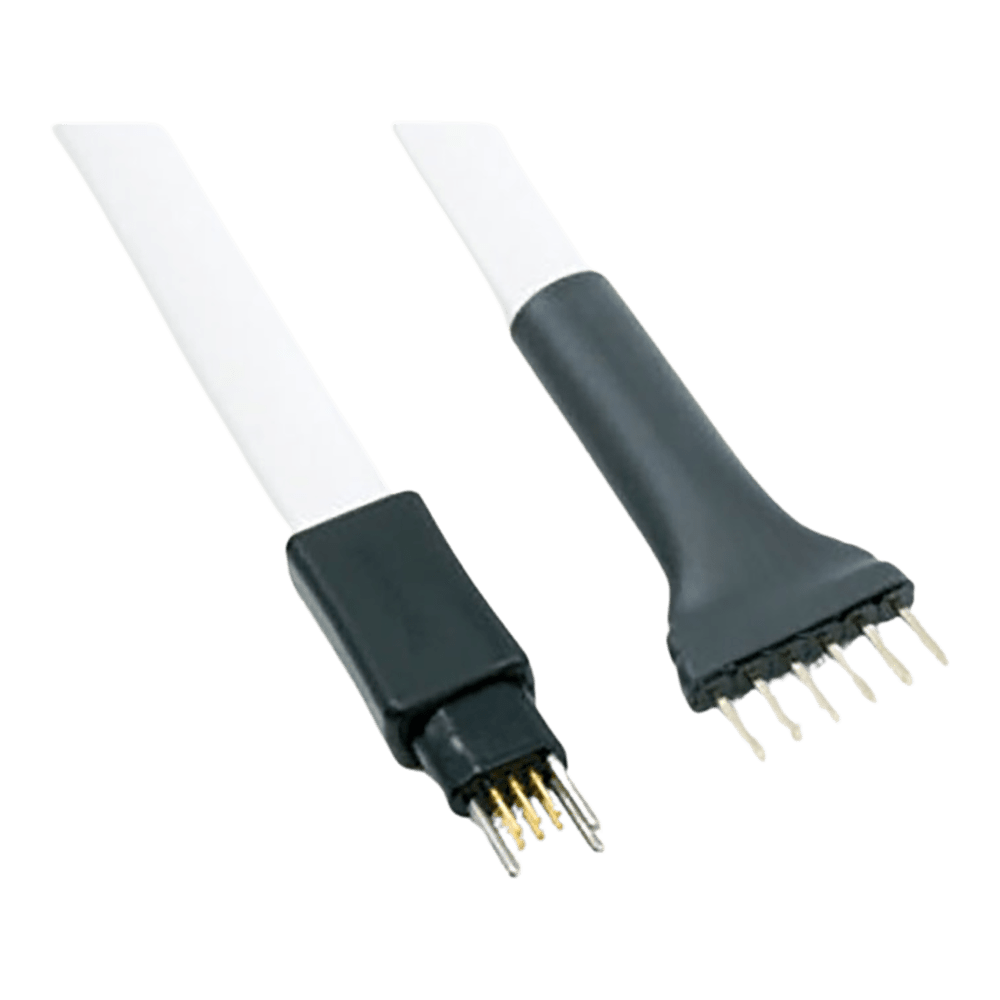
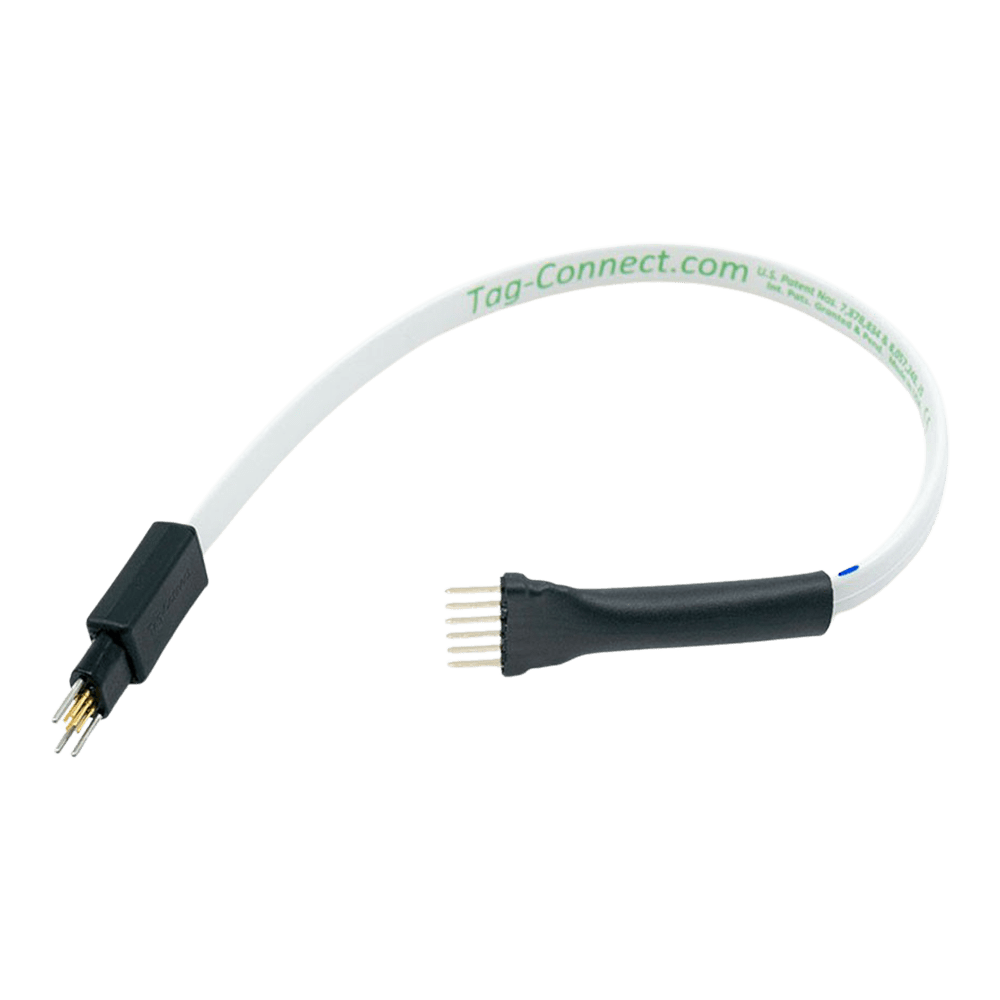
The Tag Connect TC2030-PKT is a professional-grade 6-pin pogo pin programming cable specifically designed for use with Microchip PICkit 3, 4, and 5 programmers. This innovative cable eliminates the need for permanent programming connectors on your PCB whilst providing reliable ICSP (In-Circuit Serial Programming) connectivity.Ultra-Compact PCB Footprint
Secure Connection with Plastic Legs
Four precision-moulded plastic legs clip securely into dedicated PCB holes, maintaining firm mechanical connection during extended debugging sessions. The spring-loaded pogo pins ensure reliable electrical contact rated for over 100,000 connection cycles.Wiring Quick-Start
| TC2030 Pin | PICkit Pin | Signal | Function |
|---|---|---|---|
| 1 | 2 | VDD | Target Power (3.3V/5V) |
| 2 | 4 | PGD | Programming Data (ICSPDAT) |
| 3 | 1 | MCLR | Master Clear/VPP |
| 4 | 5 | PGC | Programming Clock (ICSPCLK) |
| 5 | 3 | GND | Ground Reference |
| 6 | 6 | NC | No Connection/AUX |
PCB Design Guidelines
// Example PIC configuration for ICSP #pragma config MCLRE = ON // MCLR pin enabled #pragma config WDTE = OFF // Watchdog timer disabled #pragma config PWRTE = ON // Power-up timer enabled #pragma config FOSC = INTRC_NOCLKOUT // Internal RC oscillator Production vs Development Use
The legged TC2030-PKT version excels in development environments where sustained connections are required for debugging, single-stepping, and real-time variable monitoring. For high-volume production programming, consider the TC2030-PKT-NL (no legs) variant for faster operation.Which cable fits your debugger? See our Tag-Connect cable guide.
| General Information | |
|---|---|
Part Number (SKU) |
TC2030-PKT
|
Manufacturer |
|
| Physical and Mechanical | |
Weight |
0.1 kg
|
| Other | |
EAN |
5055383665280
|
Questions and Answers
-
Does the TC2030-PKT Require External Power During Programming?
Tag-Connect does not specify target power for this cable. The PICkit can supply limited target power on its VDD pin (see Microchip's PICkit user guide for the current limit); otherwise power the target externally.
External power can also be used during debugging if your application needs it.
-
What Microcontroller Families Are Supported?
The TC2030-PKT is for Microchip PIC, dsPIC and PIC32 devices programmed over the standard 6-pin ICSP connection, which spans 8-bit, 16-bit and 32-bit families.
-
Can I Use the TC2030-PKT for Debugging as Well as Programming?
Yes. Tag-Connect describes the TC2030-PKT as a programming and debugging cable for the PICkit.
Features such as breakpoints, single-stepping and variable monitoring come from the PICkit debugger and your software, not from the cable.
-
How Do I Ensure Proper Pin 1 Orientation When Connecting?
The footprint's alignment holes are asymmetric (one to the left of the pads, two to the right), so the plug only fits one way round.
Pin 1 marking on the silkscreen depends on your layout, so we recommend adding it.
-
Are There Alternatives for Other Programmer Brands Besides PICkit?
Yes. Tag-Connect makes cables for many programmers; its debugger cable-selection pages list the cable for each one.
Programmer type Cable Microchip PICkit TC2030-PKT ARM Cortex debuggers TC2030-CTX series Generic use with a ribbon connector TC2030-IDC -
How Many Programming Cycles Can the TC2030-PKT Handle?
Tag-Connect's cycle testing shows the spring pins last well over 100,000 operations; the ribbon cable usually wears out first. That suits both development and high-volume production programming.
-
What's the Difference Between TC2030-PKT and TC2030-PKT-NL Versions?
The TC2030-PKT has four plastic legs that clip into PCB holes; the TC2030-PKT-NL has no legs and a smaller footprint, and is held by hand, which suits production.
TC2030-PKT TC2030-PKT-NL Retention Four legs clip into holes Held by hand Footprint Standard Even smaller Suited to Debugging Production programming -
What PCB Design Considerations Are Required for the TC2030 Footprint?
The footprint needs six contact pads, three alignment holes and, for the legged cable, four leg holes.
- no solder paste on the contact pads
- 0.020 in clearance around the pads
- the paste mask layer set up correctly in your CAD software
-
Can the TC2030 Footprint Be Placed on the Bottom of the PCB?
Yes. The TC2030 footprint can go on either side of the PCB. Bottom placement helps in space-constrained designs with dense top-side components.


No questions match your search.