
Tag-Connect, LLC
Tag Connect TC2050-IDC-M-Kabel
Tag Connect TC2050-IDC-M-Kabel
SKU: TC2050-IDC
Verfügbarkeit für Abholungen konnte nicht geladen werden
Key Features
Overview
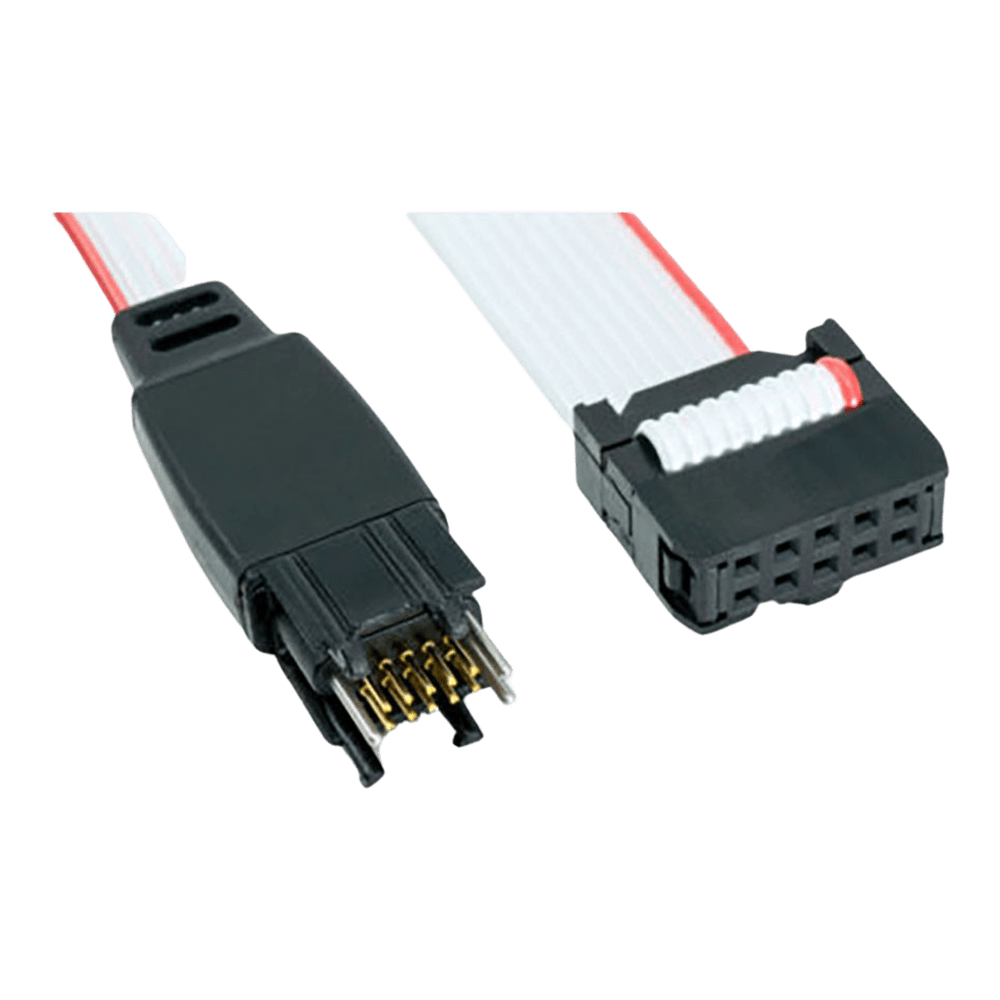
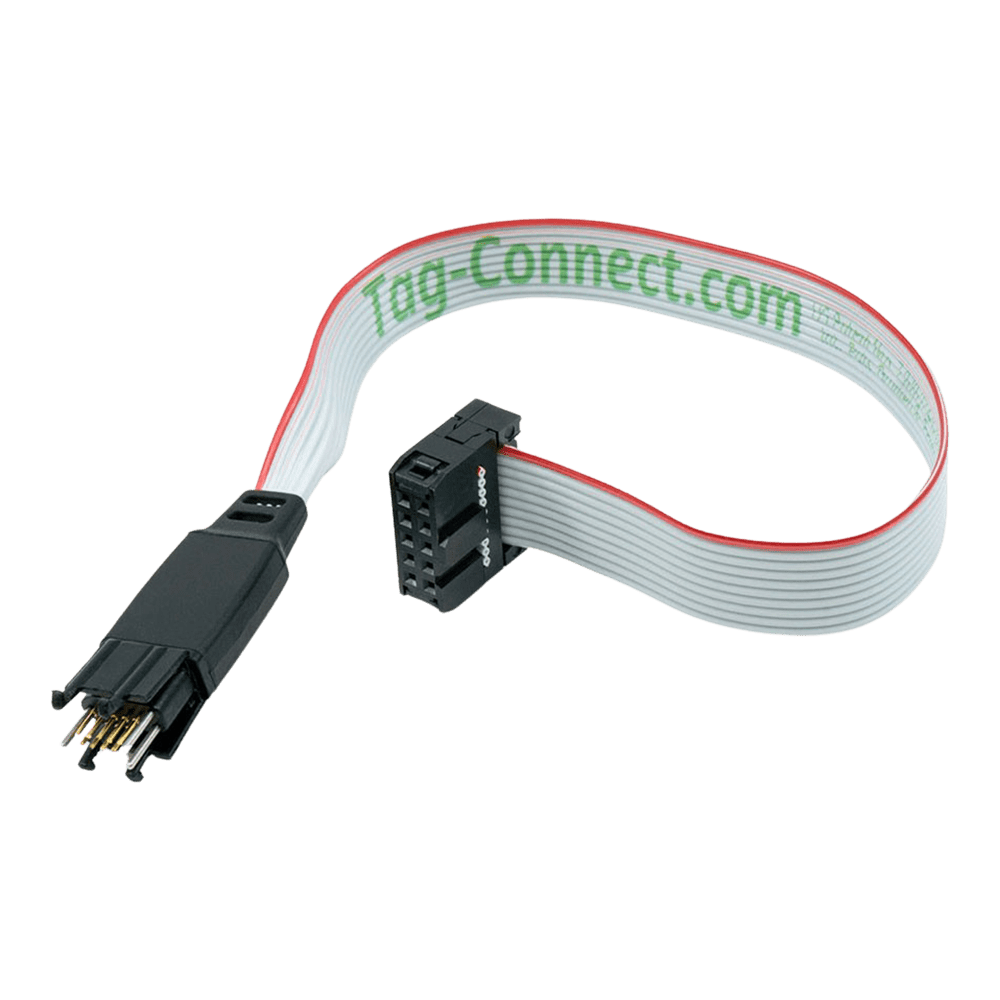
The Tag-Connect TC2050-IDC is a 10-conductor, legged Plug-of-Nails™ programming/debug cable designed to land directly on a small PCB footprint, eliminating the need for a fitted header. A spring-pin tag-connector mates with pads and locating holes on the target board, while the opposite end terminates in a standard 0.1″ IDC ribbon for straightforward connection to adapters and debuggers.
This format is widely used for JTAG and ARM SWD tasks across MCUs, FPGAs and CPLDs. The legged design positively latches into the footprint for a secure, hands-free connection during extended debug sessions. For setups that favour a hand-held approach or maximum footprint minimisation, consider the TC2050-IDC-NL (no-legs). If you need a direct 0.05″ micro-header connection (e.g., ULINK2/FTSH-105), see TC2050-IDC-050. To connect from a 20-pin ARM header, pair this cable with the TC2050-ARM2010 adapter.
Engineers choose TC2050 because it saves board space, removes an extra BOM line, and standardises a reliable connection method across development and production. If your design uses thicker PCBs, a LONGLEGS variant is available. Follow the datasheet footprint guidelines to ensure reliable, repeatable contact.
Downloads
Why Engineers Choose The Tag Connect TC2050-IDC-M-Kabel
Space & BOM Savings
Stable Hands-Free Debug
Toolchain Flexibility
Das Tag Connect TC2050-IDC , 10-poliges Kabel mit IDC-Flachbandkabelanschluss.
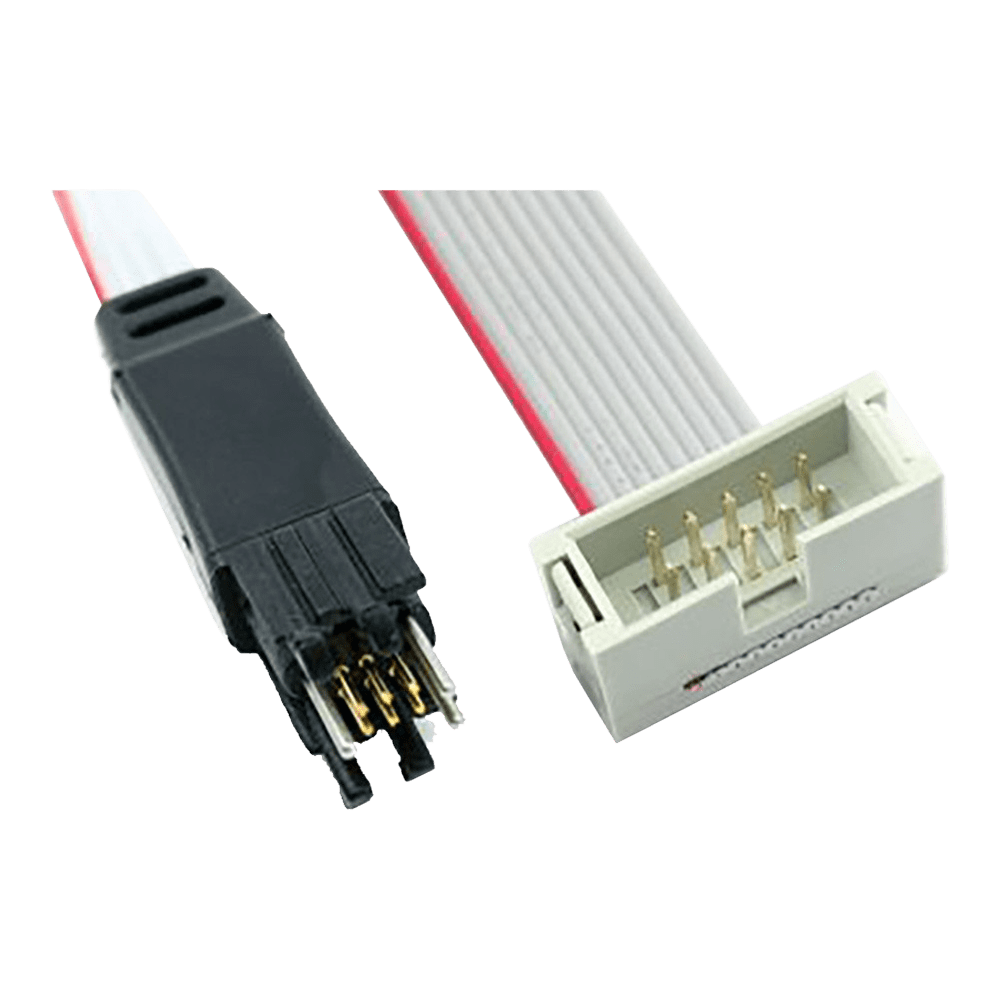
Das TC2050-IDC-Kabel wird mit einem IDC-Stecker oder einer IDC-Buchse geliefert.
| General Information | |
|---|---|
Part Number (SKU) |
TC2050-IDC
|
Manufacturer |
|
| Physical and Mechanical | |
Weight |
0.1 kg
|
| Other | |
EAN |
5055383606764
|
Questions and Answers
-
Does It Support Both JTAG and SWD?
Yes. The cable is commonly used for JTAG (IEEE-1149.1) and ARM SWD workflows when wired via the matching adapter.
-
How Many Mating Cycles Can I Expect?
The spring-pins are rated for over 100,000 operations when used within the datasheet guidelines.
-
Any Footprint Do’s and Don’ts?
Follow the Tag-Connect datasheet. The main footprint rules are below.
Feature Requirement Contact pads 10 pads, 0.031″ (0.787 mm) diameter, 0.050″ (1.27 mm) pitch Alignment holes 3 non-plated holes, 0.039″ (0.991 mm) diameter Leg latch holes 4 non-plated holes, 0.0935″ (2.375 mm) diameter Keep-out Keep the area between the pad rows clear; no other track within 0.020″ of a pad Solder paste None on the pads Plating Leg and alignment holes may be plated and used as vias if the minimum finished hole size is kept -
Is There a Hands-free Option for No-legs Footprints?
Yes. Use a retaining clip or fixture with the TC2050-IDC-NL to hold the plug in place during debug.
-
What Does “legged” Mean on the TC2050-IDC?
It refers to the four plastic retention legs that latch into four leg holes in the PCB footprint (in addition to the three alignment holes), giving a stable, hands-free connection during longer debug sessions.
-
How Is This Different From a Standard 10-pin Cortex Header?
The cable lands on a small footprint, so the target PCB doesn't need a mating header. That saves space and removes a BOM part, while still supporting JTAG/SWD via adapters.
-
Is It Compatible with SEGGER J-Link, ST-Link, ULINK and Similar Tools?
Yes, through the right adapter or cable. For 20-pin 0.1″ ARM headers (SEGGER J-Link, ST-LINK/V2, and the ULINK2 20-pin header) use the TC2050-ARM2010 adapter with this cable. For 0.05″ micro-headers use the separate TC2050-IDC-050 family of cables instead of this one.
-
When Would I Choose the No-legs TC2050-IDC-NL Instead?
Choose the no-legs TC2050-IDC-NL for the smallest footprint, or when you prefer a hand-held or clip-retained connection in production programming.


No questions match your search.