
RS-232 (TIA-232)
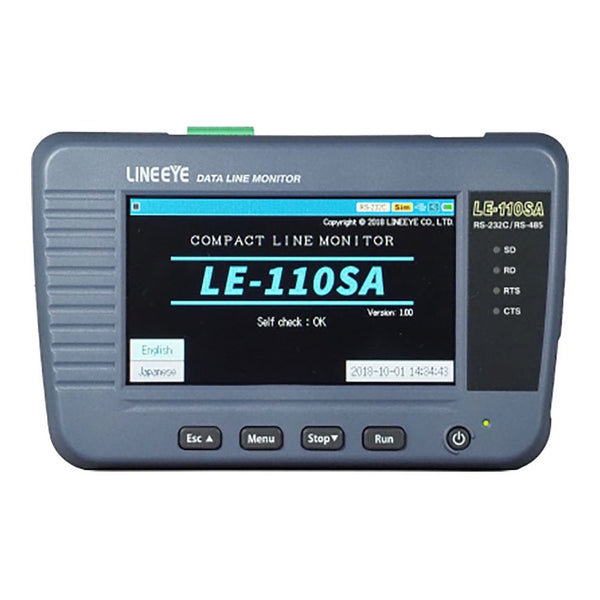
RS-232 (TIA-232) is the electrical standard for point-to-point serial links between equipment: single-ended signals of several volts either side of zero, a transmit line, a receive line, optional handshake lines and a common ground, on 9-pin or 25-pin D-sub connectors. It carries ordinary UART frames over a few metres of cable, and it is still everywhere on instruments, PLCs, POS terminals, medical equipment and console ports. To monitor a link, use a line monitor such as the Lineeye LE-110SA, which taps the cable and records both directions with timestamps.
How an RS-232 Link Is Wired
RS-232 defines two kinds of device. Data terminal equipment (DTE), such as a PC or instrument, transmits on pin 3 of a 9-pin connector. Data circuit-terminating equipment (DCE), such as a modem, transmits on pin 2. A straight-through cable joins a DTE to a DCE; joining two DTEs needs a null modem cable that crosses transmit and receive, and usually the handshake lines too. RTS and CTS give hardware flow control, and DTR, DSR, DCD and RI carry the modem status signals that many modern devices ignore.
| DB-9 Pin | Signal | Direction at the DTE |
|---|---|---|
| 1 | DCD, data carrier detect | In |
| 2 | RXD, receive data | In |
| 3 | TXD, transmit data | Out |
| 4 | DTR, data terminal ready | Out |
| 5 | GND, signal ground | |
| 6 | DSR, data set ready | In |
| 7 | RTS, request to send | Out |
| 8 | CTS, clear to send | In |
| 9 | RI, ring indicator | In |
How RS-232 Signals Work
The data on an RS-232 line is an ordinary UART frame: start bit, data bits least significant first, optional parity and stop bits. What RS-232 adds is the voltage. A receiver reads anything between −3 V and −15 V as a mark (logic 1, and the idle state) and anything between +3 V and +15 V as a space (logic 0). Drivers typically swing about ±5 V to ±12 V, so the signal survives noise and ground differences that would corrupt a 3.3 V logic signal.
A transceiver chip such as the MAX232 family converts between the UART pins of a microcontroller and RS-232 levels, generating the negative supply with a charge pump. Never connect an RS-232 line directly to a logic-level pin: the voltage can damage it, and the polarity is inverted anyway. See the UART page for the frame format.
Where RS-232 Is Used
- Test and measurement: remote control of instruments, power supplies and data loggers.
- Industrial equipment: PLC programming ports, CNC machines, weighing scales and barcode readers.
- Retail and medical: POS terminals, receipt printers, patient monitors and laboratory analysers.
- Networking and embedded: console ports on routers, switches and servers.
Common RS-232 Faults and How to Find Them
| Symptom | Likely Cause | What to Check |
|---|---|---|
| Nothing received | Two DTEs joined with a straight cable, so TXD meets TXD | Check which pins carry data with a monitor; use a null modem cable or adapter |
| Device ignores everything you send | Hardware flow control enabled, but CTS or DSR never asserted | Watch the control lines on a monitor; disable flow control or wire the handshake |
| Garbage characters | Baud rate or frame format mismatch | Measure one bit time; confirm data bits, parity and stop bits at both ends |
| Errors over longer cables | Cable too long or too capacitive for the bit rate | Lower the bit rate, shorten the cable, or move to RS-422 or RS-485 |
| Port works on one PC, not another | USB adapter with marginal output levels | Measure the idle level: it should be below −3 V, ideally −5 V or lower |
Tools for Analysing and Decoding RS-232
Watch tools tap the cable and record both directions, plus the control lines, with timestamps. Drive tools can also send data to stand in for one end of the link.
Handheld Line Monitors
| Product | Role | Capability | Price ex VAT |
|---|---|---|---|
| Lineeye LE-110SA Line Monitor | Watch Drive | Handheld with 4.3 inch touch screen for RS-232C, RS-422 and RS-485, asynchronous only; presets to 460.8 kbit/s, 921.6 kbit/s with firmware 1.05 or later; triggers, search and simulation | €782,95 |
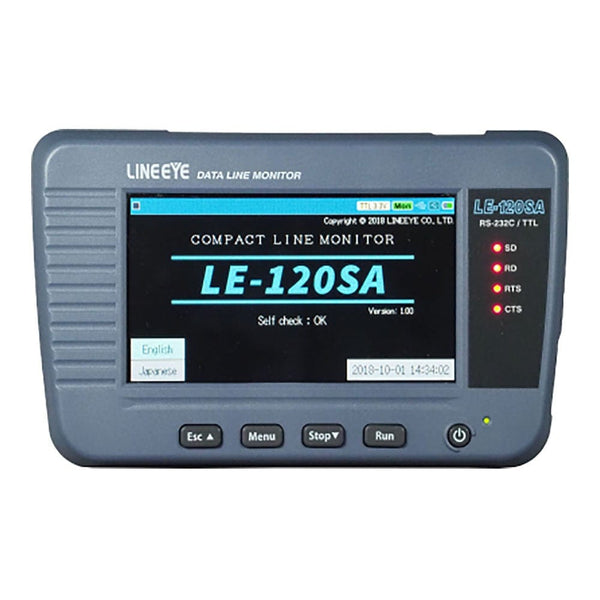
| Lineeye LE-120SA Line Monitor | Watch Drive | As the LE-110SA but for RS-232C and 1.8 to 5 V TTL UART, for boards as well as cables; simulation on the RS-232C port only | €782,95 |
PC-Connected and Multi-Protocol Analysers
| Product | Role | Capability | Price ex VAT |
|---|---|---|---|
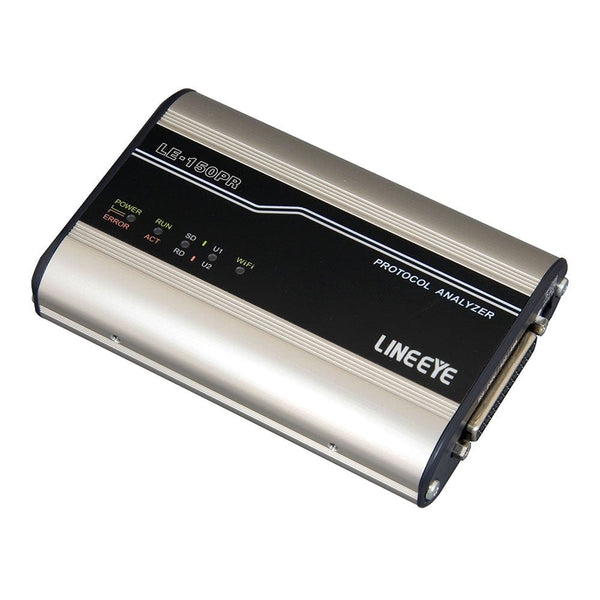
| Lineeye LE-150PF Protocol Analyser | Watch Drive | PC-connected over USB (Wi-Fi where enabled for the country of shipment), or logs to SD card on its own; RS-232C, RS-422 and RS-485, asynchronous; waveform view of the lines | €756,95 |
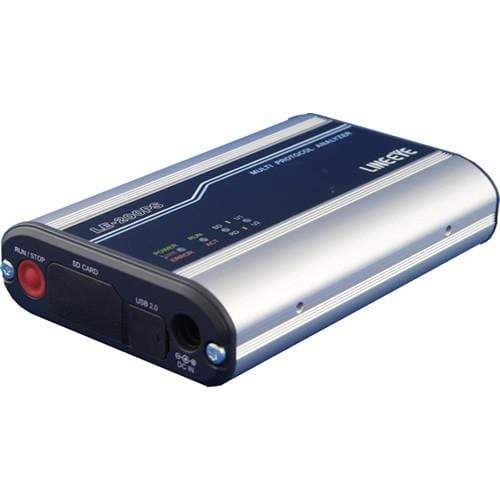
| Lineeye LE-200PF Protocol Analyser | Watch Drive | As the LE-150PF, adding synchronous protocols (SYNC, BSC, HDLC, SDLC) up to 1.544 Mbit/s | €1.276,95 |
| Lineeye LE-2500XR(V2) Multi-Protocol Analyser | Watch Drive | Stand-alone analyser for RS-232C, RS-422/485 and TTL (UART, I2C, SPI) to 1 Mbit/s (1.544 Mbit/s half duplex); 100 MB capture memory; simulation and bit error rate testing | €1.463,95 |
| Lineeye LE-3500XR(V2) Multi-Protocol Analyser | Watch Drive | Same interfaces and capture memory, faster (to 3.15 Mbit/s half duplex, 2.048 Mbit/s full duplex), with Modbus ASCII and RTU decoding; both models take optional boards for CAN FD, LIN, current loop and RS-530, V.35 and X.21 | €2.089,95 |
Cables and Converters
- Lineeye SI-RS259 RS-232C Cable (€111,95): 3 m straight-through cable, D-sub 25-pin male to D-sub 9-pin female, for joining an SI-series converter's RS-232C port to a PC serial port.
- Lineeye SI-60-E LAN to RS-232C Interface Converter (€337,95): puts an RS-232C device on a 10/100 Ethernet network over TCP/IP, as server or client, so two units can also carry one RS-232C link across a LAN.
Browse every tool in our protocol decoders collection, or tell us the bit rate and whether you need synchronous protocols and we will recommend one.
Frequently Asked Questions
What Is the Difference Between RS-232 and UART?
A UART produces the serial frame. RS-232 is one way of carrying that frame between equipment, with inverted signals of several volts either side of zero. A transceiver chip sits between the two.
What Is a Null Modem Cable?
A cable that crosses transmit and receive, and usually the handshake lines, so two DTE devices such as two PCs can talk directly. A straight-through cable is for joining a DTE to a DCE.
How Long Can an RS-232 Cable Be?
The standard limits cable capacitance rather than length, which works out at about 15 m with ordinary cable at modest bit rates. Low-capacitance cable and lower bit rates allow more; for long runs use RS-422 or RS-485.
How Fast Can RS-232 Go?
The standard was written for up to 20 kbit/s, but modern transceivers commonly run 115.2 kbit/s and many reach 1 Mbit/s or more over short cables.
Can I Monitor RS-232 Without Breaking the Link?
Yes. A line monitor connects in the middle of the cable with a Y or pass-through adapter and listens to both directions without driving either line.
Where to Start with RS-232
More Protocols
By John Legg CEng, Director, Debug Store. Updated 3 November 2026.
