
SEGGER Microcontroller GmbH
SEGGER J-Link WiFi Wireless Debug Probe (8.14.28)
SEGGER J-Link WiFi Wireless Debug Probe (8.14.28)
SKU: 8.14.28
Formas de pago
- Bank transfer
No se pudo cargar la disponibilidad de retiro
Características principales
Descripción general
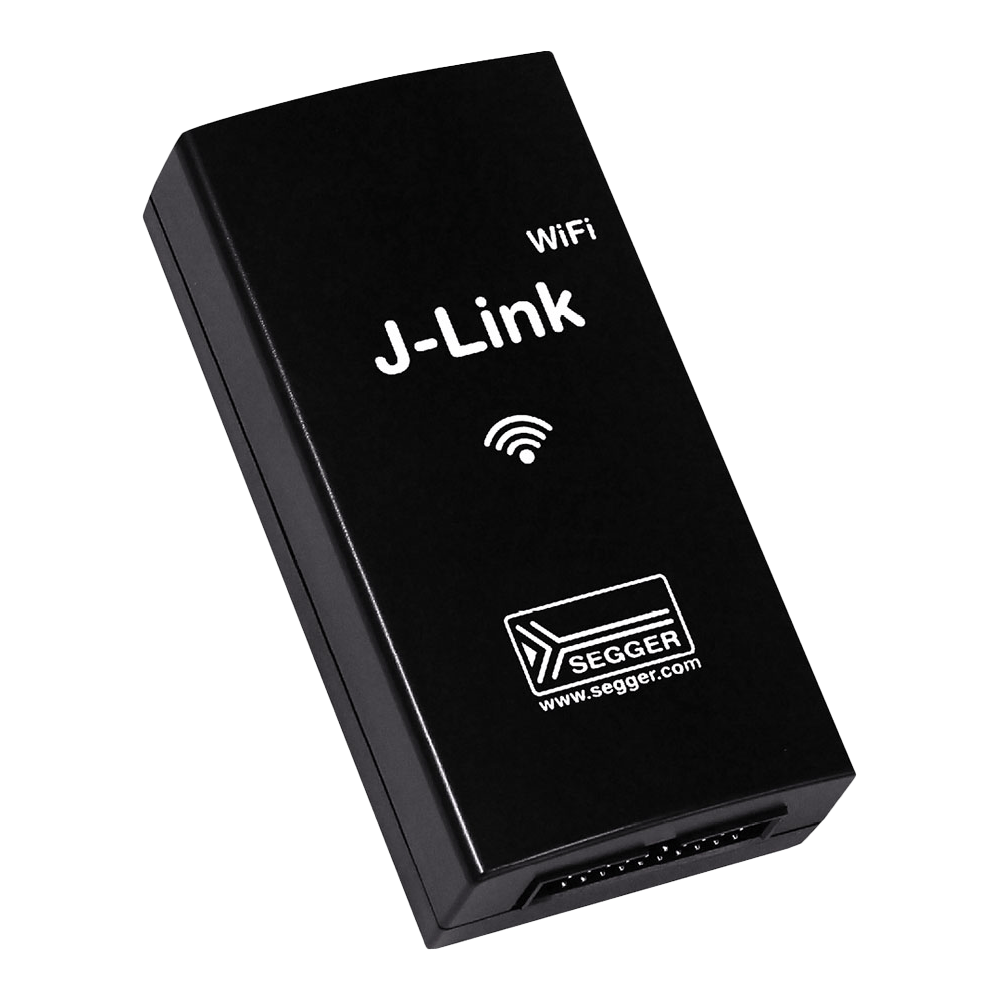
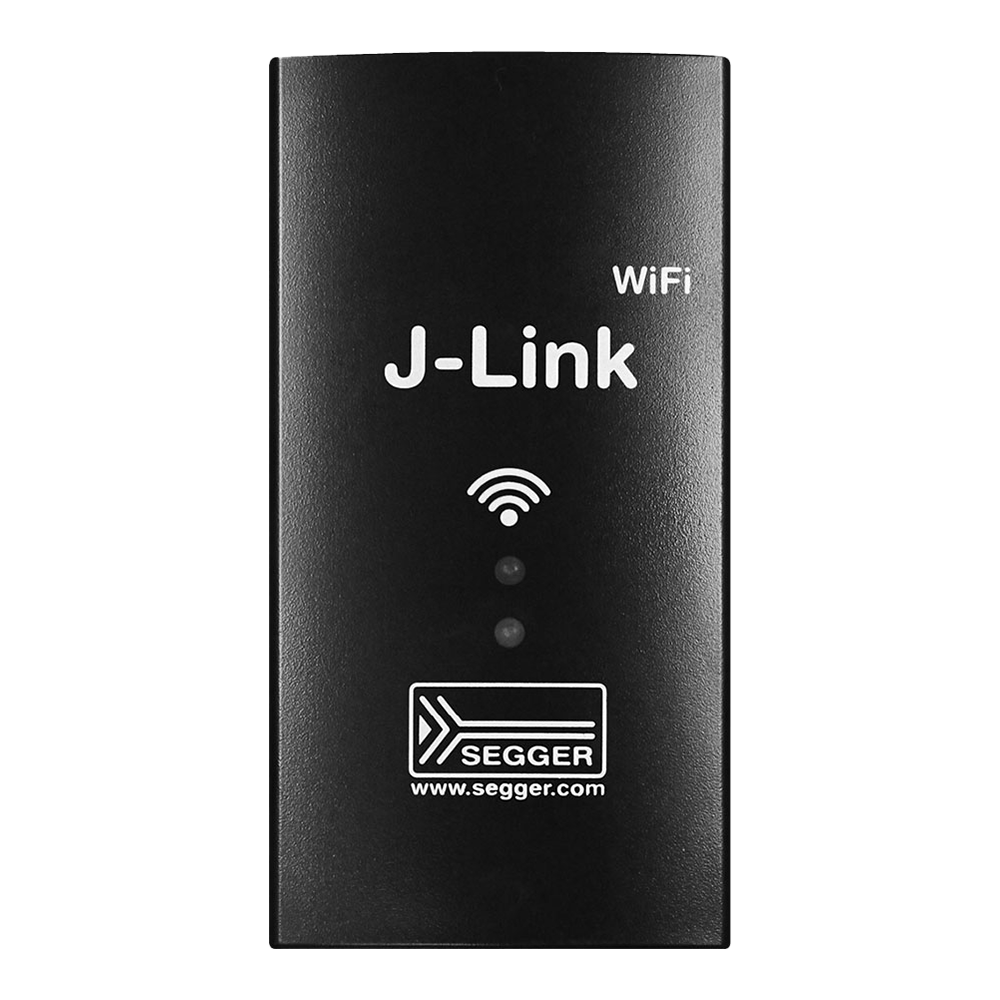
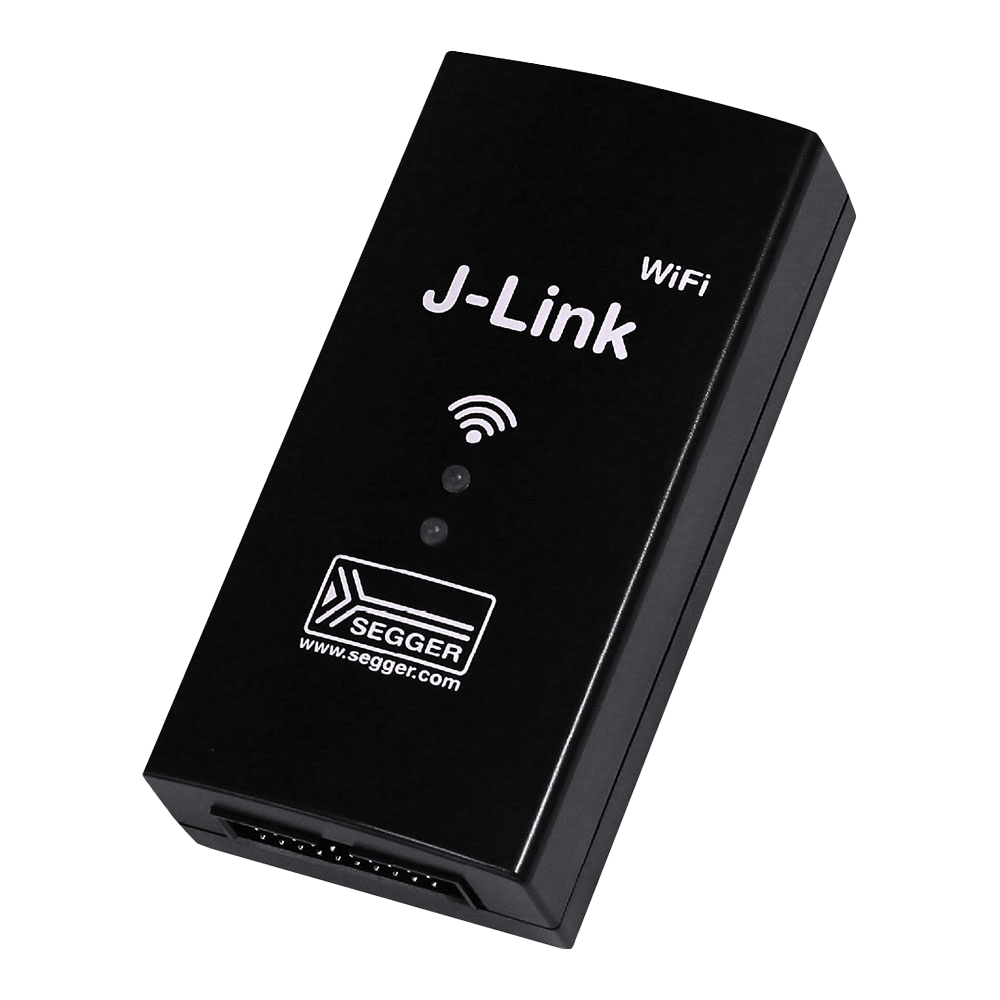
The J-Link WiFi is a JTAG/SWD debug probe that connects to the host over IEEE 802.11 b/g/n WiFi in the 2.4 GHz band, or over USB 2.0 Hi-Speed. It offers up to 15 MHz target interface speed, download speeds up to 1 MB/s and a 1.2V to 5V target interface. It is built for targets that move, as in robotics, or that must stay shielded or inside a hazardous area.
Por qué los ingenieros eligen SEGGER J-Link WiFi Wireless Debug Probe (8.14.28)
Wireless Freedom
Professional Performance
Complete Solution
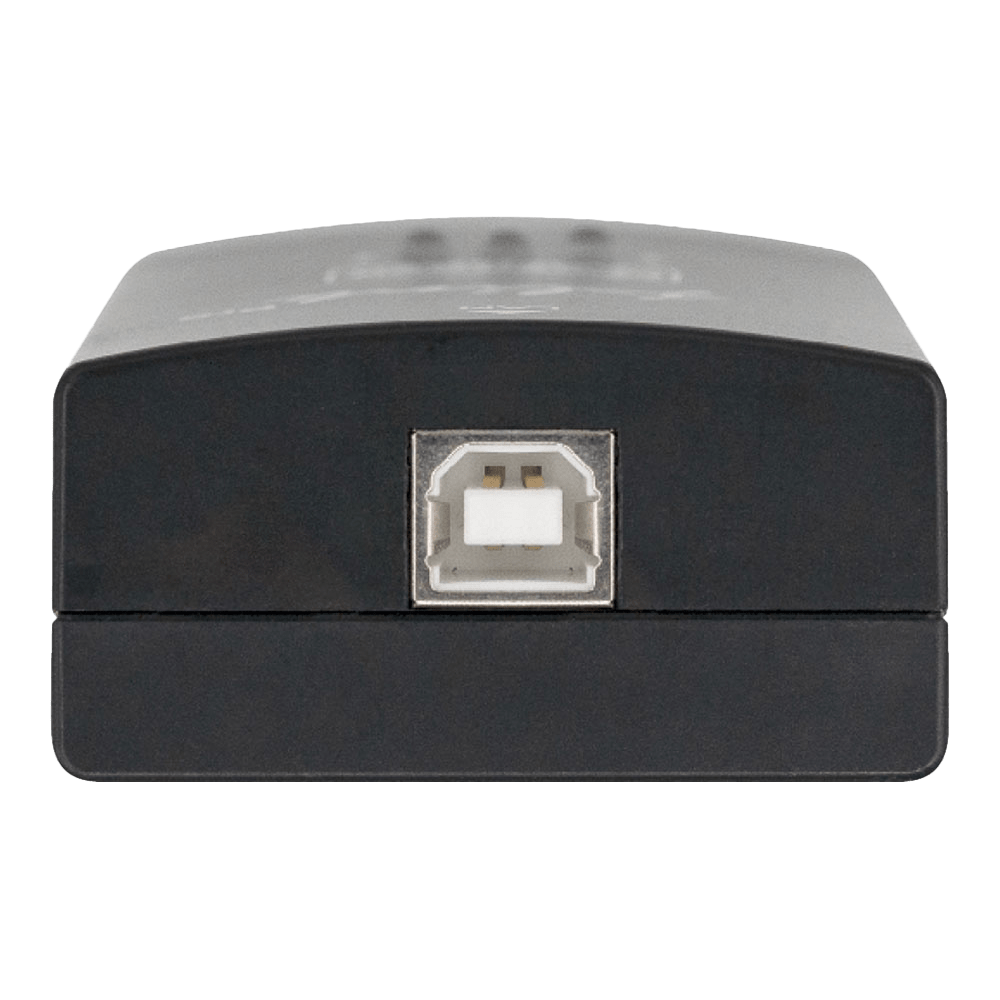
The SEGGER J-Link WiFi (part number 8.14.28) is a JTAG/SWD debug probe that connects to the host over IEEE 802.11 b/g/n WiFi in the 2.4 GHz band, or over USB 2.0 Hi-Speed, with up to 15 MHz target interface speed, download speeds up to 1 MB/s and a 1.2V to 5V target interface. SEGGER lists J-Flash, Unlimited Flash Breakpoints, Ozone and RDI licences with it. It is built for targets that move, as in robotics, or that must stay shielded or inside a hazardous area, away from the development PC.
Wireless JTAG/SWD Debug Probe for Moving or Shielded Targets
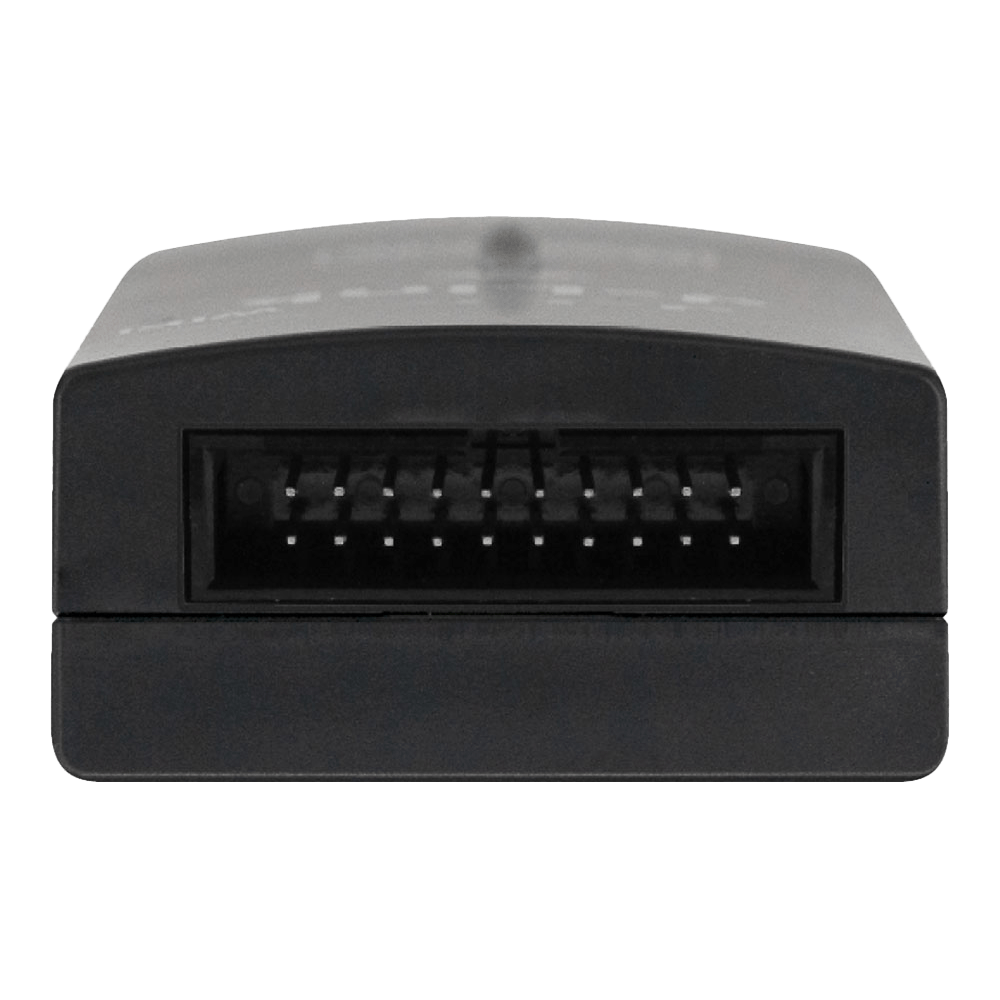
The probe travels with the target and links to the PC over WiFi, so a robot arm or a moving platform can be debugged without a USB cable trailing back to the bench. Where the target operates in a hazardous environment, the PC and the engineer can stay outside, behind a physical barrier. The J-Link WiFi is USB powered and shares that supply with the target: it can supply the target with 5V at up to 300mA. On the target side it uses the standard J-Link 20-pin 0.1" connector; pin assignments and adapter options are in our SEGGER J-Link 20-pin connector pinout guide.
WiFi Setup Over USB
The network is set up while the probe is connected by USB. In J-Link Configurator you enter the SSID and password in the WiFi configuration section; in J-Link Commander the SetWifi command sets the SSID. SEGGER notes that WiFi probes are usually only shown in J-Link Configurator when connected via USB, and that UDP discovery will usually not work for them.
Licences, Debug Interfaces, RTT and VCOM
SEGGER's licence overview lists J-Flash, Unlimited Flash Breakpoints, Ozone and RDI as included with the J-Link WiFi, with monitor-mode debugging. Supported debug interfaces are JTAG, cJTAG, SWD, SWD multi-drop, SWO, SPI, Microchip ICSP, Renesas FINE and Silicon Labs C2. SEGGER's cores list covers ARM Cortex-M, Cortex-A and Cortex-R, legacy ARM7 to ARM11, RISC-V cores from SiFive, Andes, Codasip and Nuclei, Renesas RX, Microchip PIC32, Silicon Labs EFM8 and Cadence Tensilica Xtensa. Real Time Transfer (RTT) moves data between the running target and the host over the debug connection, and VCOM bridges a target UART to a virtual COM port when debugging over SWD.
Software and IDE Compatibility
J-Link software is free of charge. The software runs on Windows (x86-64 and ARM64), Linux (x86-64 and ARM64) and macOS (x86-64 and Apple Silicon). SEGGER lists support in SEGGER Embedded Studio, Eclipse, IAR EWARM, Keil MDK-ARM, STM32CubeIDE, MCUXpresso and Visual Studio Code, among others.
What's Included
J-Link WiFi probe, 20-pin 0.1" ribbon cable and a USB cable.
Specifications
| Host interfaces | IEEE 802.11 b/g/n WiFi, 2.4 GHz; USB 2.0 Hi-Speed |
|---|---|
| Target connector | JTAG/SWD 20-pin, 0.1" (2.54mm) |
| Supported debug interfaces | JTAG, cJTAG, SWD, SWD multi-drop, SWO, SPI, Microchip ICSP, Renesas FINE, Silicon Labs C2 |
| Target interface voltage (VIF) | 1.2V to 5V |
| Current drawn from VTref | Less than 25µA |
| Target supply | 5V (derived from USB), max. 300mA |
| Target interface speed | Max. 15 MHz |
| SWO sampling frequency | Max. 30 MHz |
| Download speed | Up to 1 MB/s |
| Power supply | USB powered, max. 220mA at 5V |
| Included licences | J-Flash, Unlimited Flash Breakpoints, Ozone, RDI |
| Dimensions (without cables) | 103mm x 53mm x 28mm |
| Weight (without cables) | 70g |
| Operating temperature | +5°C to +60°C |
| Storage temperature | -20°C to +65°C |
| Relative humidity | Max. 90% rH, non-condensing |
| Standards (listed by SEGGER under EMC) | EN 301 489-1/-17, EN 300 328, EN 62368 |
| Host OS | Windows and Linux (x86-64, ARM64); macOS (x86-64, Apple Silicon) |
Limitations
- WiFi is 2.4 GHz IEEE 802.11 b/g/n only.
- Initial WiFi setup needs a USB connection, and UDP discovery will usually not work over WiFi.
- Download speed is up to 1 MB/s and target interface speed up to 15 MHz; the J-Link ULTRA+ and PRO models reach up to 4 MB/s and 50 MHz.
- No ETM trace on Cortex-M (use SEGGER J-Trace) and no QSPI target interface.
- VCOM is available only when debugging over SWD.
J-Link WiFi Compared with PLUS and PRO
| Model | Host interface | Download speed | Target interface speed | Ethernet | Price ex VAT |
|---|---|---|---|---|---|
| J-Link WiFi (this product) | USB 2.0 Hi-Speed and IEEE 802.11 b/g/n WiFi | Up to 1 MB/s | Up to 15 MHz | No | £1,100 |
| J-Link PLUS Classic | USB 2.0 Hi-Speed | Up to 1 MB/s | Up to 15 MHz | No | £660 |
| J-Link PRO | USB 2.0 Hi-Speed and 100 Mbit/s Ethernet | Up to 4 MB/s | Up to 50 MHz | Yes | £1,100 |
| J-Link PRO PoE | USB 2.0 Hi-Speed and 100 Mbit/s Ethernet | Up to 4 MB/s | Up to 50 MHz | Yes, with IEEE 802.3af PoE | £1,320 |
Typical Applications
Debugging the Cortex-M motor controller of a mobile robot while it drives, with RTT logs streamed back to the PC. Firmware work on a target that runs inside a test chamber or a guarded machine cell, with the engineer outside the barrier.
If the probe can stay wired to a network, the J-Link PRO adds 50 MHz and 4 MB/s over Ethernet.
Order the J-Link WiFi for £1,100 ex VAT. Check your part number against SEGGER's supported devices list, or ask us for a formal quotation. See the full range in our SEGGER debug probes collection.
Last reviewed 16/11/2026.
| Host and Target Interface | |
|---|---|
| Host interfaces | IEEE 802.11 b/g/n WiFi, 2.4 GHz; USB 2.0 Hi-Speed |
| Target connector | JTAG/SWD 20-pin, 0.1" (2.54mm) |
| Target interface voltage (VIF) | 1.2V to 5V |
| Performance | |
| Target interface speed | Max. 15 MHz |
| SWO sampling frequency | Max. 30 MHz |
| Download speed | Up to 1 MB/s |
| Power | |
| Current drawn from VTref | Less than 25µA |
| Target supply | 5V (derived from USB), max. 300mA |
| Power supply | USB powered, max. 220mA at 5V |
| Software and Compatibility | |
| Supported debug interfaces | JTAG, cJTAG, SWD, SWD multi-drop, SWO, SPI, Microchip ICSP, Renesas FINE, Silicon Labs C2 |
| Included licences | J-Flash, Unlimited Flash Breakpoints, Ozone, RDI |
| Host OS | Windows and Linux (x86-64, ARM64); macOS (x86-64, Apple Silicon) |
| Physical | |
| Dimensions (without cables) | 103mm x 53mm x 28mm |
| Weight (without cables) | 70g |
| Environmental | |
| Operating temperature | +5°C to +60°C |
| Storage temperature | -20°C to +65°C |
| Relative humidity | Max. 90% rH, non-condensing |
| Standards (listed by SEGGER under EMC) | EN 301 489-1/-17, EN 300 328, EN 62368 |
| Información de pedido | |
| Referencia (SKU) | 8.14.28 |
| Fabricante | SEGGER Microcontroller GmbH |
| EAN | 5055383614769 |
| Garantía | 12 months |
| Peso de envío | 0.5 kg |
- 1 ×J-Link WiFi wireless debug probe
- 1 ×20-pin, 0.1" target ribbon cable
- 1 ×USB cable
SEGGER J-Link WiFi Wireless Debug Probe (8.14.28) comparado con SEGGER J-Link BASE Classic sonda de depuración USB JTAG/SWD , SEGGER J-Link BASE Compact Debug Probe , SEGGER J-Link PLUS Classic – USB JTAG/SWD Debug Probe , SEGGER J-Link PLUS Compact (8.19.28) , SEGGER J-Link ULTRA+ Ultra-Fast JTAG/SWD Debug Probe , SEGGER J-Link PRO: sonda de depuración Ethernet/USB ultrarrápida and SEGGER J-Link Pro PoE Debug Probe en 16 especificaciones.
| Especificación | Este producto SEGGER J-Link WiFi Wireless Debug Probe (8.14.28)8.14.28Disponible bajo pedido |
 SEGGER J-Link BASE Classic sonda de depuración USB JTAG/SWD8.08.00En stock |
 SEGGER J-Link BASE Compact Debug Probe8.19.00En stock |
 SEGGER J-Link PLUS Classic – USB JTAG/SWD Debug Probe8.08.28Disponible bajo pedido |
 SEGGER J-Link PLUS Compact (8.19.28)8.19.28Disponible bajo pedido |
 SEGGER J-Link ULTRA+ Ultra-Fast JTAG/SWD Debug Probe8.16.28Disponible bajo pedido |
 SEGGER J-Link PRO: sonda de depuración Ethernet/USB ultrarrápida8.12.00Disponible bajo pedido |
 SEGGER J-Link Pro PoE Debug Probe8.12.28Disponible bajo pedido |
|---|---|---|---|---|---|---|---|---|
| USB host interface | USB 2.0 Hi-Speed, USB Type B | USB 2.0 Hi-Speed, USB tipo B | USB 2.0 Hi-Speed, USB-C | USB 2.0 Hi-Speed, USB Type B | USB 2.0 Hi-Speed, USB-C | USB 2.0 Hi-Speed, USB-C | USB 2.0 Hi-Speed, USB-C | USB 2.0 Hi-Speed, USB-C |
| Network interface | WiFi IEEE 802.11 b/g/n, 2.4 GHz | Ninguna (solo USB) | None (USB only) | None (USB only) | Ninguna (solo USB) | None (USB only) | Ethernet de 100 Mbit/s | 100 Mbit/s Ethernet |
| Power over Ethernet | Not supported | No compatible | Not supported | Not supported | No compatible | Not supported | No compatible | IEEE 802.3af, Type 1, Class 3 |
| Ethernet isolation | No Ethernet interface | Sin interfaz Ethernet | No Ethernet interface | No Ethernet interface | Sin interfaz Ethernet | No Ethernet interface | Líneas de datos aisladas según IEEE 802.3, 1500 Vrms durante 1 minuto (blindaje no aislado) | Data lines isolated to IEEE 802.3, 1500 Vrms for 1 minute (shield not isolated) |
| Size and weight | 103 x 53 x 28 mm, 70 g | 100 x 53 x 27 mm, 70 g | 46 x 46 x 17 mm, 20 g | 100 x 53 x 27 mm, 70 g | 46 x 46 x 17 mm, 20 g | 72 x 45 x 18 mm, 40 g | 100 x 53 x 27 mm, 73 g | 123 x 68 x 30 mm, 125 g |
| Target interface speed | Max. 15 MHz | Máx. 15 MHz | Max. 15 MHz | Max. 15 MHz | Máx. 15 MHz | Max. 50 MHz | Máx. 50 MHz | Max. 50 MHz |
| Download speed | Up to 1 MB/s | Hasta 1 MB/s | Up to 1 MB/s | Up to 1 MB/s | Hasta 1 MB/s | Up to 4 MB/s | Hasta 4 MB/s | Up to 4 MB/s |
| SWO sampling frequency | Max. 30 MHz | Máx. 30 MHz | Max. 30 MHz | Max. 30 MHz | Máx. 30 MHz | Max. 100 MHz | Máx. 100 MHz | Max. 100 MHz |
| Max. VCOM baud rate | 115200 Bd | 115200 Bd | 115200 Bd | 115200 Bd | 115200 Bd | 10 MBd | 10 MBd | 10 MBd |
| Target interface voltage (VIF) | 1.2 V to 5 V | 1.2 V a 5 V | 1.2 V to 5 V | 1.2 V to 5 V | 1.2 V a 5 V | 1.2 V to 5 V | 1.2 V a 5 V | 1.2 V to 5 V |
| Target supply | 5 V from USB, max. 300 mA | 5 V desde USB, máx. 300 mA | 5 V from USB, max. 300 mA | 5 V from USB, max. 300 mA | 5 V desde USB, máx. 300 mA | 5 V from USB, max. 300 mA | 5 V desde USB, máx. 300 mA | 5 V, max. 400 mA via USB; 5.25 V, max. 1000 mA via PoE |
| Power measurement | Not supported | No compatible | Not supported | Not supported | No compatible | 200 kHz sampling, 50 µA resolution | Muestreo de 200 kHz, resolución de 50 µA | 200 kHz sampling, 50 µA resolution |
| J-Flash / J-Flash SPI licence | Included | No incluido (ampliación BASE to PLUS) | Not included (BASE to PLUS upgrade) | Included | Incluida | Included | Incluida | Included |
| Unlimited Flash Breakpoints | Included | No incluido (ampliación BASE to PLUS) | Not included (BASE to PLUS upgrade) | Included | Incluida | Included | Incluido | Included |
| Ozone licence | Included | No incluido (ampliación BASE to PLUS) | Not included (BASE to PLUS upgrade) | Included | Incluida | Included | Incluida | Included |
| RDI licence | Included | No incluido (ampliación BASE to PLUS) | Not included (BASE to PLUS upgrade) | Included | Incluida | Included | Incluida | Included |
| Precio | £1,100 | £470 | £470 | £660 | £660 | £870 | £1,100 | £1,320 |
Preguntas y respuestas
-
How Do I Connect the J-Link WiFi to My Network?
Over USB first. Connect the probe by USB, then enter the SSID and password in the WiFi configuration section of J-Link Configurator, or set the SSID with the SetWifi command in J-Link Commander. After that the host reaches the probe over WiFi.
-
Does the J-Link WiFi Need a Power Supply on the Target Side?
The probe itself is USB powered, drawing up to 220mA at 5V, so it needs a USB power source near the target, such as a supply shared with the target. It can also supply the target with 5V at up to 300mA on the 20-pin connector.
-
Does the J-Link WiFi Support ETM Trace?
No. It supports SWO, and ETB where the target implements it. Instruction trace over ETM needs a SEGGER J-Trace probe.
-
What's the Maximum Distance for WiFi Debugging?
SEGGER does not publish a range figure. Range depends on your WiFi infrastructure, and enterprise WiFi systems or repeaters can extend it for large facilities or outdoor use.
-
Does the J-Link WiFi Work with Major Development Environments?
It is compatible with most major environments, including Eclipse, Keil MDK, IAR EWARM, SEGGER Embedded Studio, GDB-based IDEs and others. The probe appears as a standard J-Link to your development tools.
-
Can I Power My Target Device Through the J-Link WiFi?
Yes, pin 19 provides 5V at up to 300mA to power small target boards. Larger systems will need separate power supplies, but the probe can still monitor target voltage levels for debugging.
-
Is the Wireless Connection Secure for Commercial Development?
SEGGER specifies IEEE 802.11 b/g/n (2.4 GHz) and does not list WiFi security protocols, so check it against your own security requirements. For sensitive projects, it can run on isolated networks or VPNs.
-
What's Included in the Software Package?
The professional software suite includes:
- Unlimited flash breakpoints
- J-Flash programming software
- Ozone graphical debugger
- RDI/RDDI interfaces
- GDB Server
- One year of email support with free software updates
-
What Makes the J-Link WiFi Different From Other Wireless Debug Probes?
The J-Link WiFi gives professional-grade debugging with a target interface of up to 15MHz, connected over WiFi, with a built-in web server for configuration. It also includes software licences and unlimited flash breakpoints.
-
Which Microcontrollers Are Supported by the J-Link WiFi?
The probe supports:
- ARM Cortex-A/R/M cores
- RISC-V processors
- Legacy ARM7/9/11
- Microchip PIC32
- Renesas RX
- SiLabs 8051 devices
That covers thousands of devices from major semiconductor manufacturers.
-
Can the J-Link WiFi Debug Devices While They're Moving or Rotating?
Yes. With no cable, you can debug robotic systems, rotating machinery or any mobile embedded application.
-
How Do I Configure the WiFi Network Settings?
Connect via USB first, then enter the SSID and password with J-Link Configurator or the J-Link Commander SetWifi command, both in the free J-Link software pack. The probe then joins the network by DHCP and reports its IP address.
-
Can Multiple Engineers Debug the Same Device Remotely?
SEGGER's J-Link Remote Server documentation describes a single client connection, and simultaneous access by several engineers is not documented. Remote Server lets developers connect to the target over the network from any location.

No questions match your search.
