
Tag-Connect, LLC
Tag Connect TC2050-2x10 20-Pin to Dual 10-Pin JTAG/SWD Adapter
Tag Connect TC2050-2x10 20-Pin to Dual 10-Pin JTAG/SWD Adapter
SKU: TC2050-2X10
Verfügbarkeit für Abholungen konnte nicht geladen werden
Key Features
Overview
Downloads
Datasheets
Why Engineers Choose the Tag Connect TC2050-2x10 20-Pin to Dual 10-Pin JTAG/SWD Adapter
Dual Target Debugging
Production Efficiency
Space Optimisation
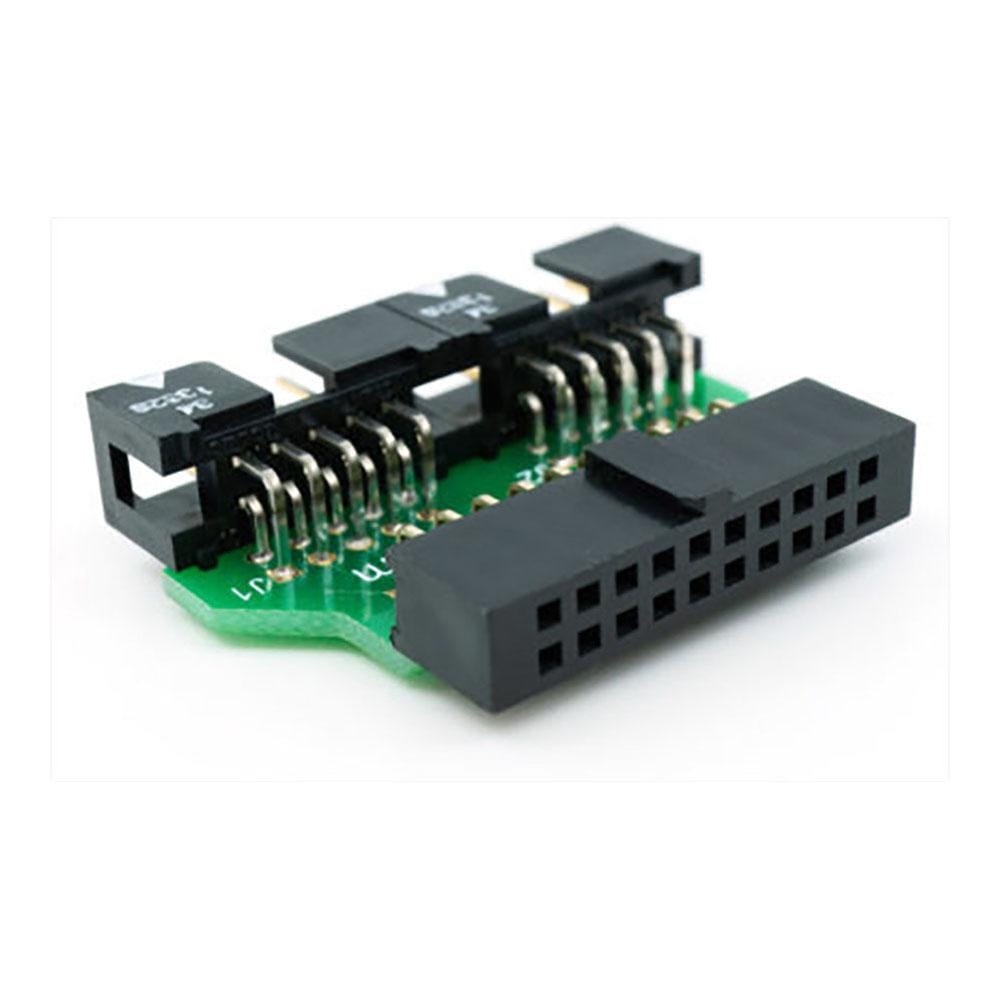
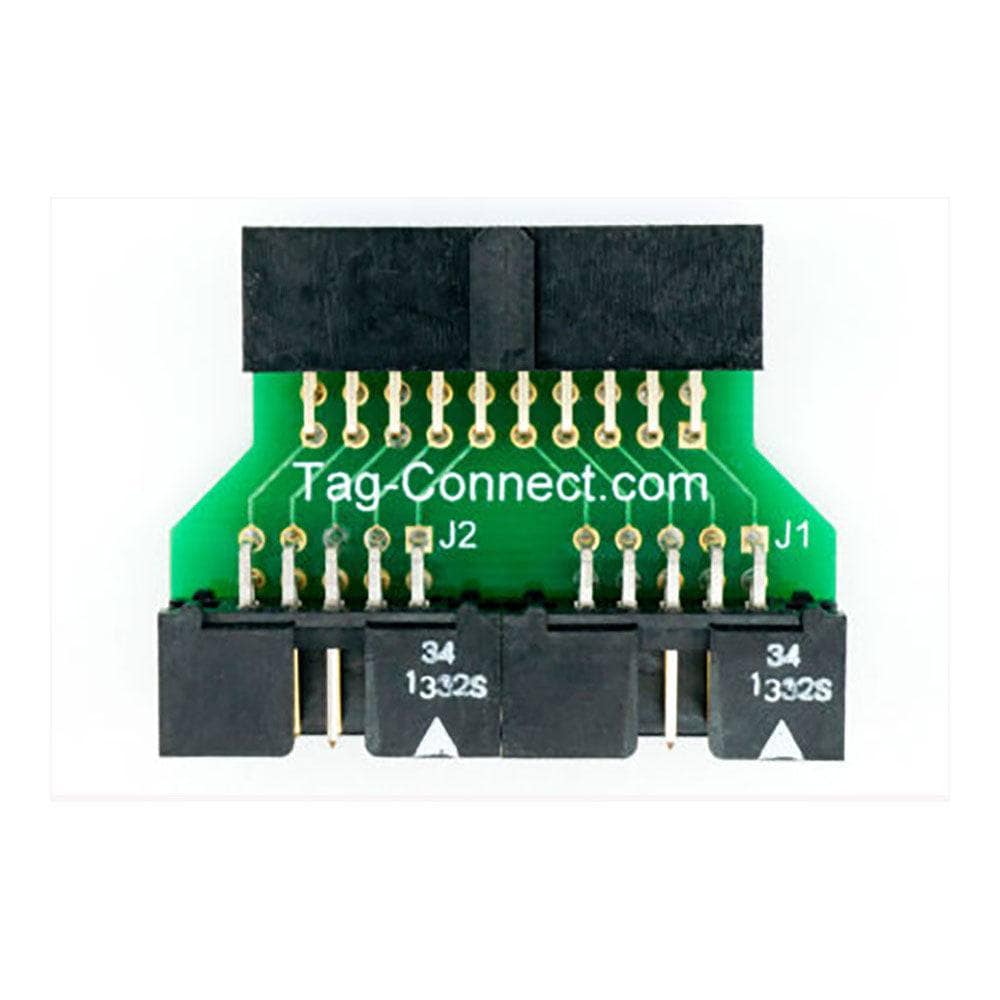
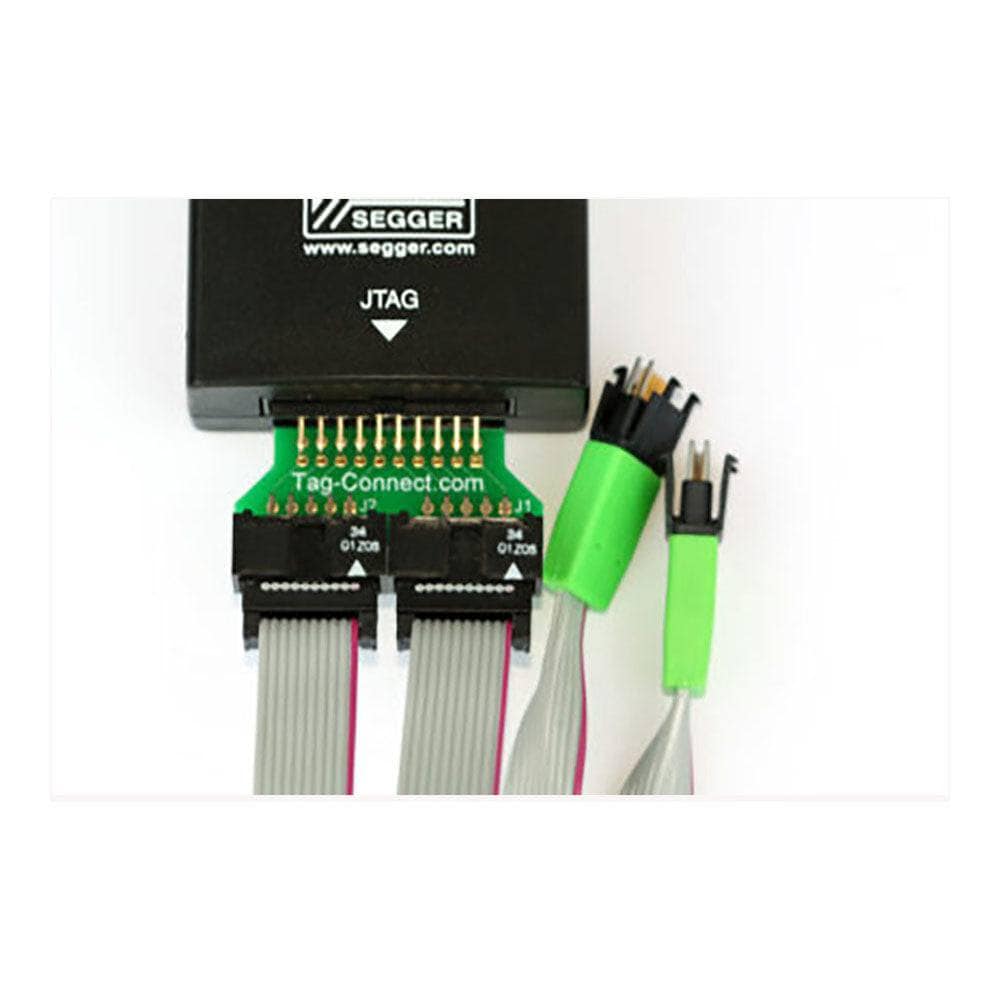
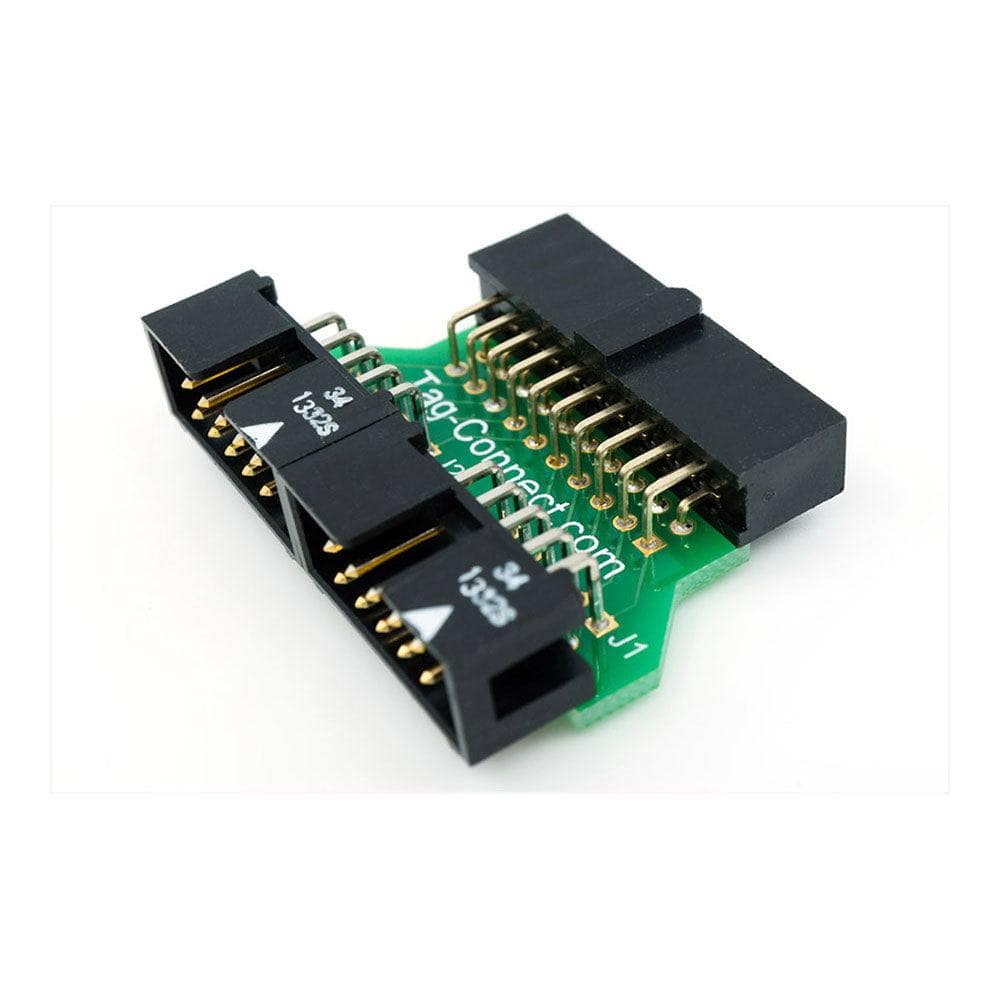
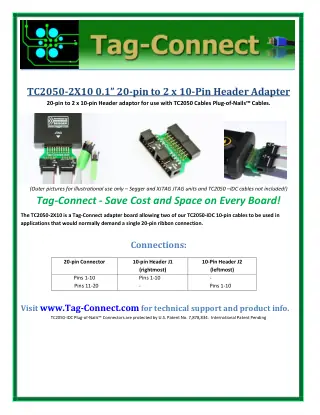
Der Tag Connect TC2050-2X10-Adapter ermöglicht die Verwendung von zwei 10-poligen TC2050-IDC-Kabeln in Anwendungen, die normalerweise eine einzelne 20-polige Flachbandverbindung erfordern.
| Ordering information | |
|---|---|
| Part number (SKU) | TC2050-2X10 |
| Manufacturer | Tag-Connect, LLC |
| EAN | 5055383698813 |
| Warranty | 6 Monate |
| Shipping weight | 0.1 kg |
-
1 ×
 Tag Connect TC2050-2x10 20-Pin to Dual 10-Pin JTAG/SWD Adapter

Contact us to confirm the full contents of the box.
Questions and Answers
-
What Cables Do I Need to Purchase Separately?
You need two TC2050-IDC or TC2050-IDC-NL cables. They connect between the adapter headers and the Tag-Connect footprints on your target PCBs.
-
Is the Adapter Suitable for Production Programming?
Yes for XJTAG-style use. Tag-Connect suggests the no-legs cables for production programming, and the adapter simply splits one 20-pin connection into two TC2050 cables.
-
Does the Adapter Provide Target Power to Connected Devices?
The adapter is a straight split with no electronics, so whatever the debugger puts on its power pins passes through. Whether power is delivered depends on the debugger.
Check: On the ARM 20-pin convention, pin 19 is NC or +5 V, and some debuggers (ST-LINK/V2, for example) supply +3.3 V instead. Check your debugger's user guide before relying on target power. -
What Is the Maximum Cable Length I Can Use with This Adapter?
Standard TC2050-IDC cables are 8 in (203.2 mm) long. For longer runs, check the signal-integrity needs of your protocol and clock frequency. Tag-Connect's Xilinx adapter datasheet advises shortening the ribbon to maintain signal integrity.
-
What Debuggers Are Compatible with the TC2050-2x10 Adapter?
Tag-Connect lists the TC2050-2x10 for XJTAG systems. Its 20-pin end is a 0.1 in female IDC socket, so it needs a male 20-pin header on the tool.
Tool TC2050-2x10 XJTAG systems Listed solution ARM 20-pin JTAG/SWD debuggers Not a substitute: it splits pins 1-10 and 11-20 onto separate cables. Use the TC2050-ARM2010 For ARM JTAG or SWD on a single TC2050 footprint, use the TC2050-ARM2010 instead. -
Can I Use Both Legged and No-legs Cables with This Adapter?
Yes. The adapter supports both TC2050-IDC (legged) and TC2050-IDC-NL (no-legs) cables. With no-legs cables you may need TC2050-CLIP retaining clips for hands-free debugging.
-
Does the Adapter Support Both JTAG and SWD Protocols?
It is a passive wiring adapter: pins 1-10 go to J1 and pins 11-20 to J2. Nothing adapts automatically, and the protocol is set by the debugger and target. For ARM JTAG or SWD on a single TC2050 footprint use the TC2050-ARM2010.
-
What Is the Pin Mapping Between the 20-pin Input and Dual 10-pin Outputs?
The 20-pin connector splits straight across the two headers, each as pins 1-10.
20-pin connector Output header Output pins Pins 1-10 J1 (rightmost) Pins 1-10 Pins 11-20 J2 (leftmost) Pins 1-10 Because the split is straight, neither 10-pin header follows the ARM 10-pin or TC2050 JTAG pinout. -
Can I Debug Two Different Microcontroller Families Simultaneously?
No, not with one debugger. The adapter lets two TC2050 10-pin cables connect to one 20-pin 0.1" interface, splitting that single interface across two cables. To debug two targets at the same time, use two debuggers.


No questions match your search.