
Tag-Connect, LLC
Tag Connect TC2050-CLIP-Halterung
Tag Connect TC2050-CLIP-Halterung
SKU: TC2050-CLIP
Verfügbarkeit für Abholungen konnte nicht geladen werden
Key Features
Overview
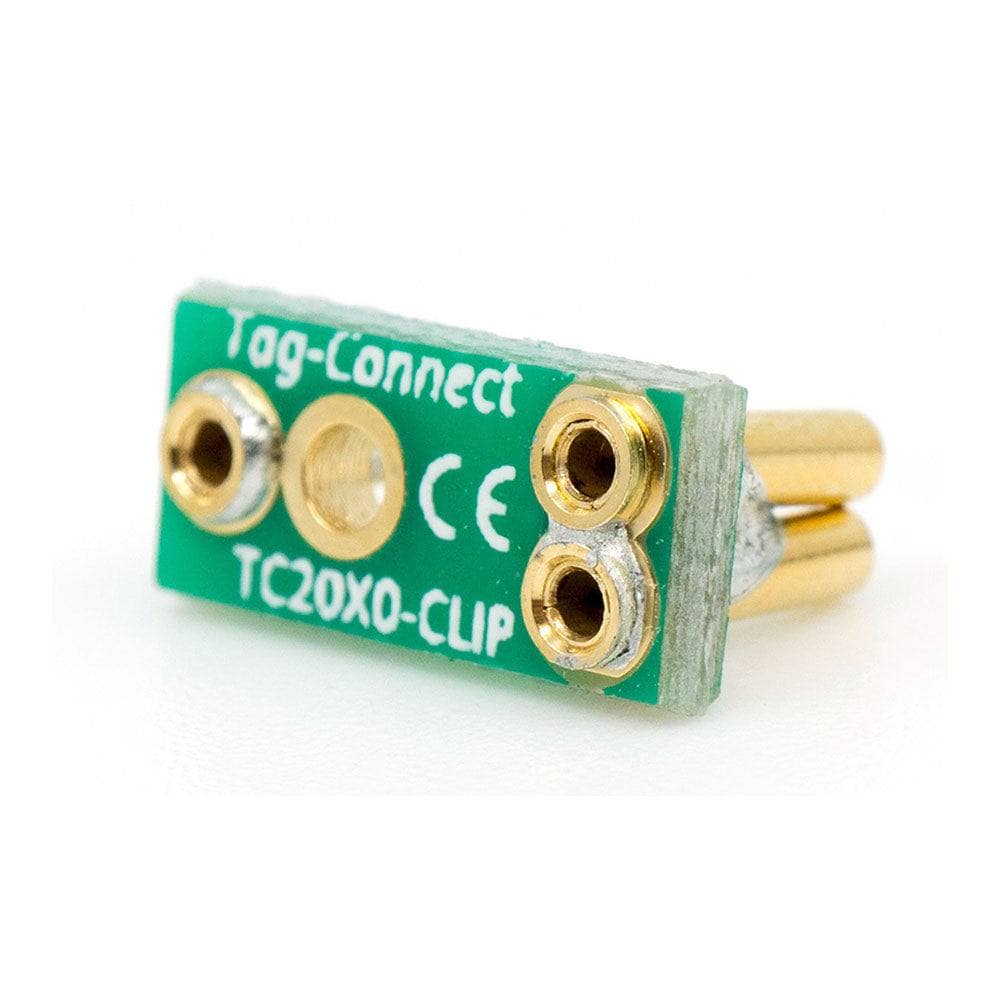
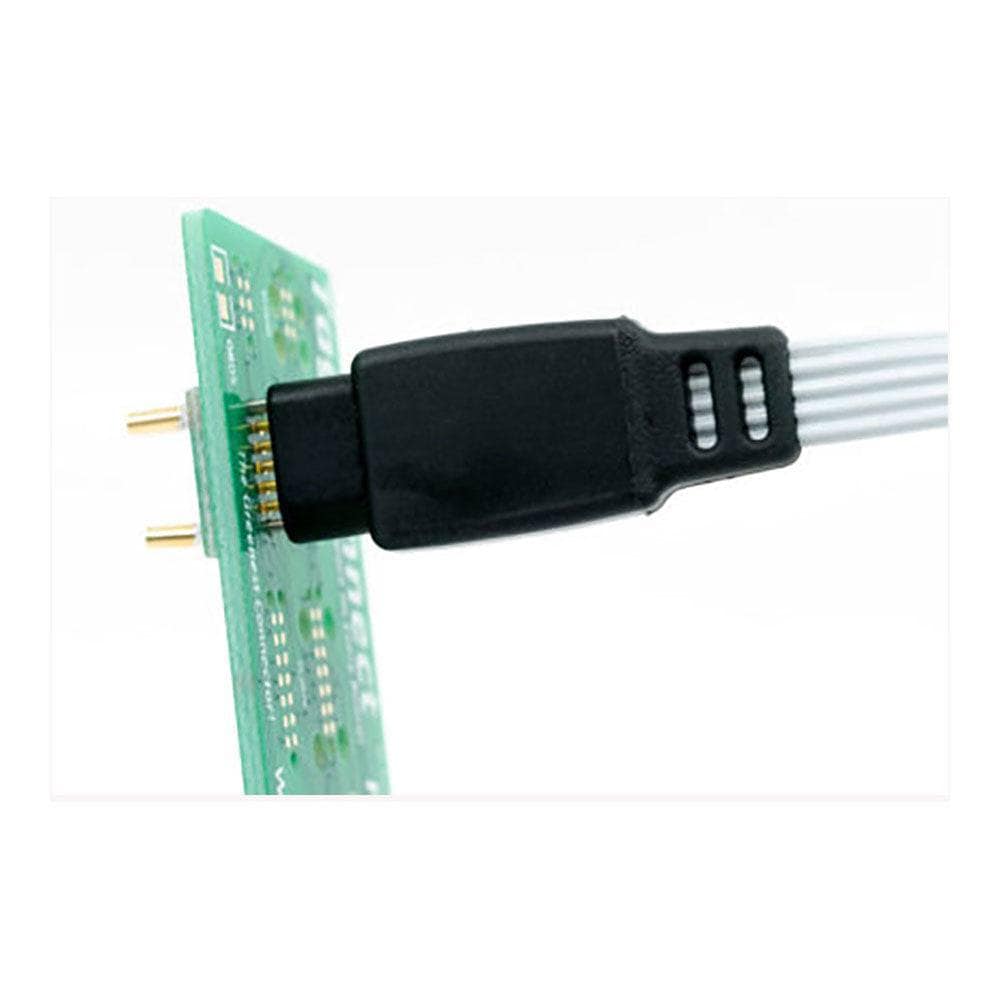
The TC2050-CLIP provides a simple, effective solution for maintaining stable connections between TC2050-NL "no legs" programming cables and target PCBs during debugging and programming operations. This precision-manufactured clip attaches to the cable's alignment pins from beneath the PCB, creating a secure mechanical retention that enables hands-free debugging sessions.
Designed for engineers working with space-constrained designs, the TC2050-CLIP works exclusively with Tag Connect's minimal-footprint TC2050-NL connector system. The clip accommodates PCB thicknesses up to standard 1.6mm whilst maintaining reliable spring-pin contact pressure for consistent electrical connections.
The clip's compact design ensures it doesn't interfere with surrounding components whilst providing the mechanical stability required for extended programming sessions, production testing, or firmware development activities.
Downloads
Why Engineers Choose the Tag Connect TC2050-CLIP-Halterung
Hands-Free Debugging
Production Efficiency
Space Conservation
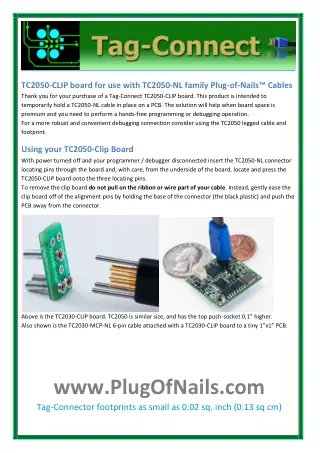
Der Tag Connect TC2050-CLIP ist dazu vorgesehen, ein TC2050-xxx-NL-Kabel vorübergehend auf einer Leiterplatte zu befestigen.
Wird als einzelner Clip geliefert.
| Ordering information | |
|---|---|
| Part number (SKU) | TC2050-CLIP |
| Manufacturer | Tag-Connect, LLC |
| EAN | 5055383698851 |
| Warranty | 6 Monate |
| Shipping weight | 0.1 kg |
-
1 ×
 Tag Connect TC2050-CLIP-Halterung(One (TC2050-CLIP))

Contact us to confirm the full contents of the box.
Questions and Answers
-
How Do I Install the TC2050-CLIP on My Setup?
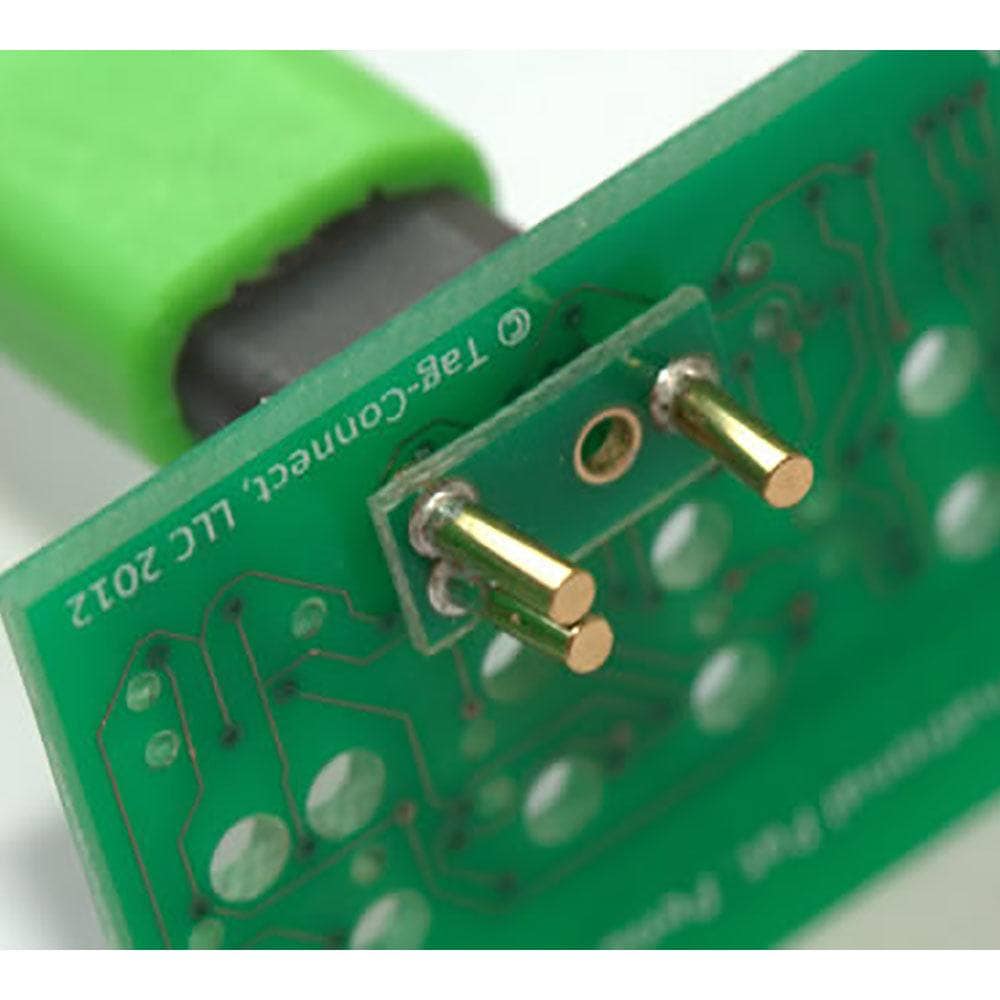
Fit it from underneath the PCB onto the three alignment pins of the TC2050-NL cable.
1Connect your TC2050-NL cable to the target PCB footprint.2From underneath the PCB, align the clip with the cable's alignment pins.3Press the clip on until it grips the pins. Tag-Connect gives no fitting instructions, but one pin on the clip is angled by 5 degrees to improve its grip. -
What Debuggers and Programmers Work with TC2050-CLIP Setups?
The clip only holds the cable, so it works with whichever debugger your TC2050-NL setup supports. Tag-Connect pairs the TC2050-ARM2010 with a TC2050-IDC-NL cable for these tools:
Debugger Setup SEGGER J-Link TC2050-ARM2010 with TC2050-IDC-NL and TC2050-CLIP-3PACK ST-LINK/V2 TC2050-ARM2010 with TC2050-IDC-NL and TC2050-CLIP-3PACK ARM Keil ULINK TC2050-IDC-NL-050, which Tag-Connect describes as equivalent to TC2050-ARM2010 with TC2050-IDC-NL on the ULINK2 20-pin 0.1 in header -
Is the TC2050-CLIP Reusable Across Different Projects?
You can refit it, but Tag-Connect describes it as a temporary hold: over time the clips may lose some grip, and they are easily misplaced when working at the desktop. Tag-Connect recommends keeping a few spares.
-
What Happens If I Lose My TC2050-CLIP During Development?
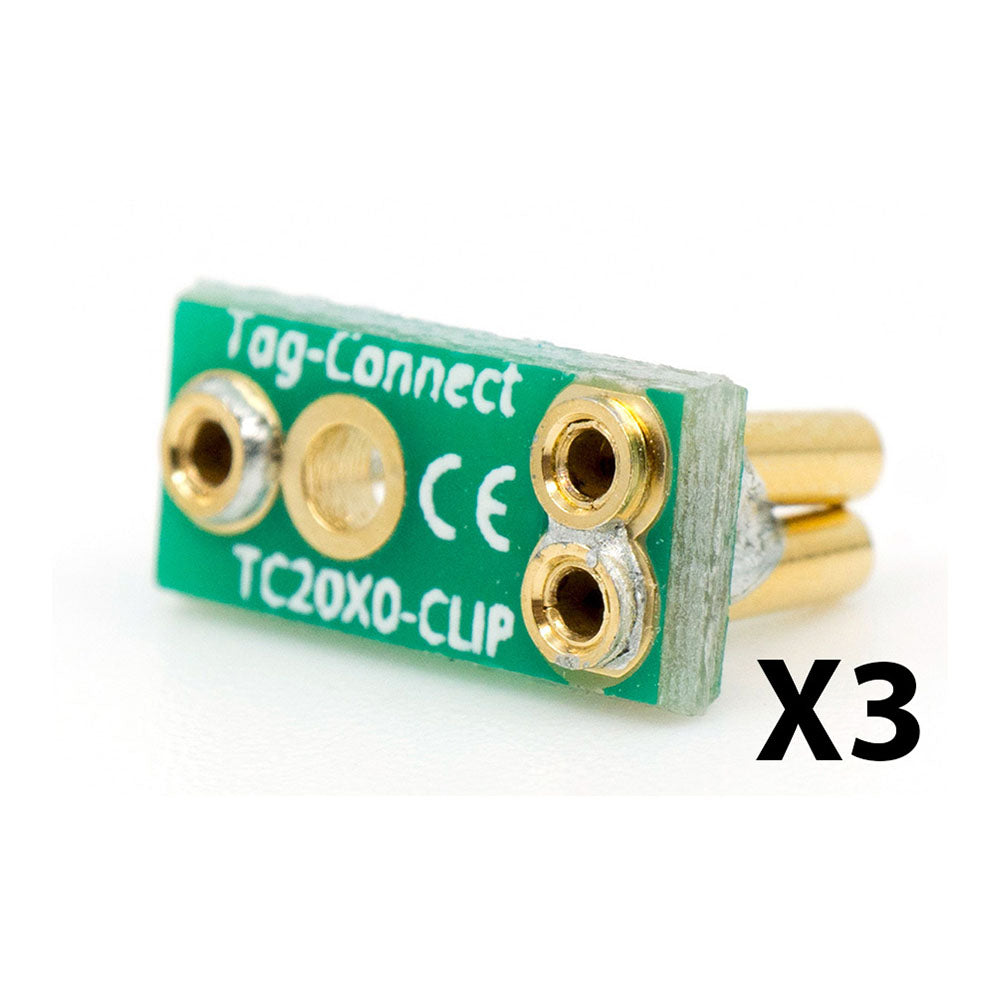
Replace it from a TC2050-CLIP-3PACK, which Tag-Connect supplies as a pack of three. Tag-Connect recommends keeping a few spares because the clips are easily misplaced.
-
Can the TC2050-CLIP Interfere with Nearby PCB Components?
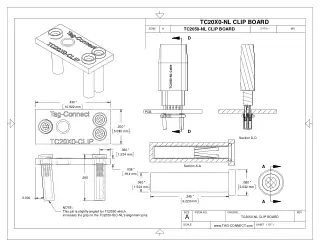
It sits on the underside of the board, so it clears top-side parts, but allow about 6.7 mm of free space below the footprint for the clip and pins.
Clip dimension Value Clip board 10.922 mm x 5.080 mm Board thickness 0.914 mm Pin length 6.223 mm Overall depth below the PCB About 6.7 mm -
What Is the TC2050-CLIP and How Does It Work?
The TC2050-CLIP is a retaining clip that holds TC2050-NL "no legs" cables in place on the target PCB. It attaches to the cable's alignment pins from underneath the PCB, so you can debug and program hands-free.
-
Which Tag Connect Cables Are Compatible with the TC2050-CLIP?
The TC2050-CLIP works with all TC2050-NL series cables, including:
- TC2050-IDC-NL
- TC2050-IDC-NL-050
- TC2050-IDC-NL-050-ALL
- TC2050-IDC-NL-430
It does not fit legged versions such as the TC2050-IDC.
-
Does the TC2050-CLIP Require Any Modifications to My PCB?
No. The TC2050-CLIP needs no soldering or permanent changes to your PCB. It clips onto the TC2050-NL cable's alignment pins from the underside of the board for temporary retention.
-
What PCB Thickness Does the TC2050-CLIP Support?
Tag-Connect does not publish a PCB thickness limit for the clip. The drawing gives the clip dimensions only, so check the fit on your own board stack-up.
-
Can I Use the TC2050-CLIP for Production Programming?
No. The clip is for temporary, hands-free use at the bench and can lose grip over time. For a production fixture use the TC-MOUNT-10 bracket, which mounts the no-legs connector permanently in the fixture. For short one-off production programming the no-legs cable is simply held by hand.
Situation What Tag-Connect offers Bench work, hands-free TC2050-CLIP, temporary hold Production fixture TC-MOUNT-10, permanent mounting in the fixture One-off production programming No-legs cable held by hand


No questions match your search.