
Xeltek, Inc
Xeltek SuperPro ISP-Programmieradapter
Xeltek SuperPro ISP-Programmieradapter
SKU: ISPHEADER01
Zahlungsmethoden
- Banküberweisung
Verfügbarkeit für Abholungen konnte nicht geladen werden
Overview
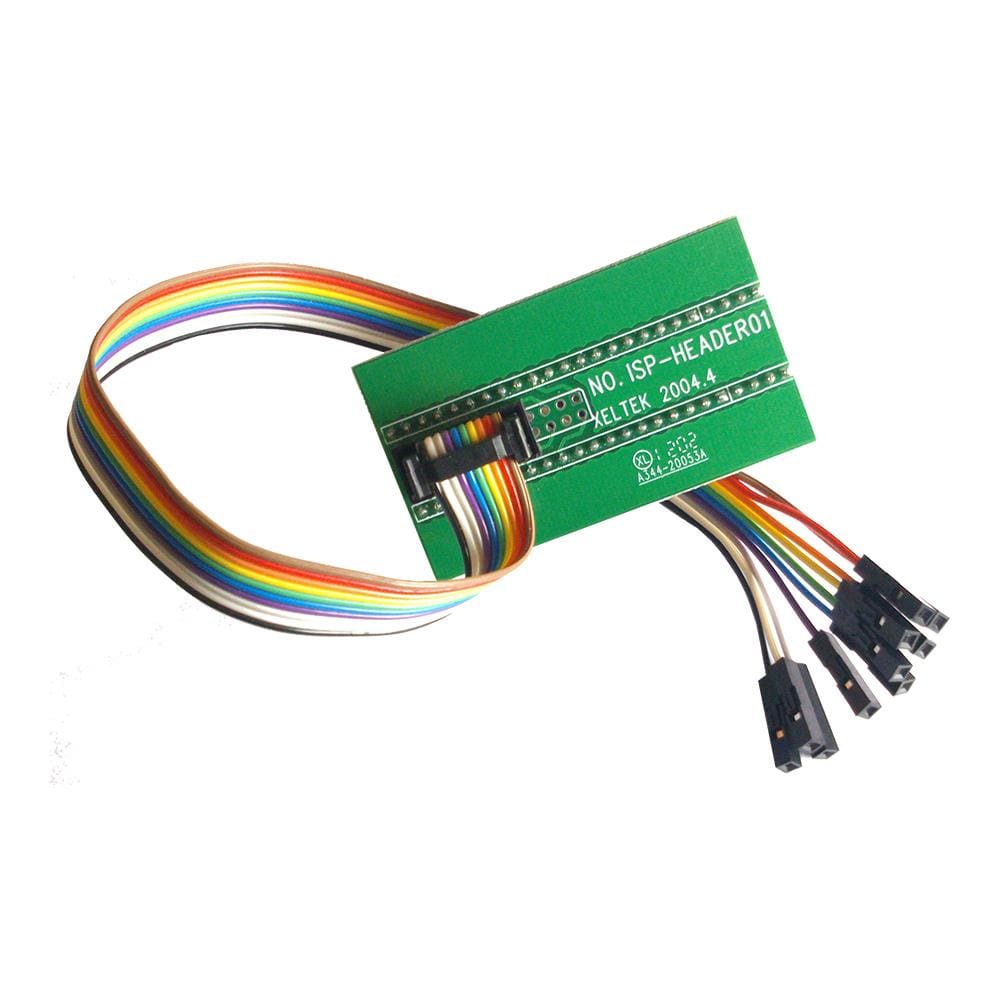
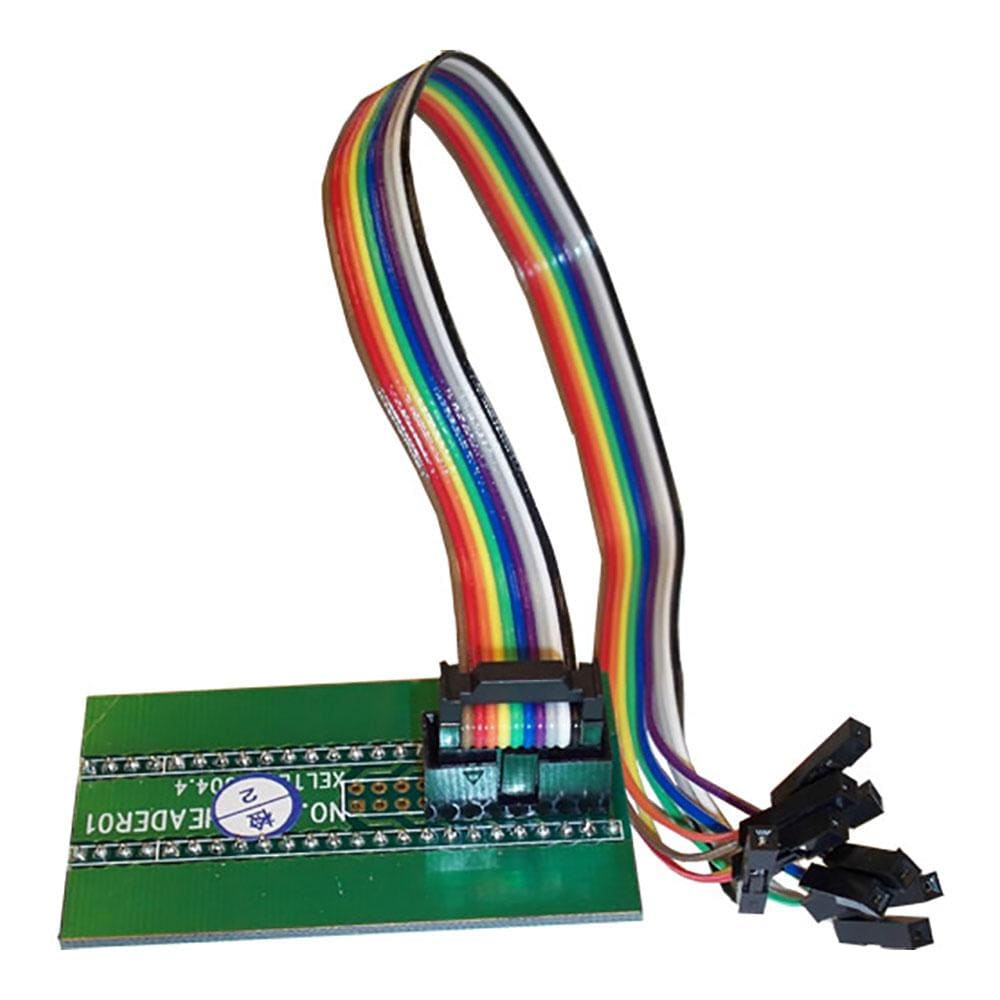
The Xeltek ISP Header 01 (ISPHEADER01) is an ISP programming adapter for selected Xeltek socket-based programmers. Its 48-pin PCB end sits in the programmer's ZIP socket and brings out 10 colour-coded wires, so devices marked ISP in the software, such as the PIC10F200 or a 25LC640 in SOIC8, can be programmed on the target board. It does not fit the SuperPro IS01.
Downloads
User Manuals
- Details
 Xeltek SuperPro IS01 In-System Programmer
Der Xeltek ISPHeader01 ermöglicht die Programmierung und Neuprogrammierung von Mikrocontrollern direkt im Zielsystem über ein kurzes Kabel.
| Ordering information | |
|---|---|
| Part number (SKU) | ISPHEADER01 |
| Manufacturer | Xeltek, Inc |
| EAN | 5055383603541 |
| Warranty | 12 Monate befristet |
| Shipping weight | 0.5 kg |
-
1 ×
 Xeltek SuperPro ISP-Programmieradapter

Contact us to confirm the full contents of the box.
Questions and Answers
-
Does the ISP Header 01 Work with the SuperPro IS01?
No. The header plugs into a programmer's ZIP socket, and the IS01 has no ZIP socket. The IS01 ships with its own ISP cable for its ISP ports.
-
How Do I Know Which Wire Goes to Which Device Pin?
After you select an ISP device in the SuperPro software, the adapter information dialog lists the device pins used and the wire colour for each. The header pins run from brown (pin 1) to red (pin 10).
-
Can I Program a 25LC640 in Circuit with It?
Yes, according to Xeltek. Select 25LC640 SOIC8 in the software and connect the chip through the header; only the lower eight pins are used.

No questions match your search.
